01 · A new life
Title / main menu
Start a new life, choose a save, create a farmer, and step into Willow Farm.
Finished
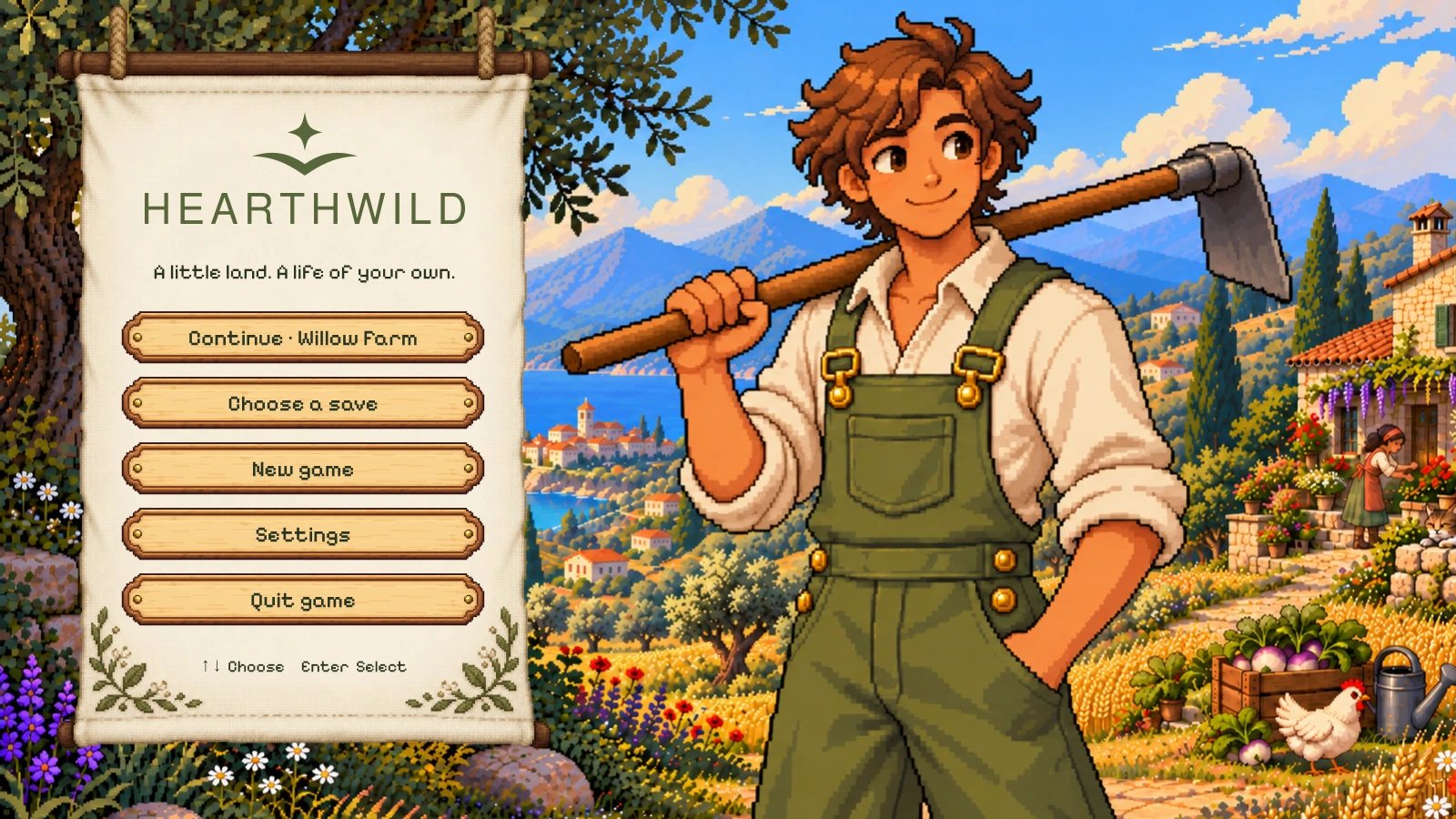
Wireframe
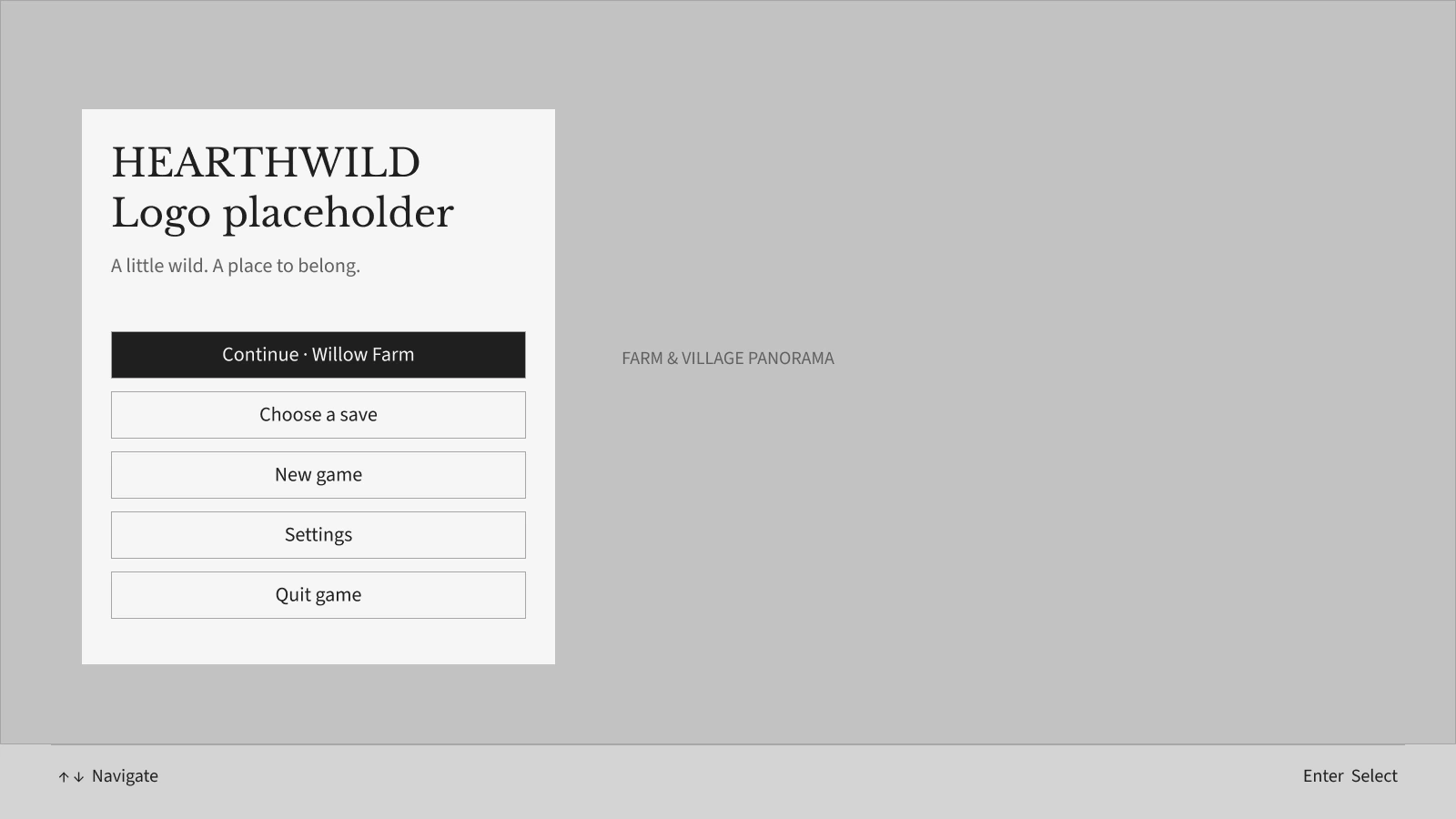
Expand for a closer look, or switch between the finished mock and its UI-only wireframe.
UI & UX / Farming game concept
I designed a cozy farming interface around everyday rituals: tending a small farm, making useful things, meeting neighbors, and finding a place in the village.
My work Flows · Wireframes · UI & visual design
Figma 16 game screens · Personal concept
Life on Willow Farm
Browse the journeys, compare each design with its wireframe, and expand either version to see the full screen.
01 · A new life
Start a new life, choose a save, create a farmer, and step into Willow Farm.
Expand for a closer look, or switch between the finished mock and its UI-only wireframe.
01 · A new life
Start a new life, choose a save, create a farmer, and step into Willow Farm.
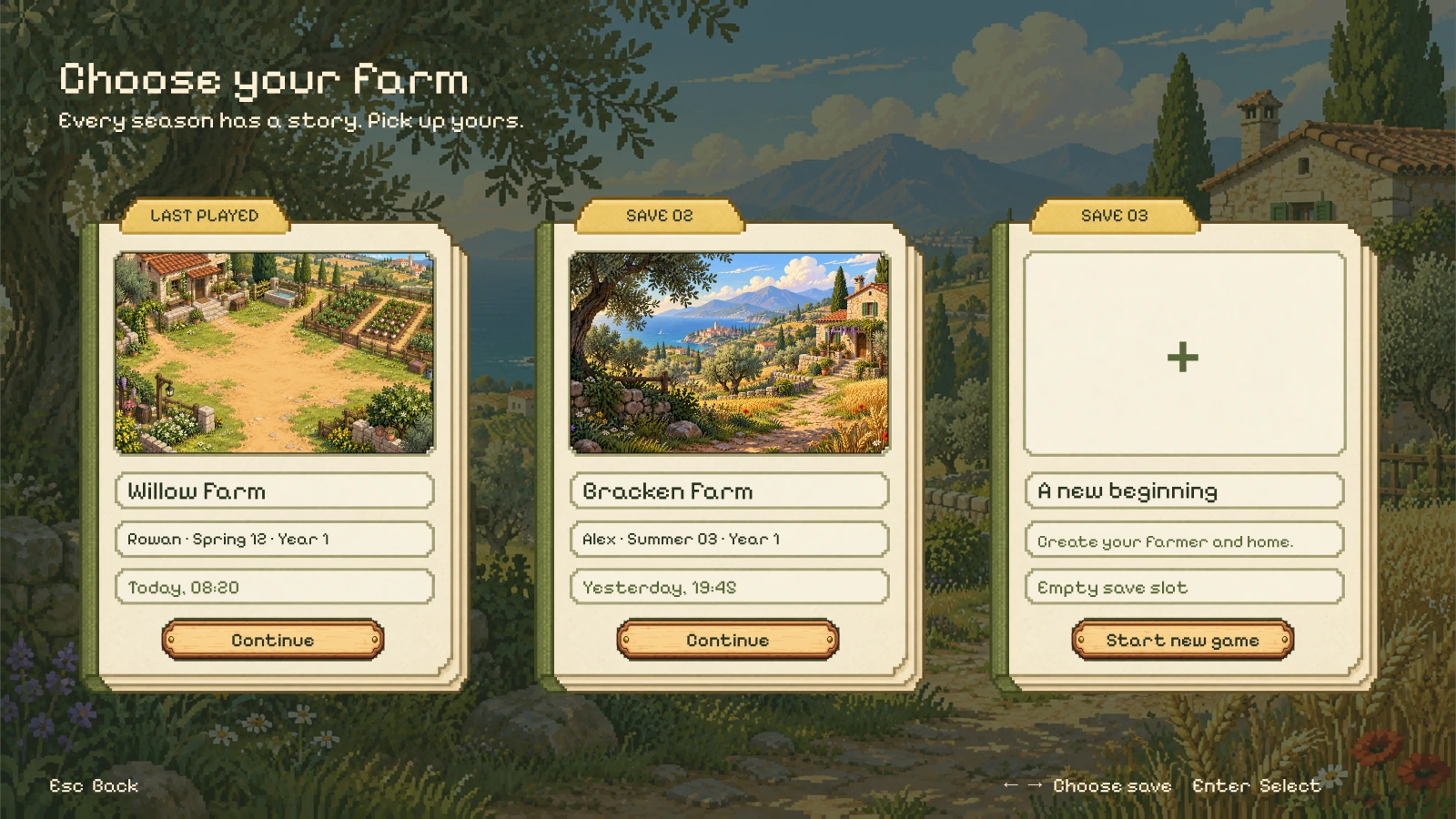
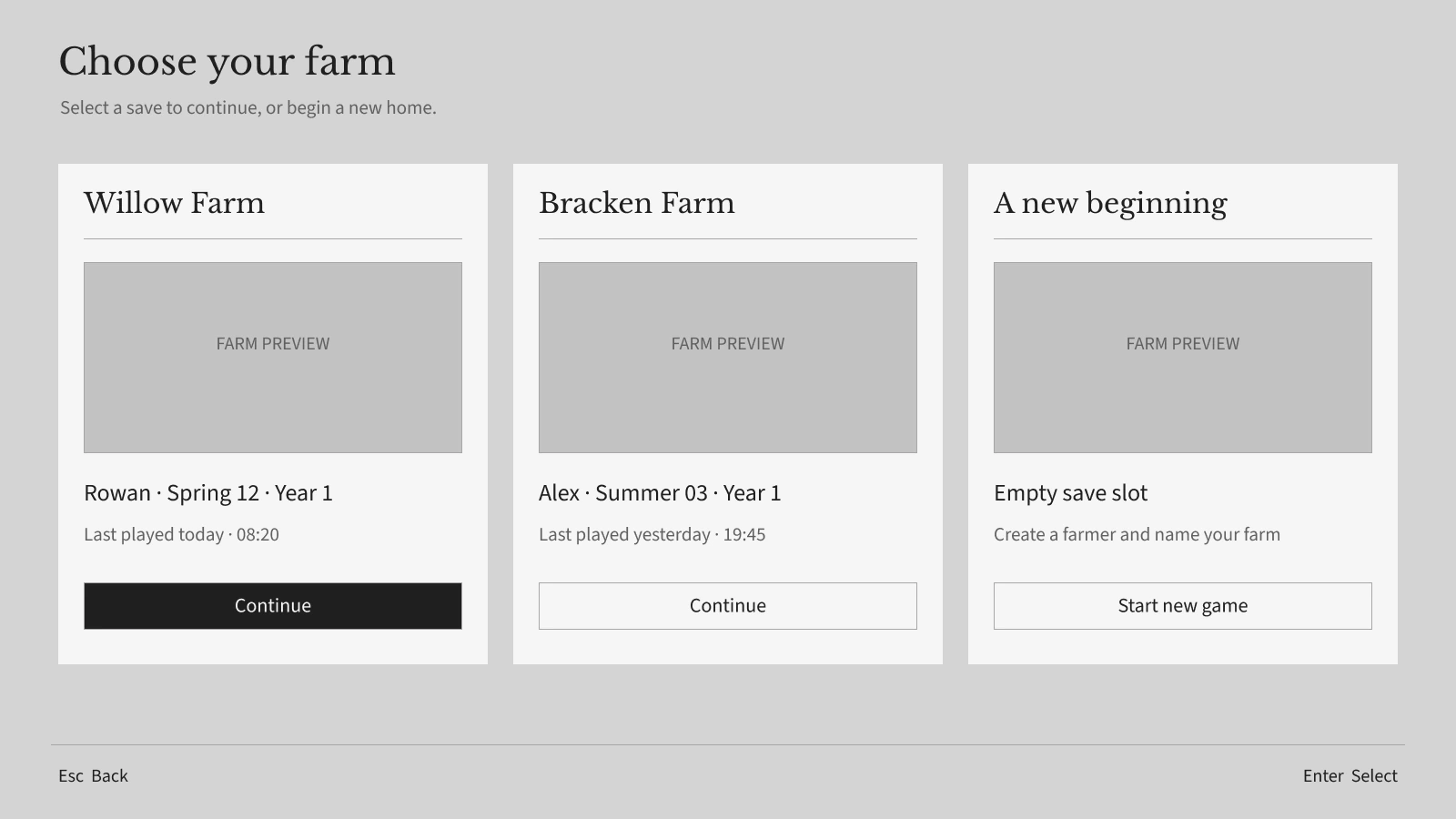
Expand for a closer look, or switch between the finished mock and its UI-only wireframe.
01 · A new life
Start a new life, choose a save, create a farmer, and step into Willow Farm.
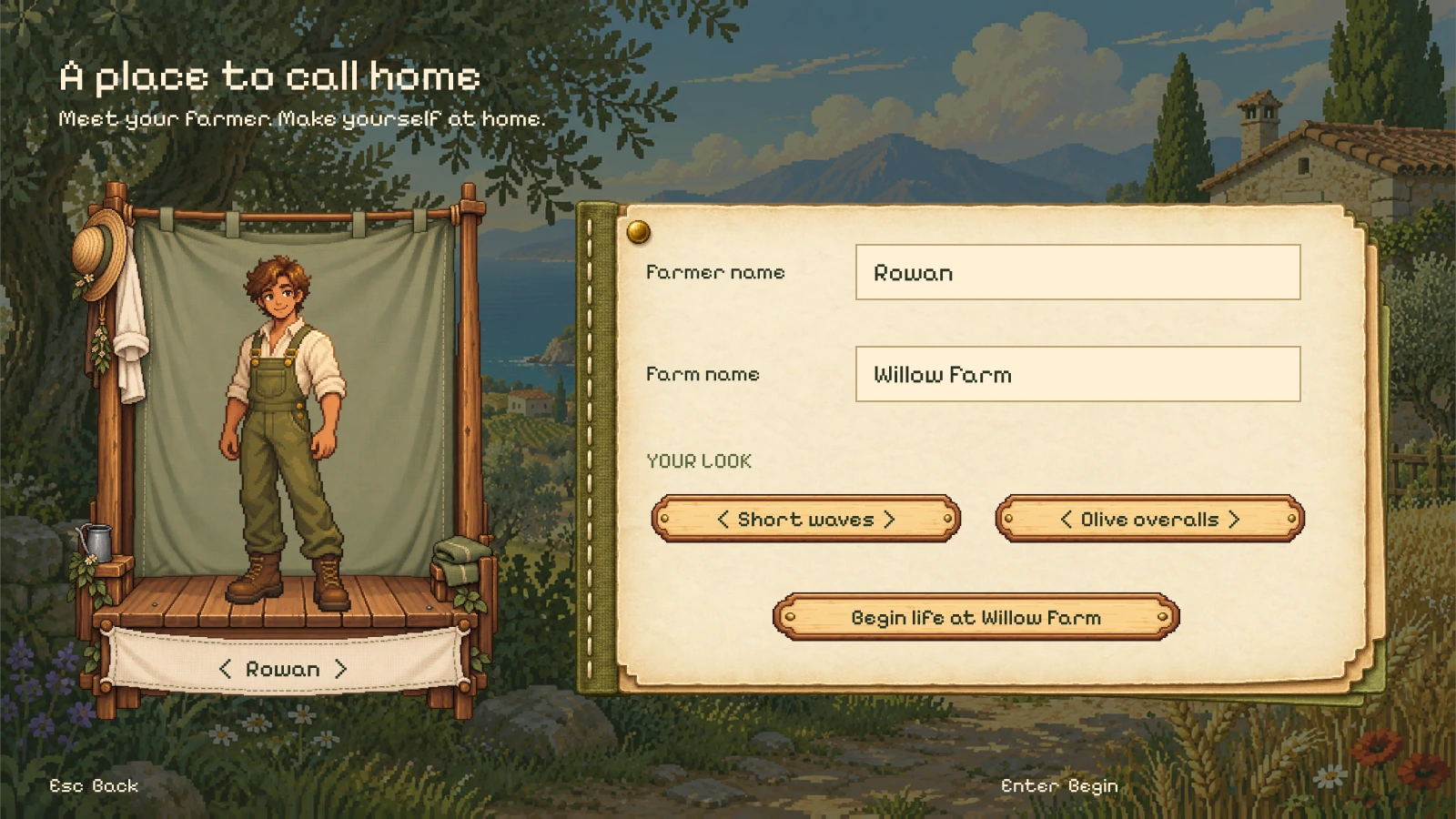
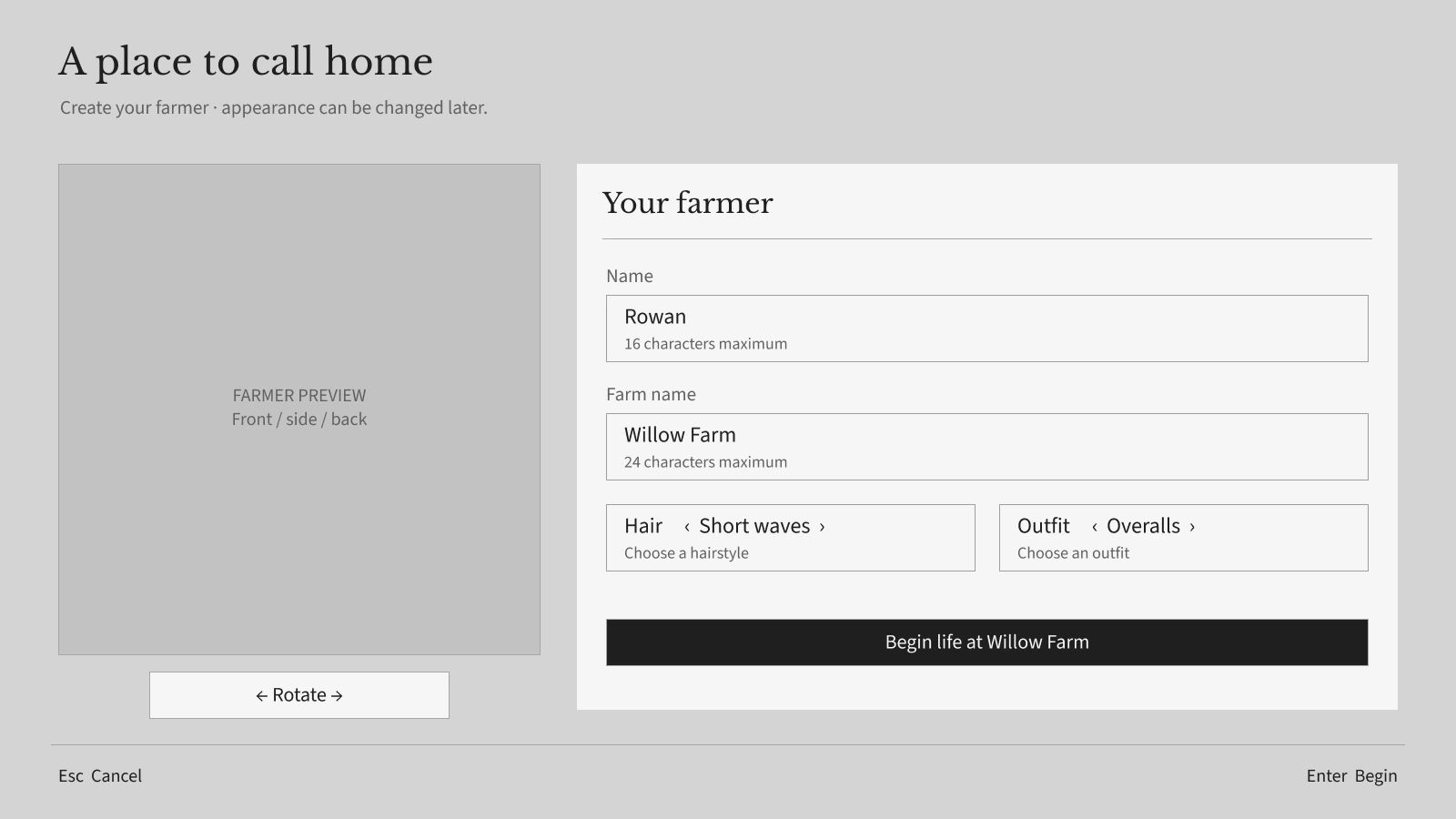
Expand for a closer look, or switch between the finished mock and its UI-only wireframe.
01 · A new life
Start a new life, choose a save, create a farmer, and step into Willow Farm.
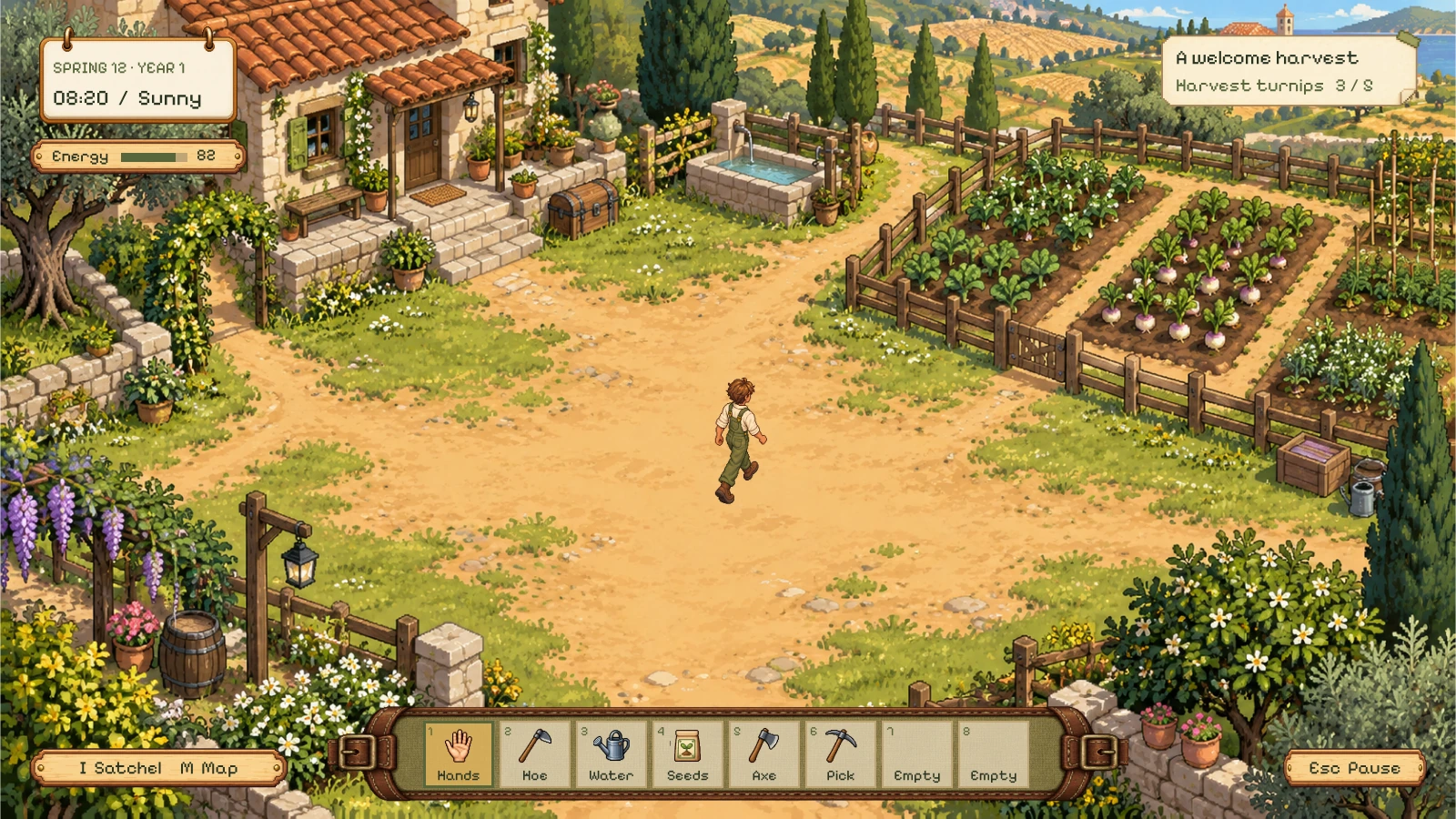
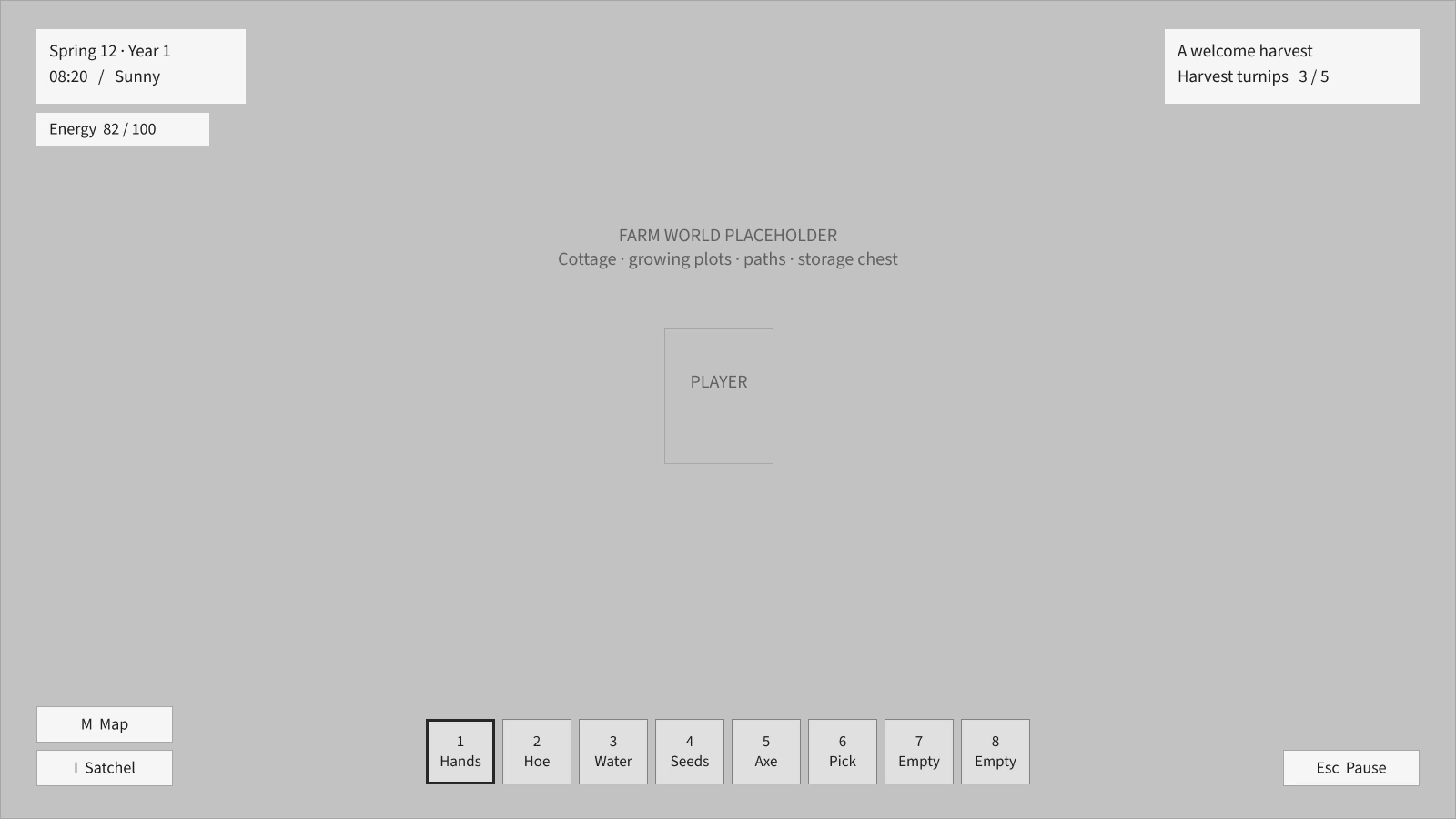
Expand for a closer look, or switch between the finished mock and its UI-only wireframe.
02 · Tools of the farm
Gather, craft, build, and move supplies with clear inventories and quiet controls.
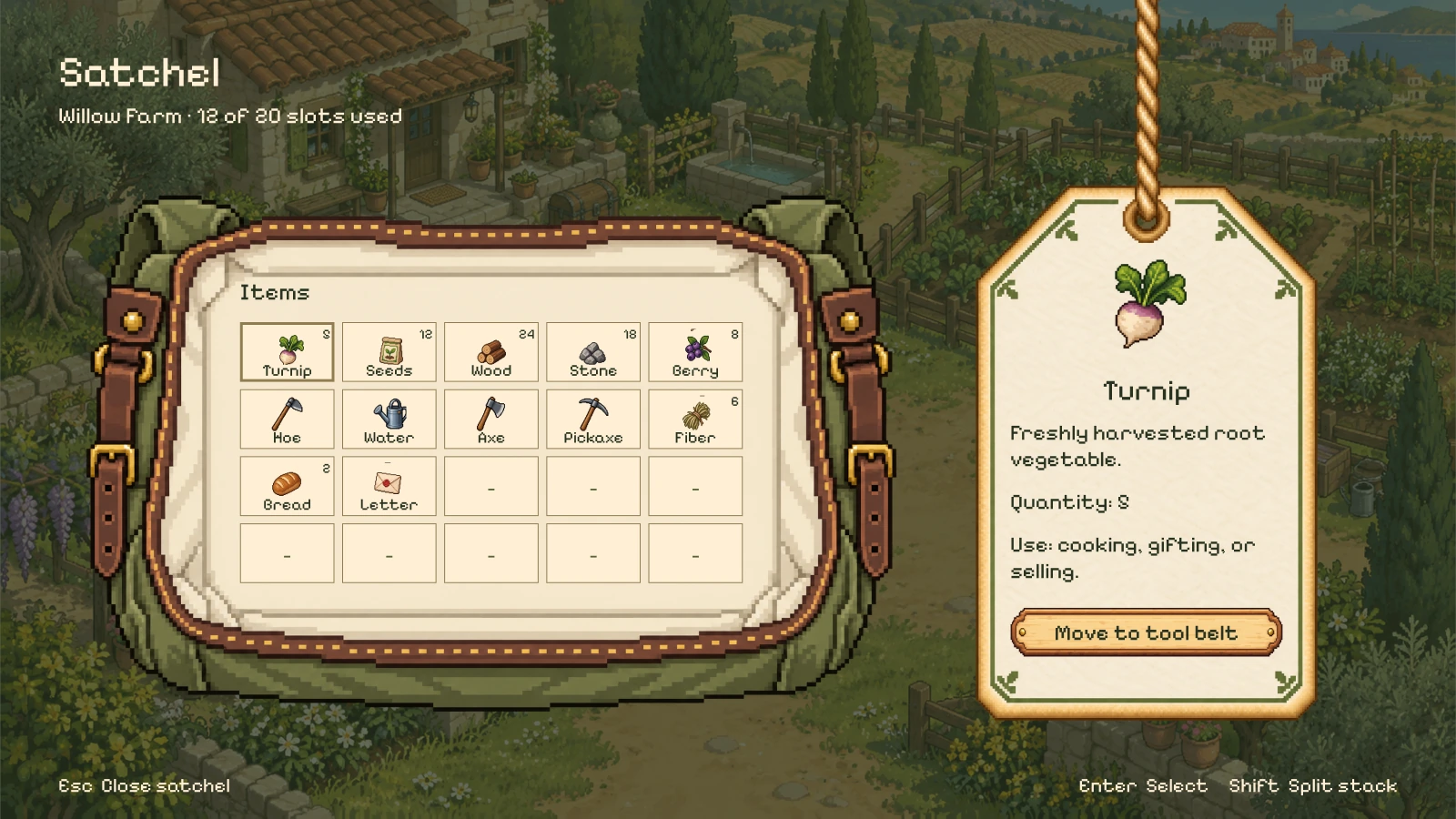
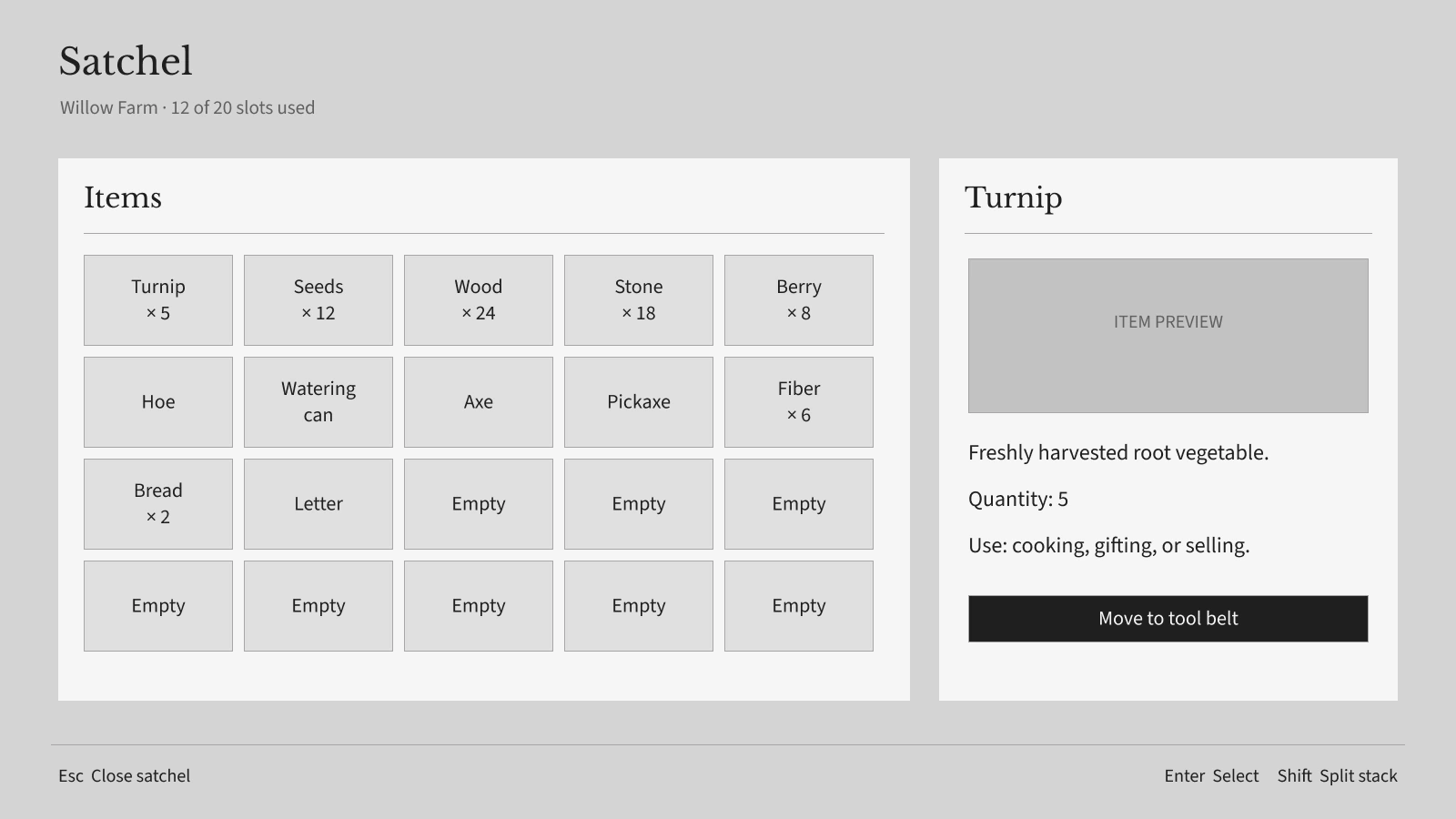
Expand for a closer look, or switch between the finished mock and its UI-only wireframe.
02 · Tools of the farm
Gather, craft, build, and move supplies with clear inventories and quiet controls.
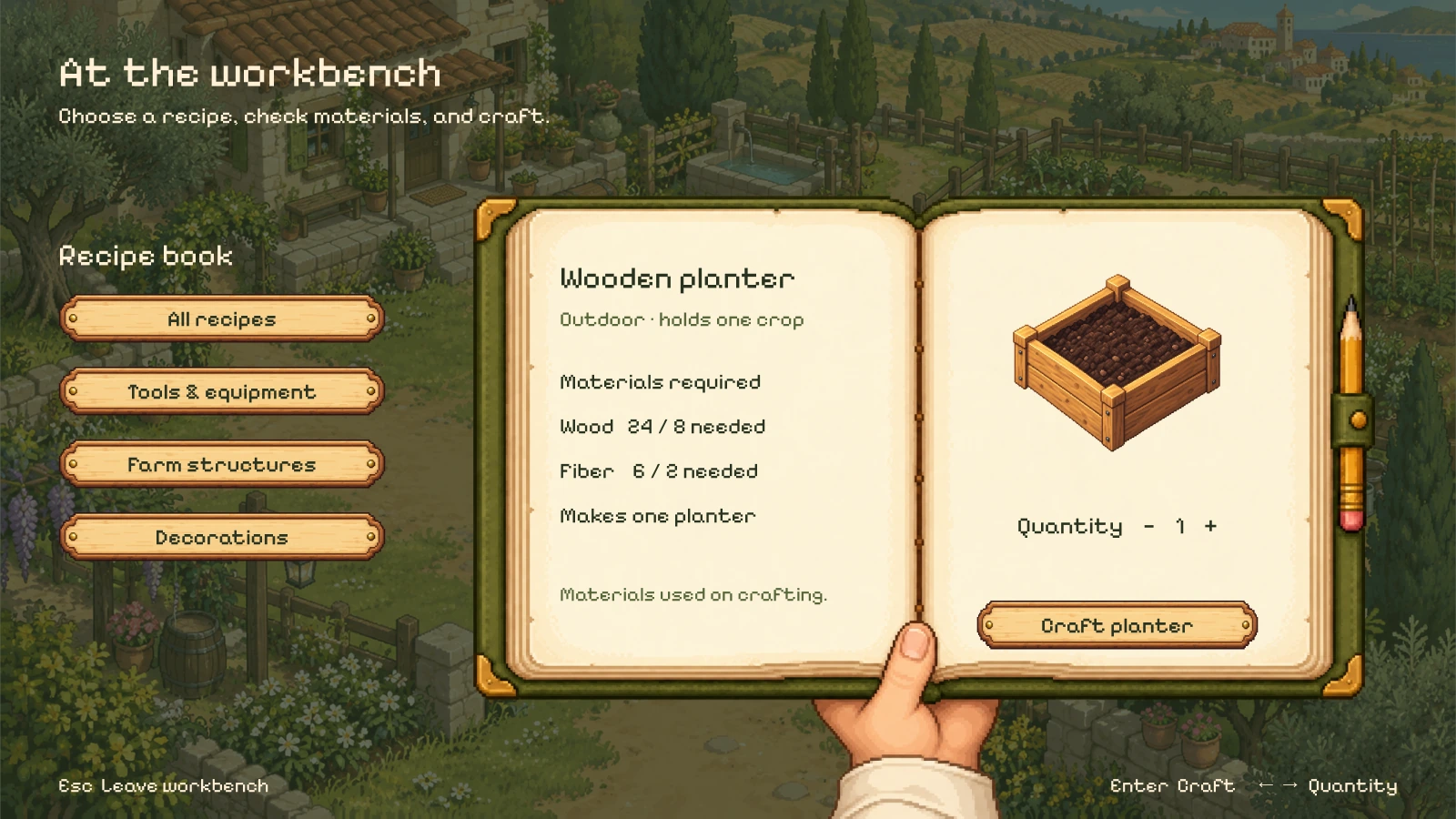
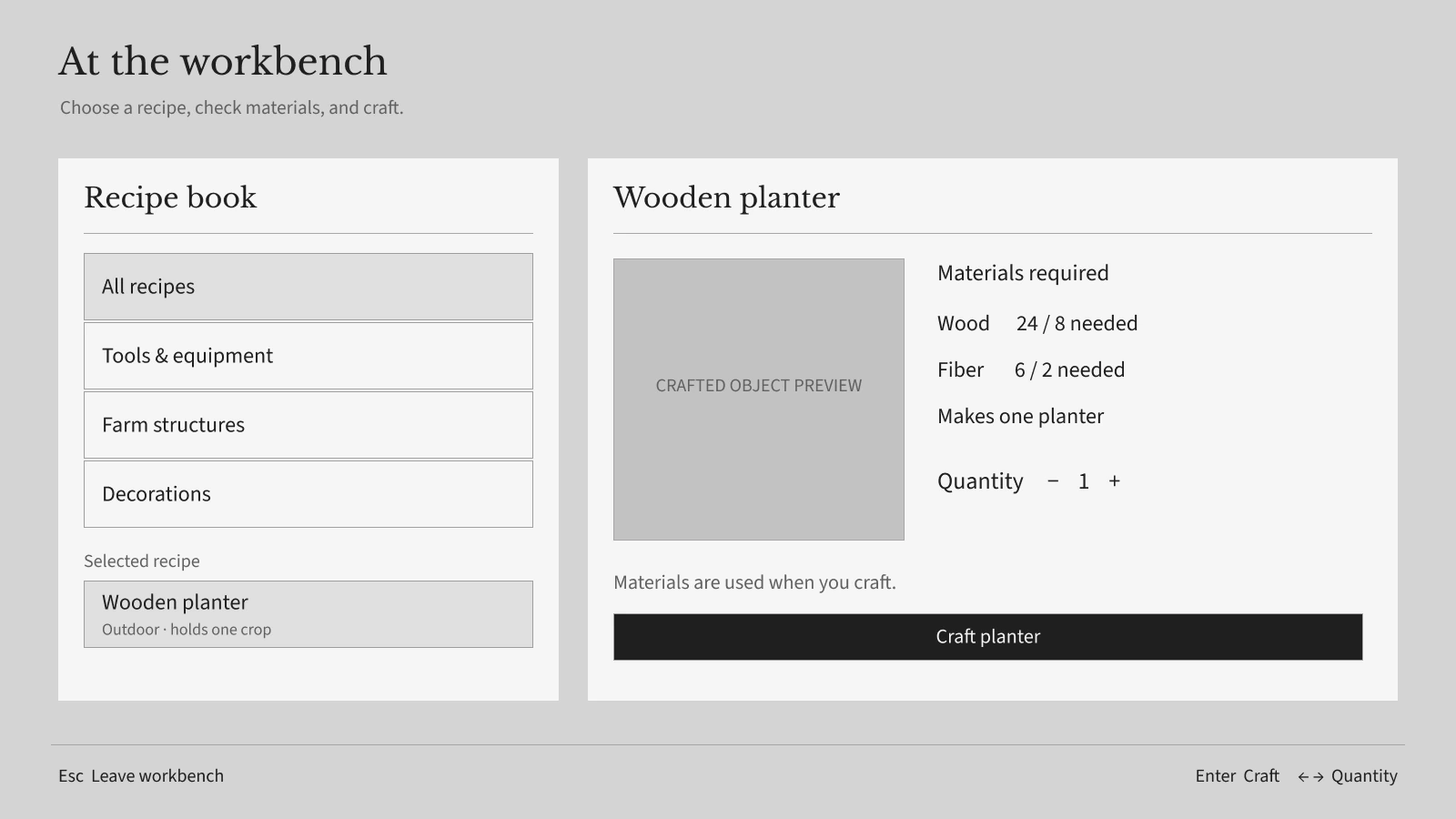
Expand for a closer look, or switch between the finished mock and its UI-only wireframe.
02 · Tools of the farm
Gather, craft, build, and move supplies with clear inventories and quiet controls.
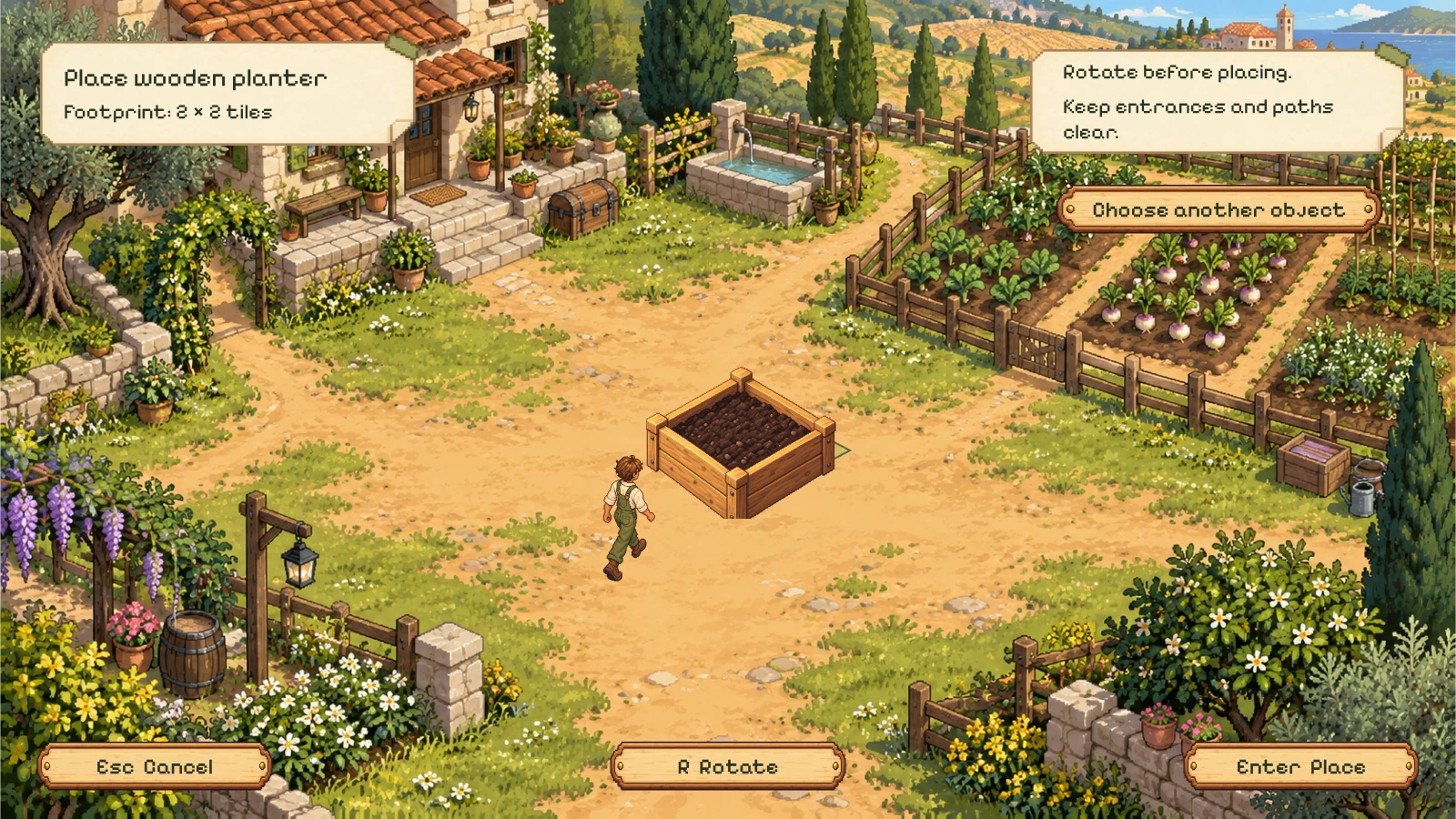
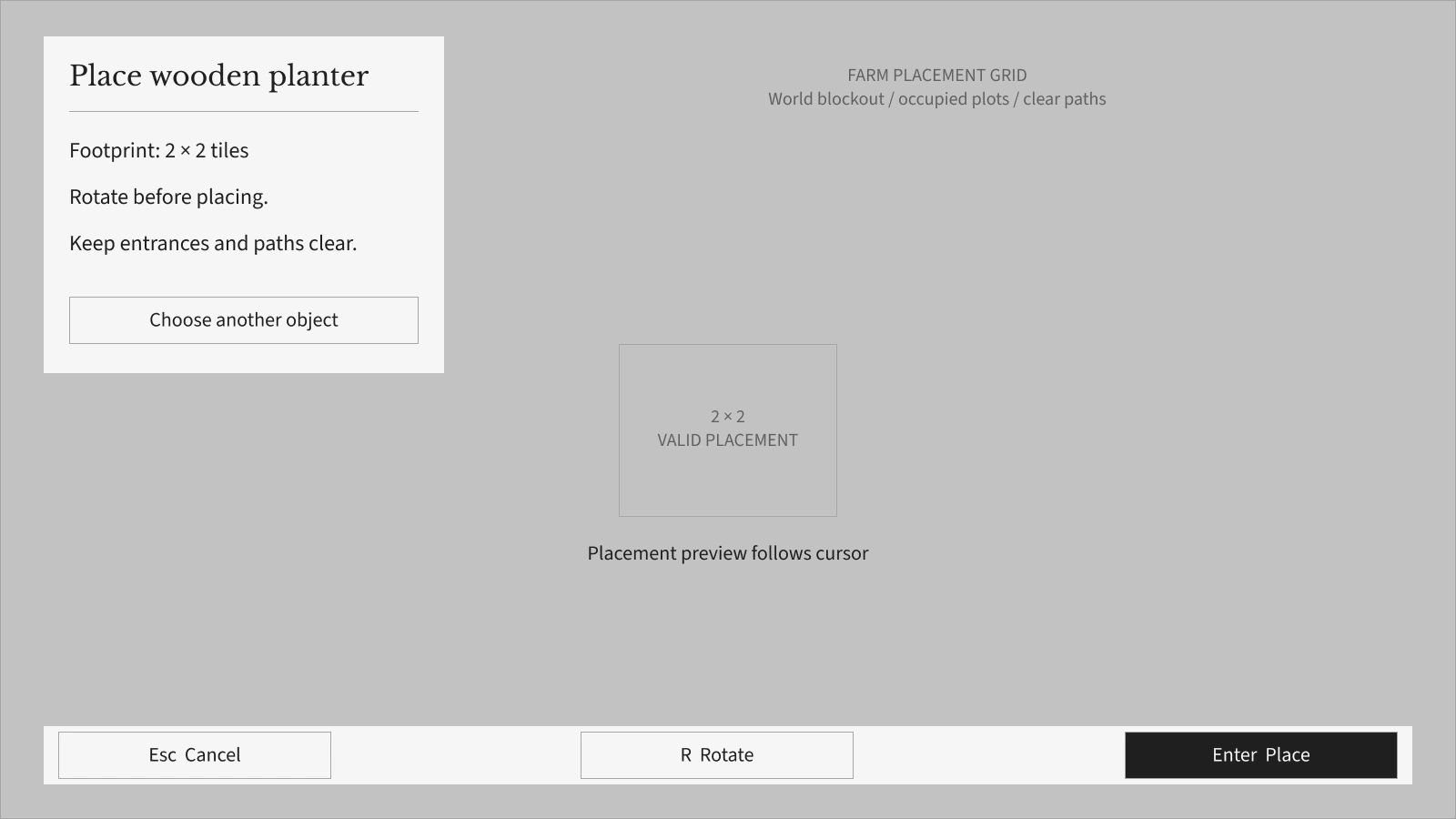
Expand for a closer look, or switch between the finished mock and its UI-only wireframe.
02 · Tools of the farm
Gather, craft, build, and move supplies with clear inventories and quiet controls.
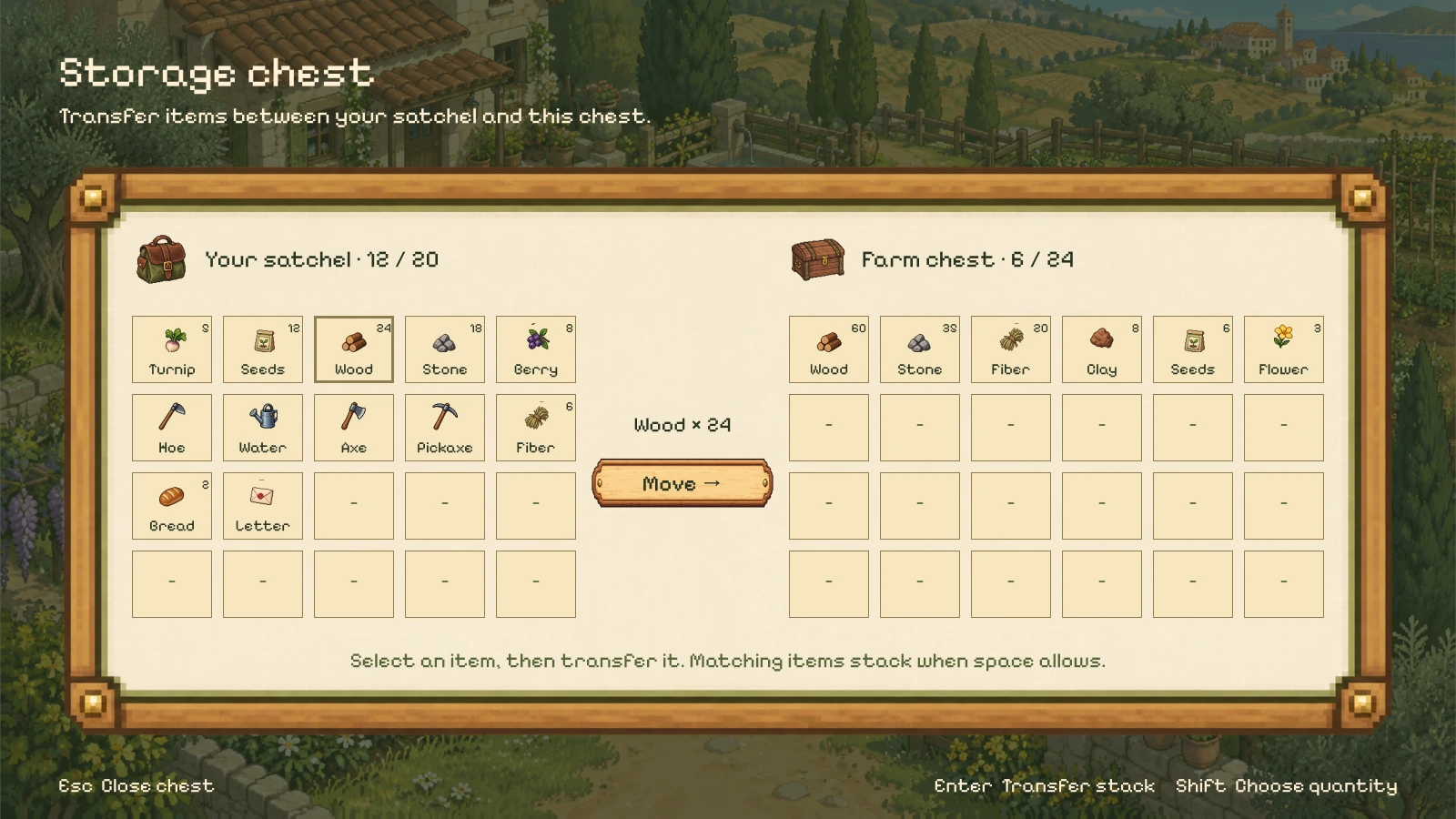
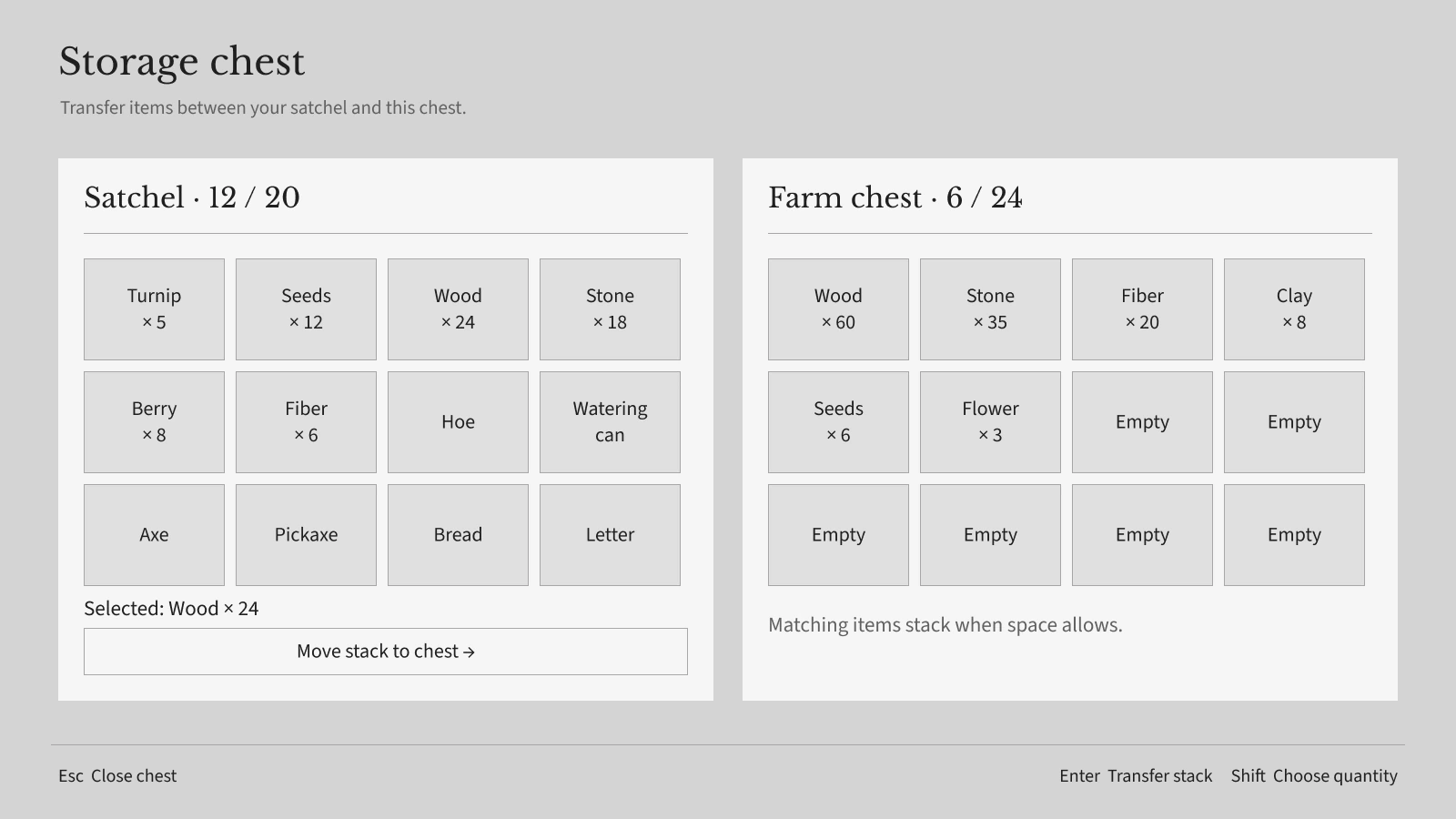
Expand for a closer look, or switch between the finished mock and its UI-only wireframe.
02 · Tools of the farm
Gather, craft, build, and move supplies with clear inventories and quiet controls.
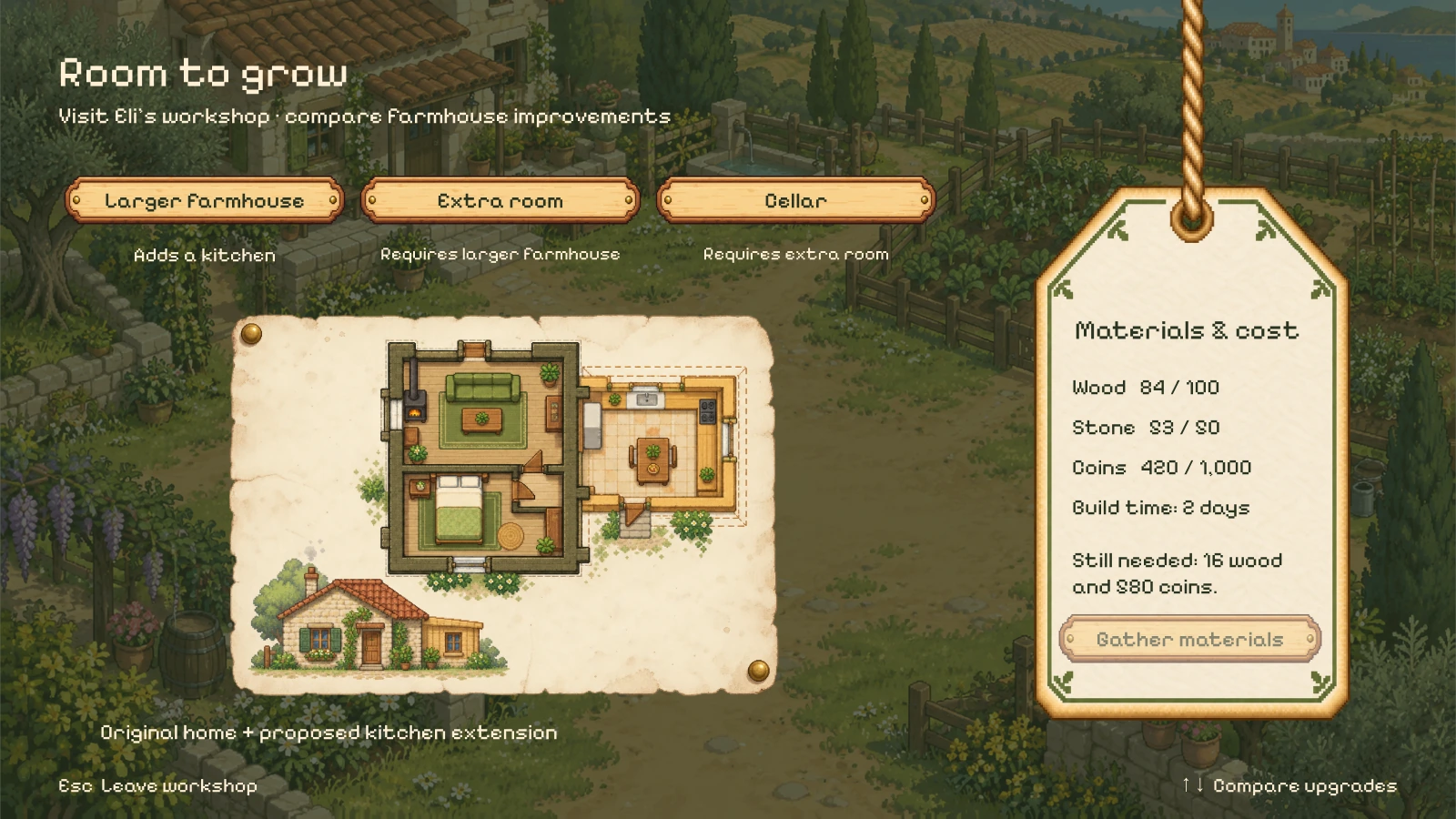
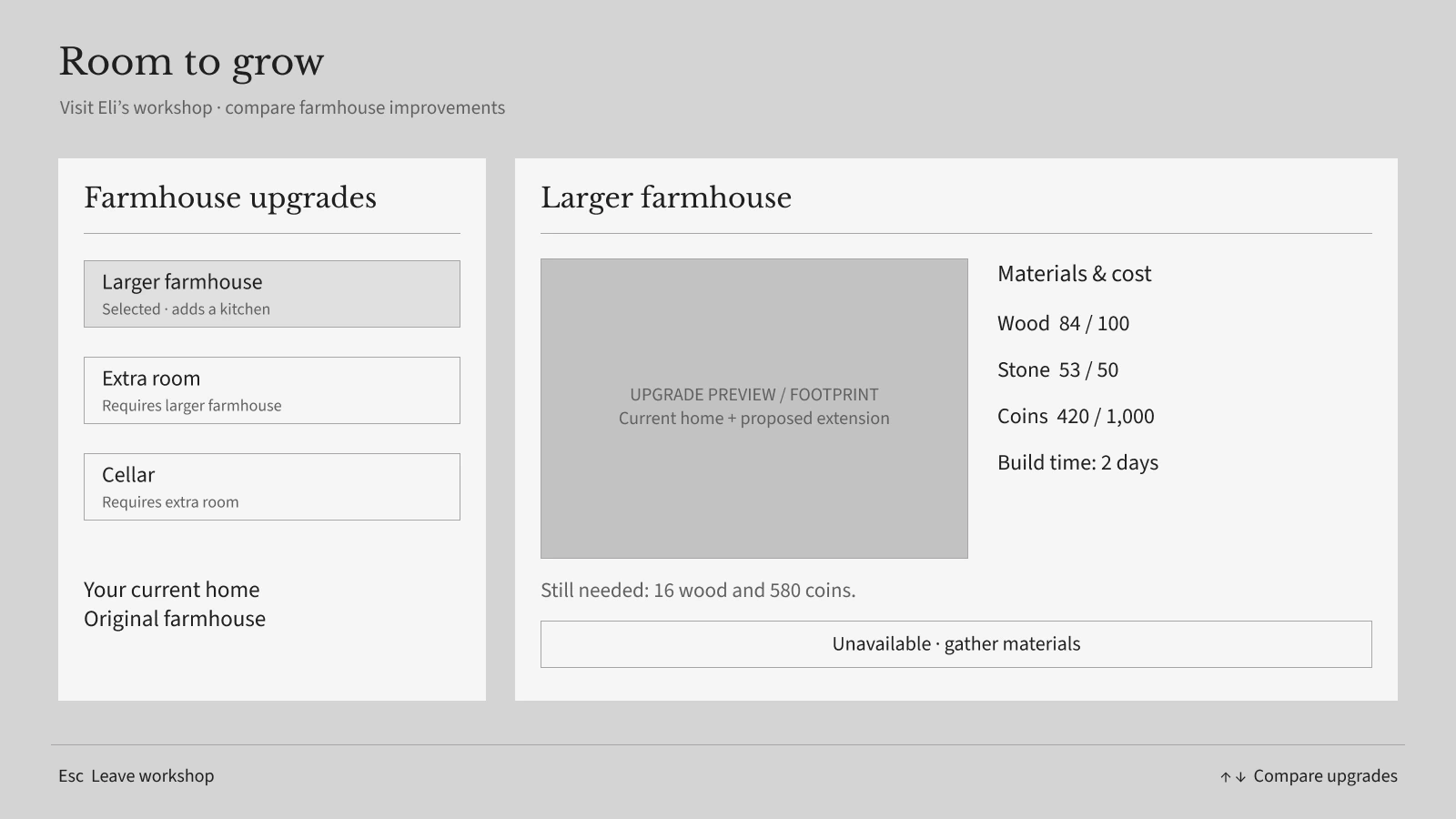
Expand for a closer look, or switch between the finished mock and its UI-only wireframe.
03 · Village life
Meet the village, follow requests, trade at the market, and plan the days ahead.
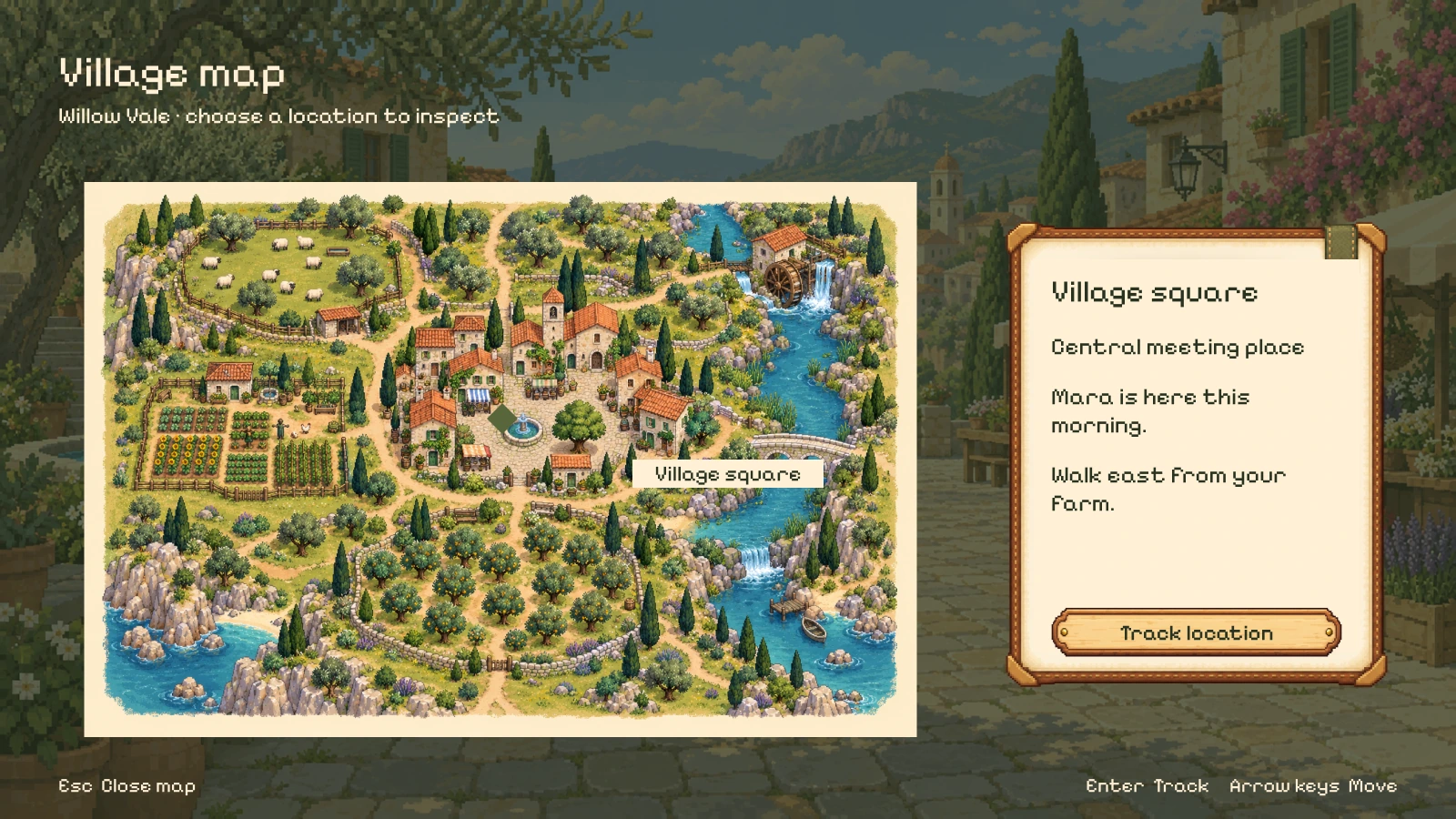
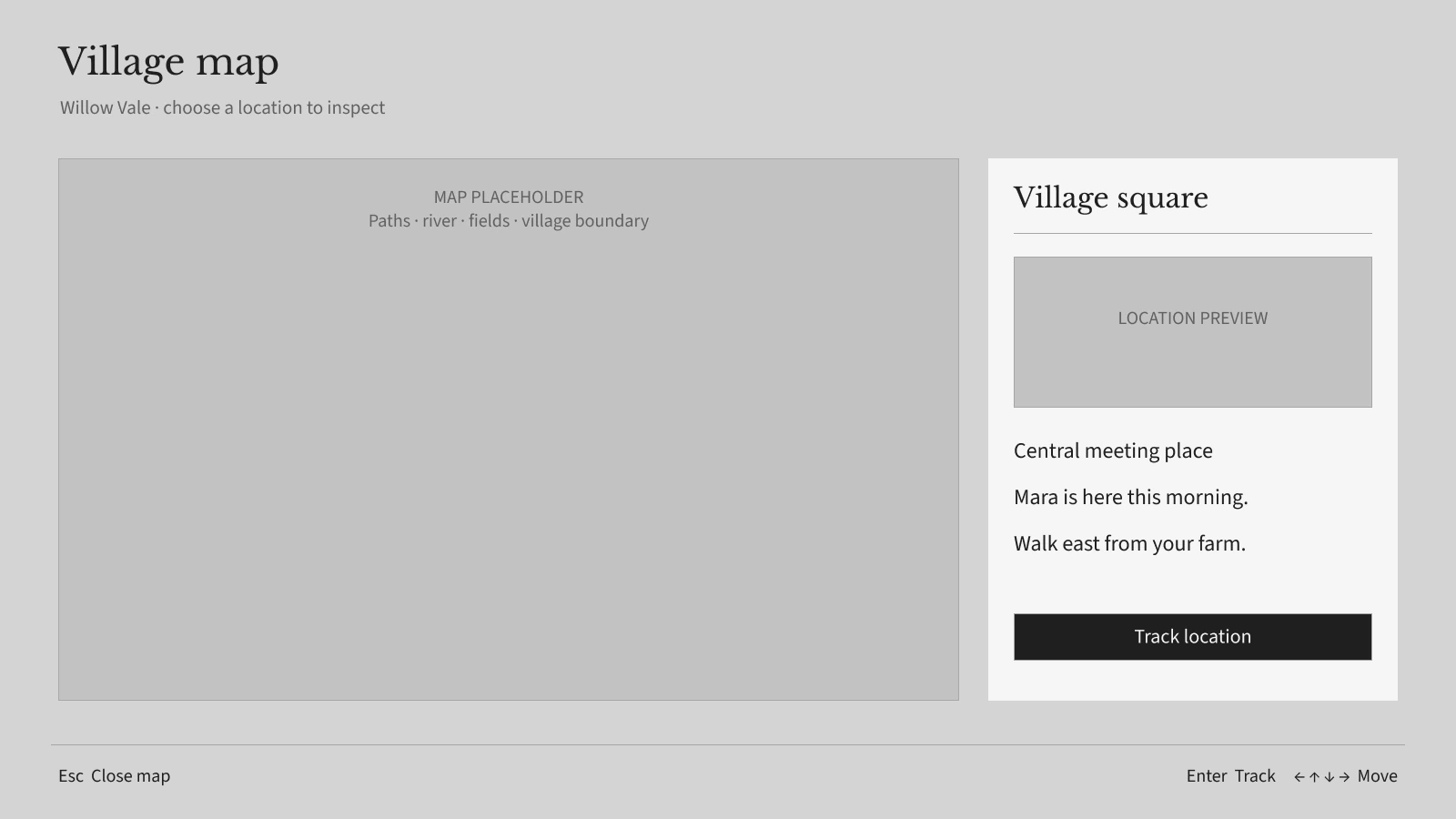
Expand for a closer look, or switch between the finished mock and its UI-only wireframe.
03 · Village life
Meet the village, follow requests, trade at the market, and plan the days ahead.
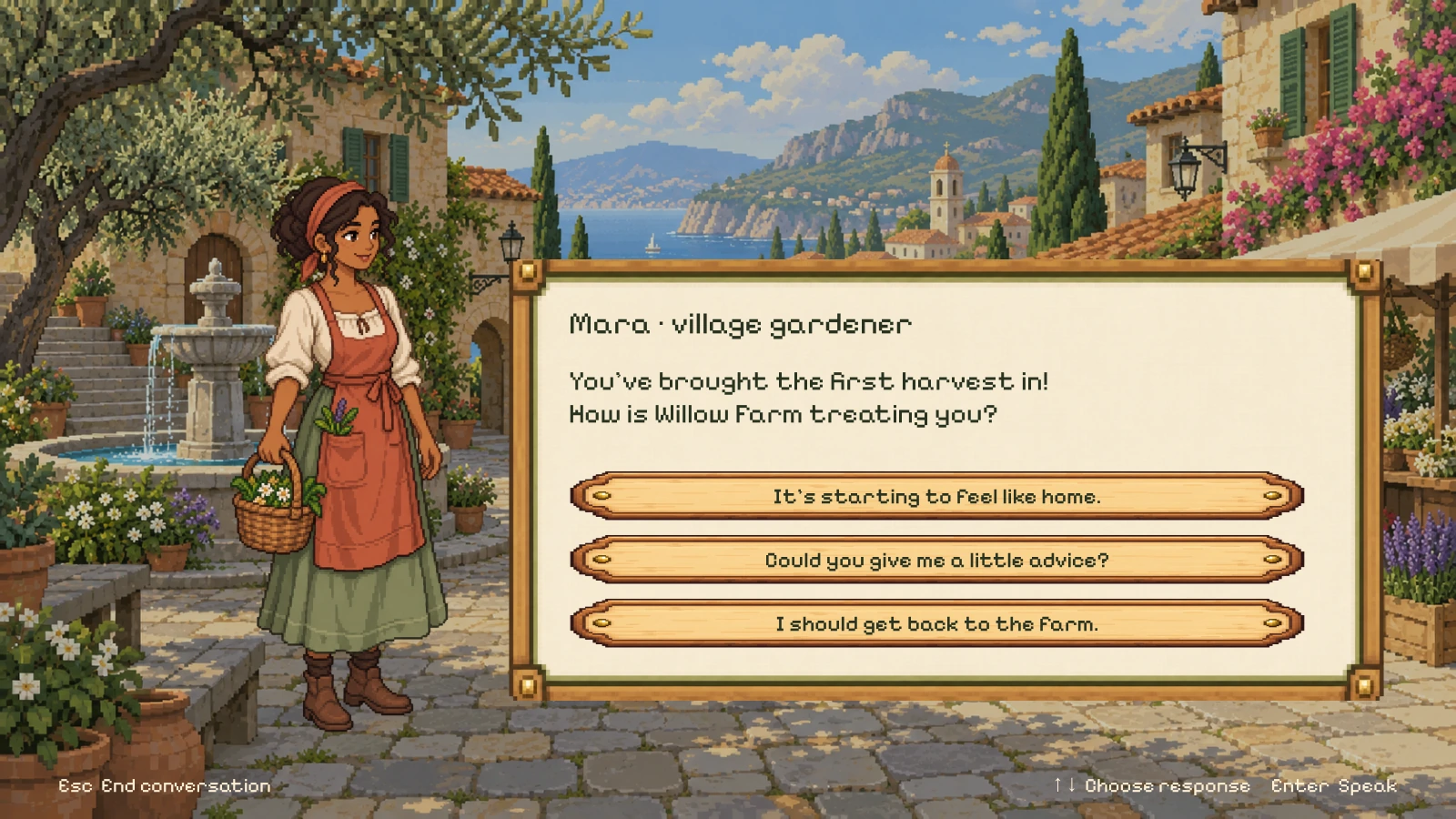
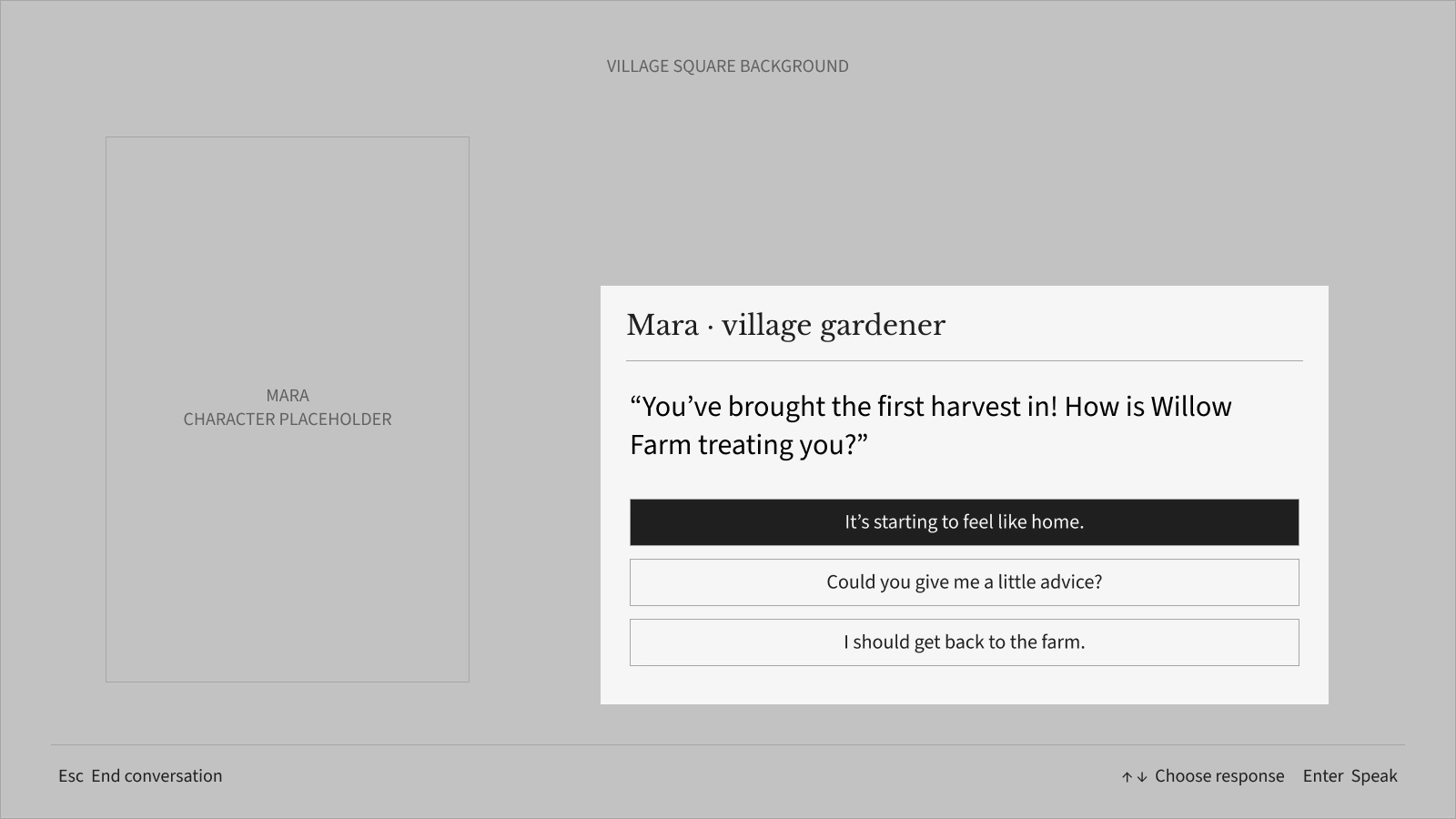
Expand for a closer look, or switch between the finished mock and its UI-only wireframe.
03 · Village life
Meet the village, follow requests, trade at the market, and plan the days ahead.
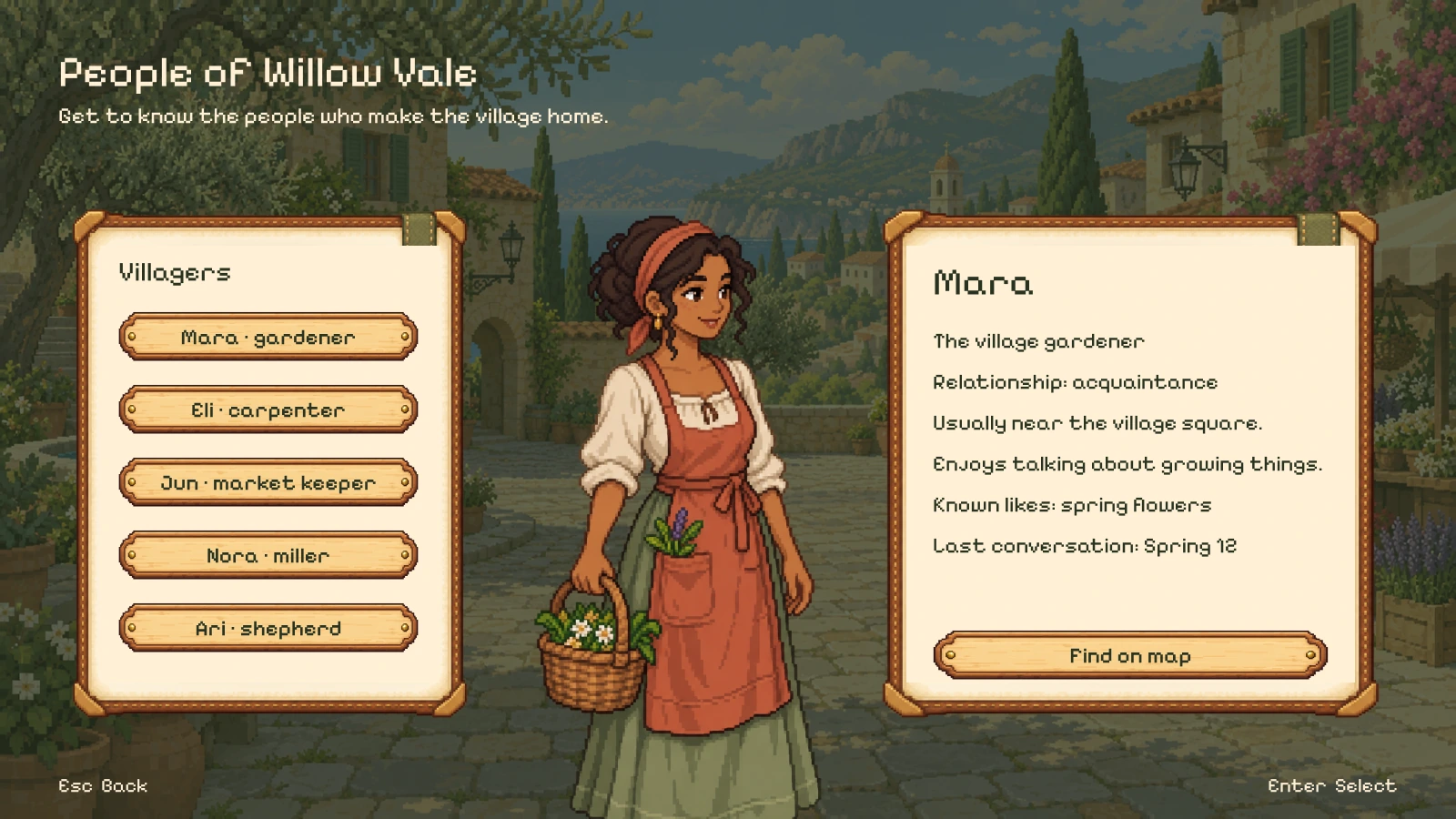
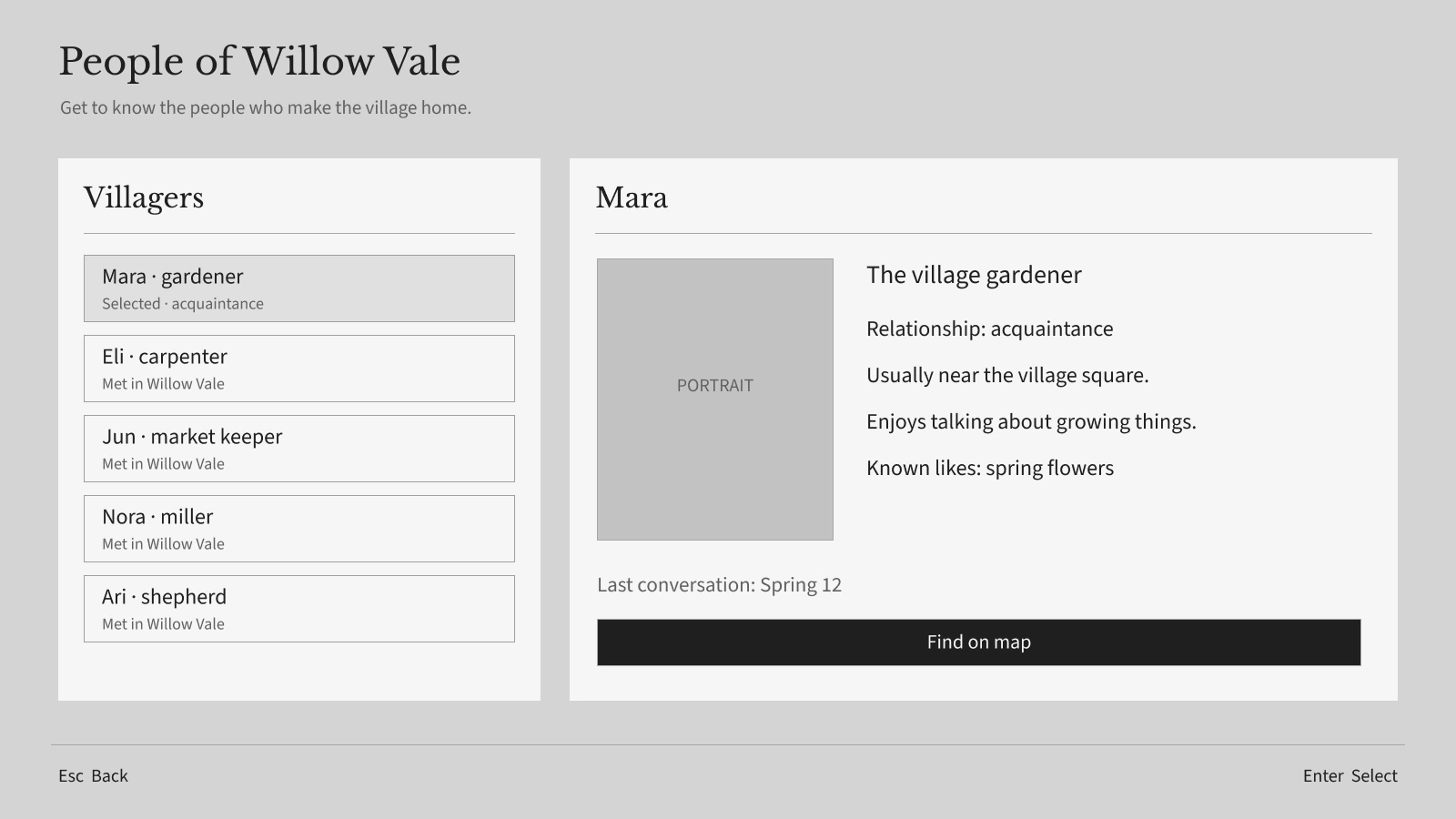
Expand for a closer look, or switch between the finished mock and its UI-only wireframe.
03 · Village life
Meet the village, follow requests, trade at the market, and plan the days ahead.
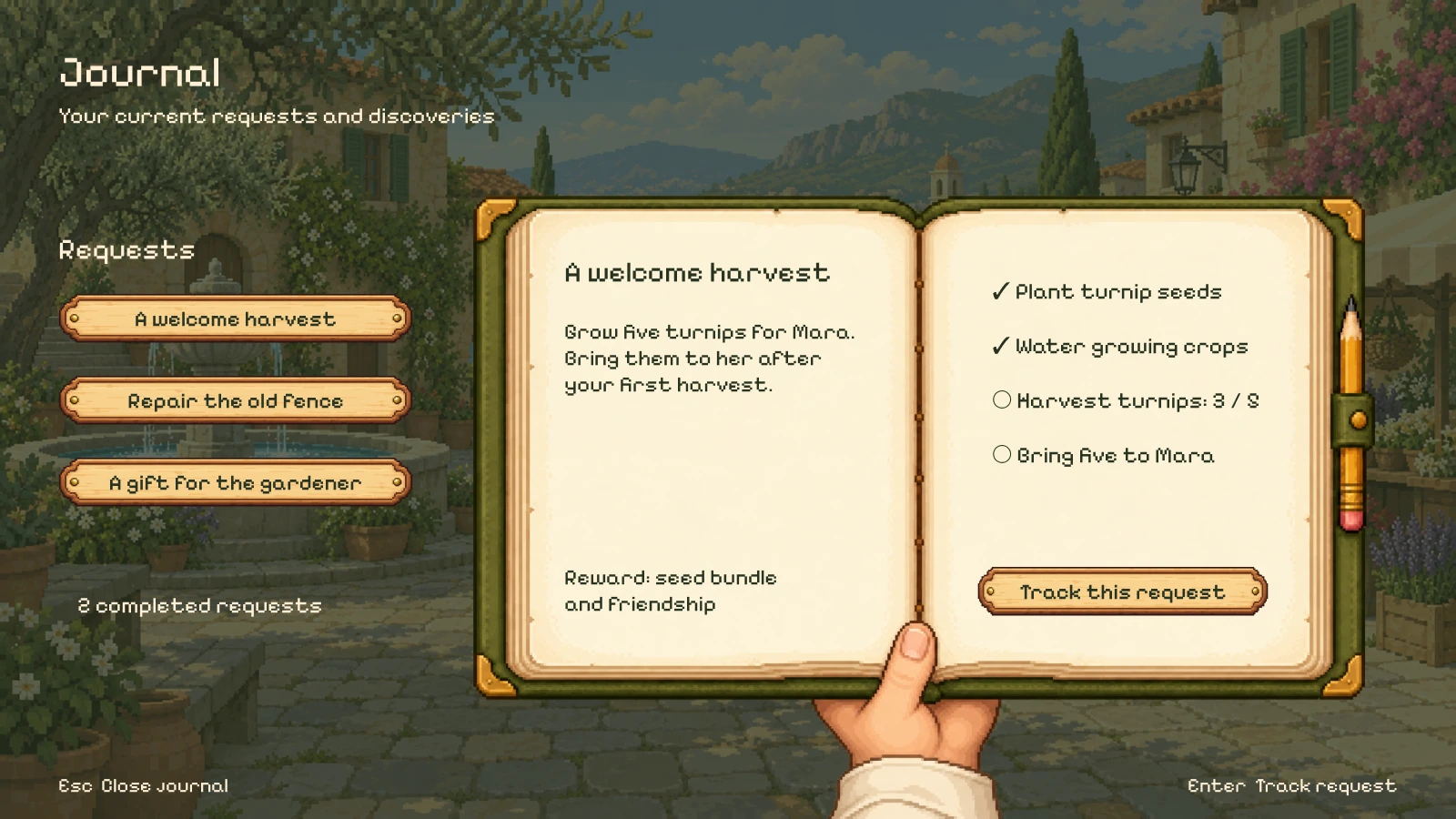
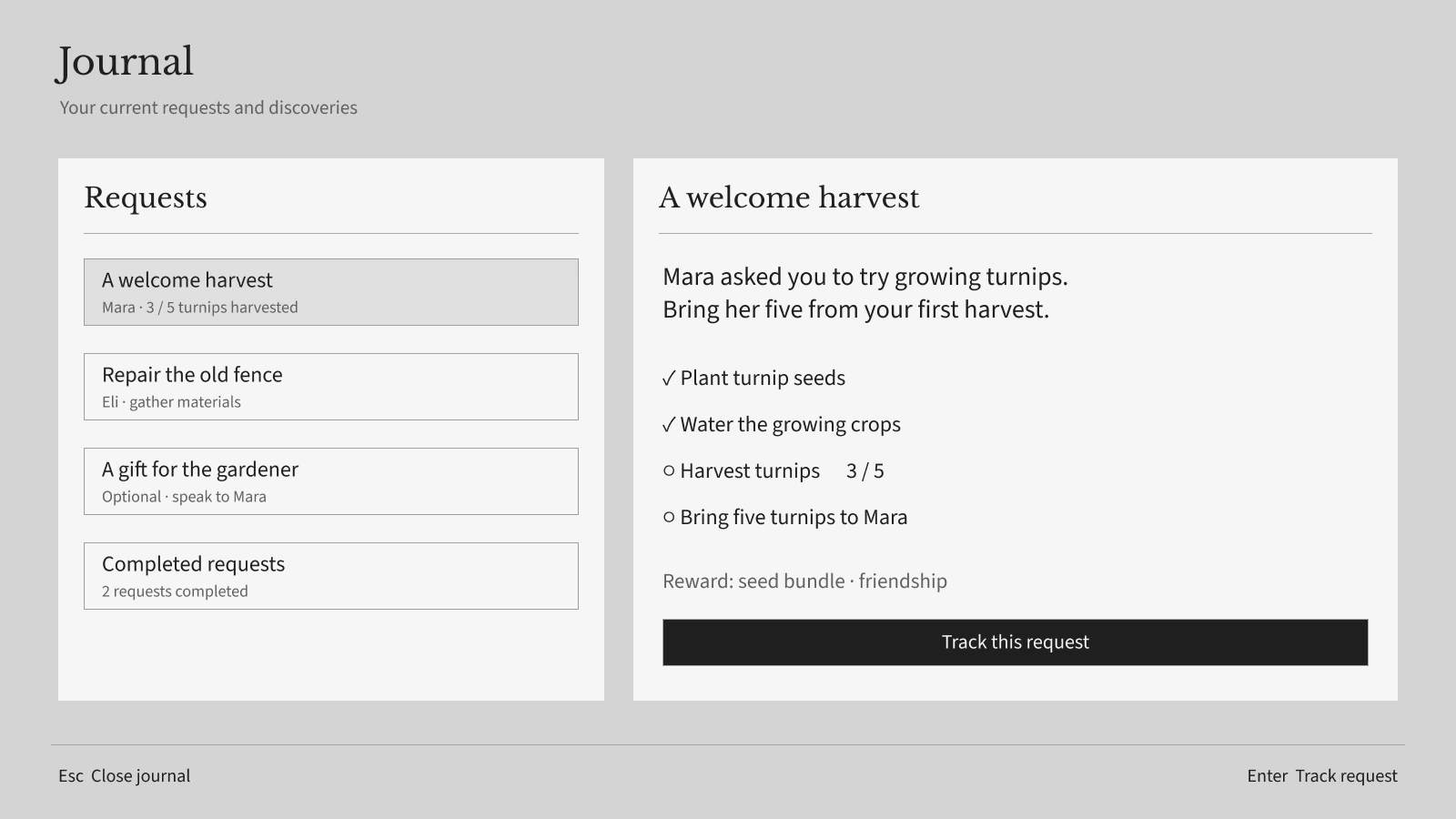
Expand for a closer look, or switch between the finished mock and its UI-only wireframe.
03 · Village life
Meet the village, follow requests, trade at the market, and plan the days ahead.
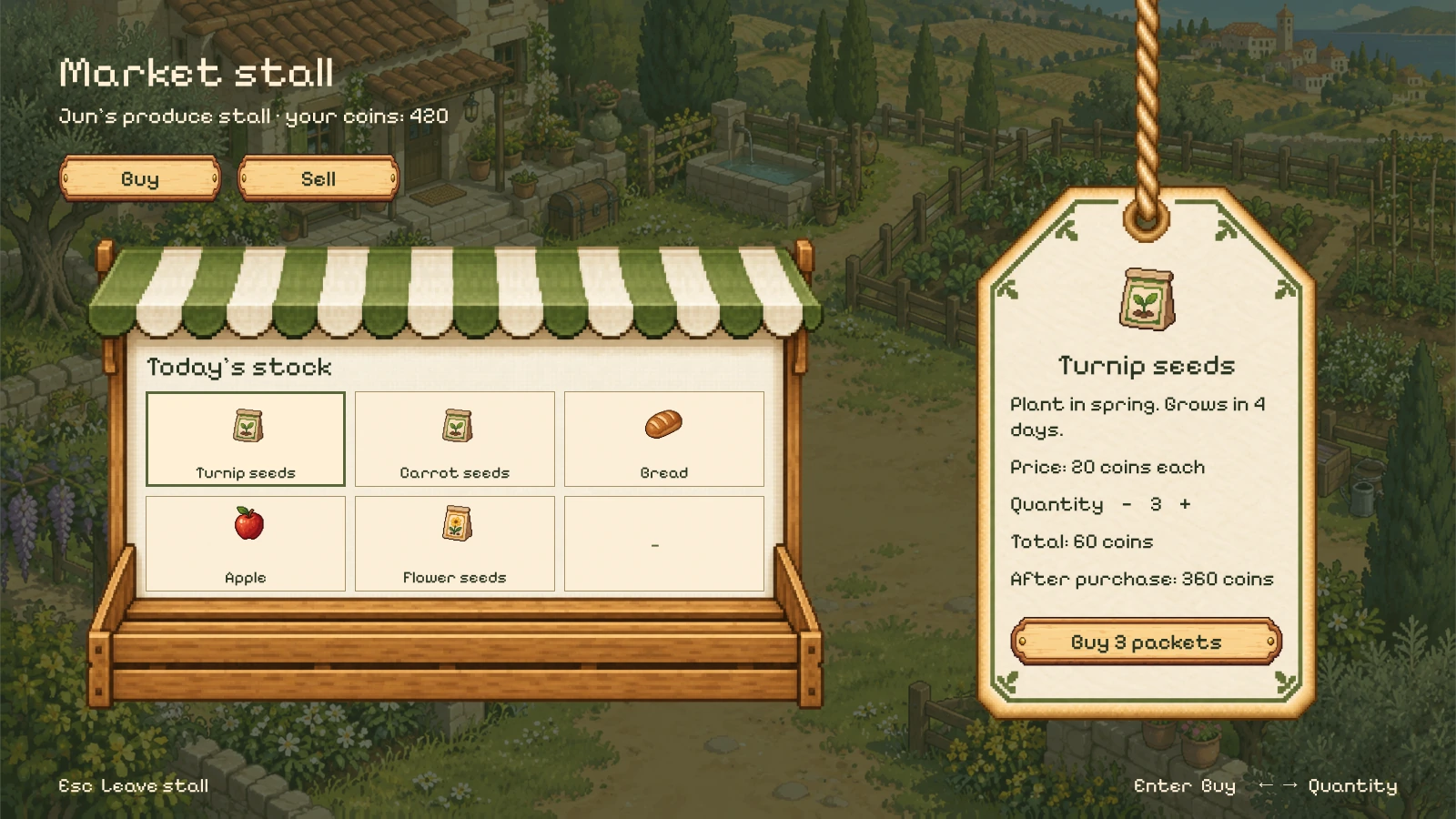
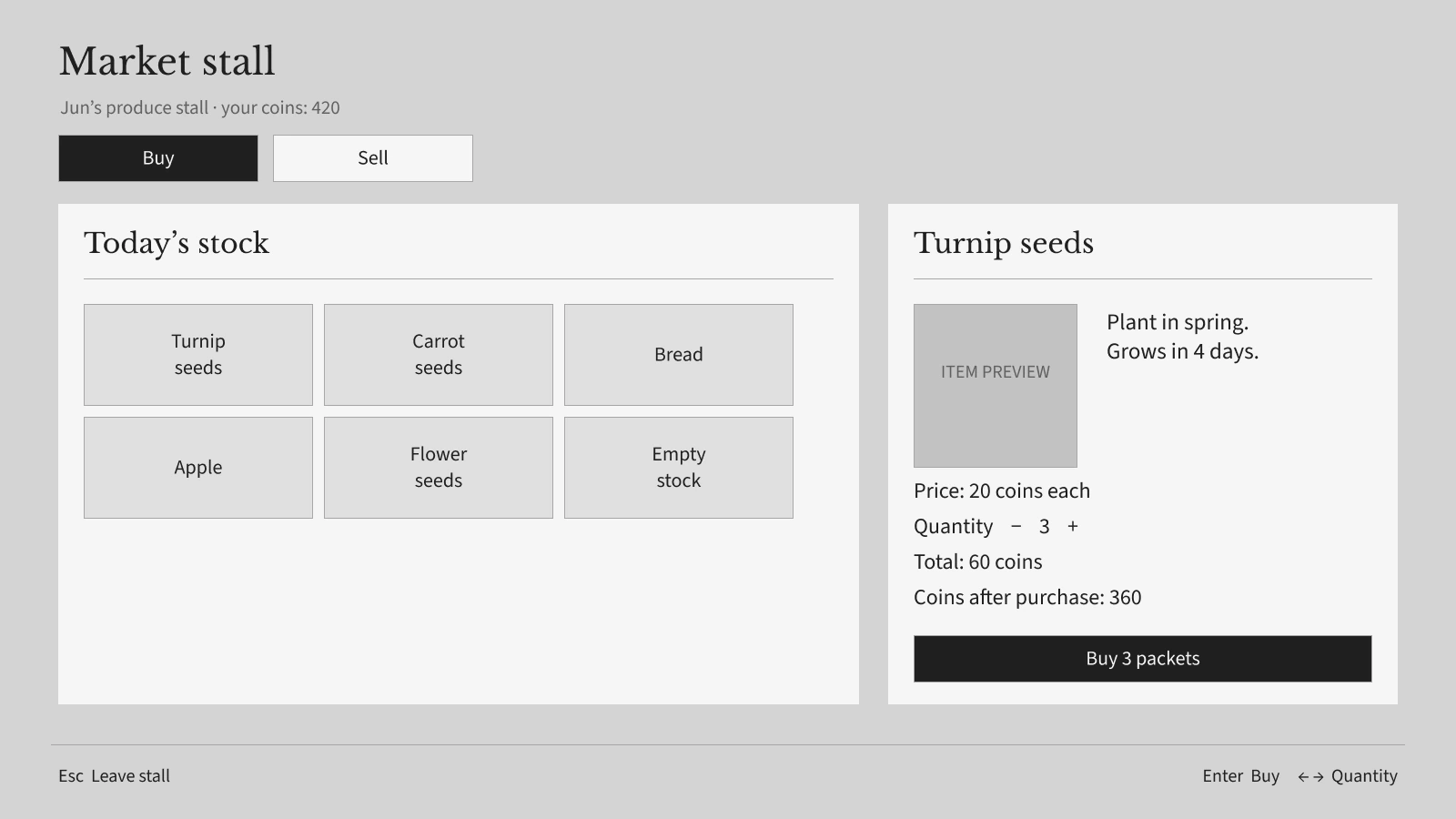
Expand for a closer look, or switch between the finished mock and its UI-only wireframe.
03 · Village life
Meet the village, follow requests, trade at the market, and plan the days ahead.
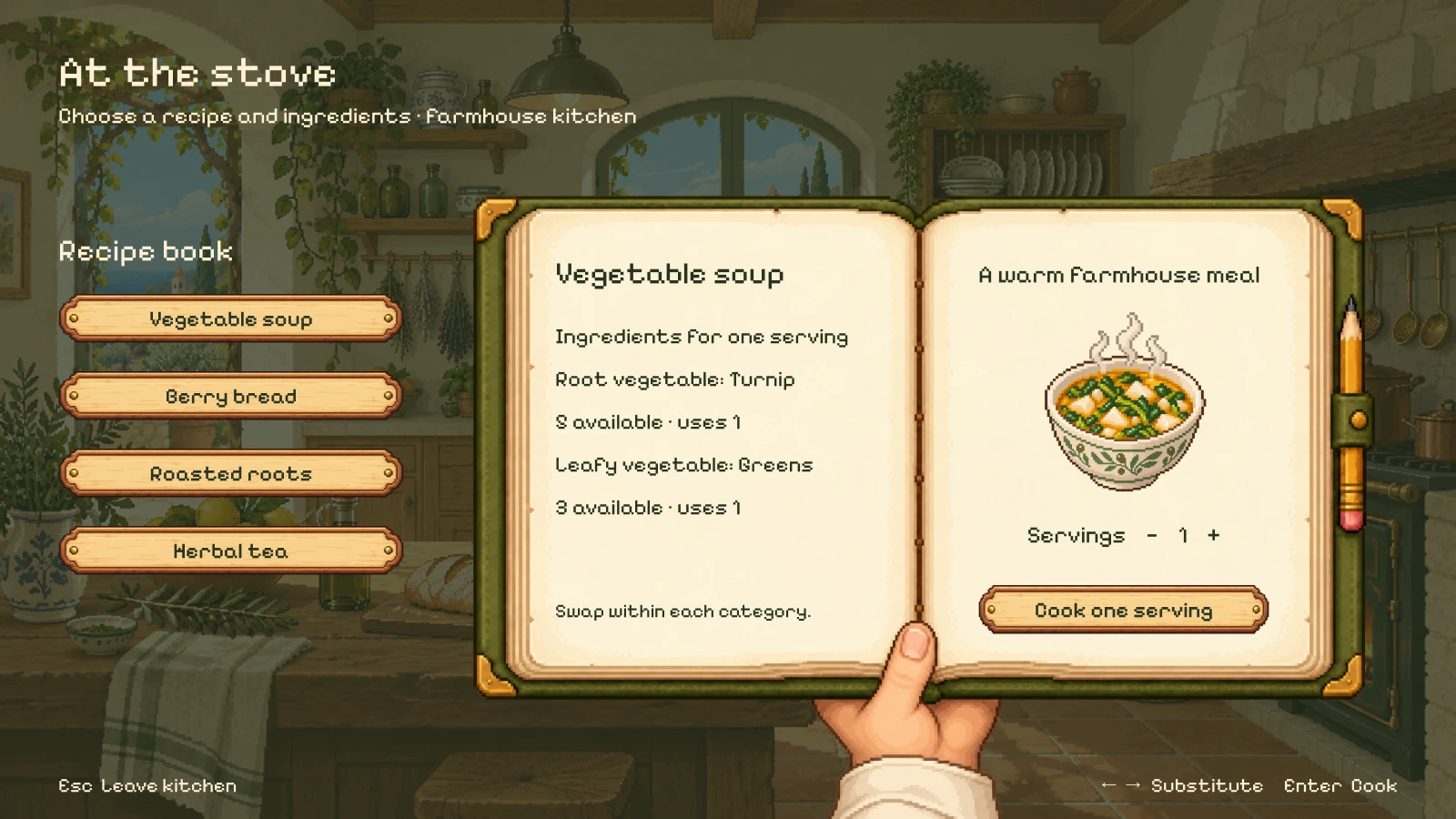
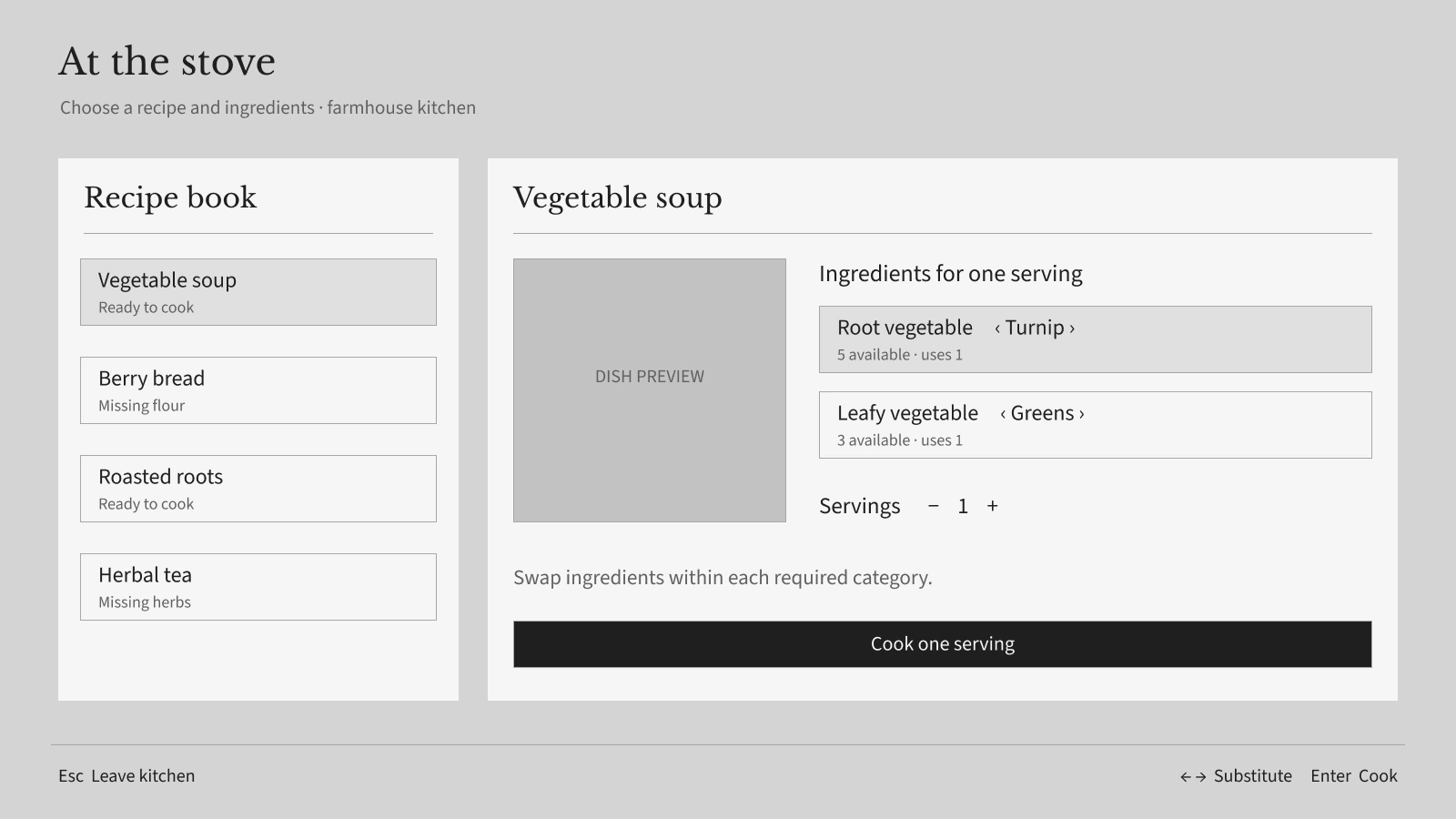
Expand for a closer look, or switch between the finished mock and its UI-only wireframe.
03 · Village life
Meet the village, follow requests, trade at the market, and plan the days ahead.
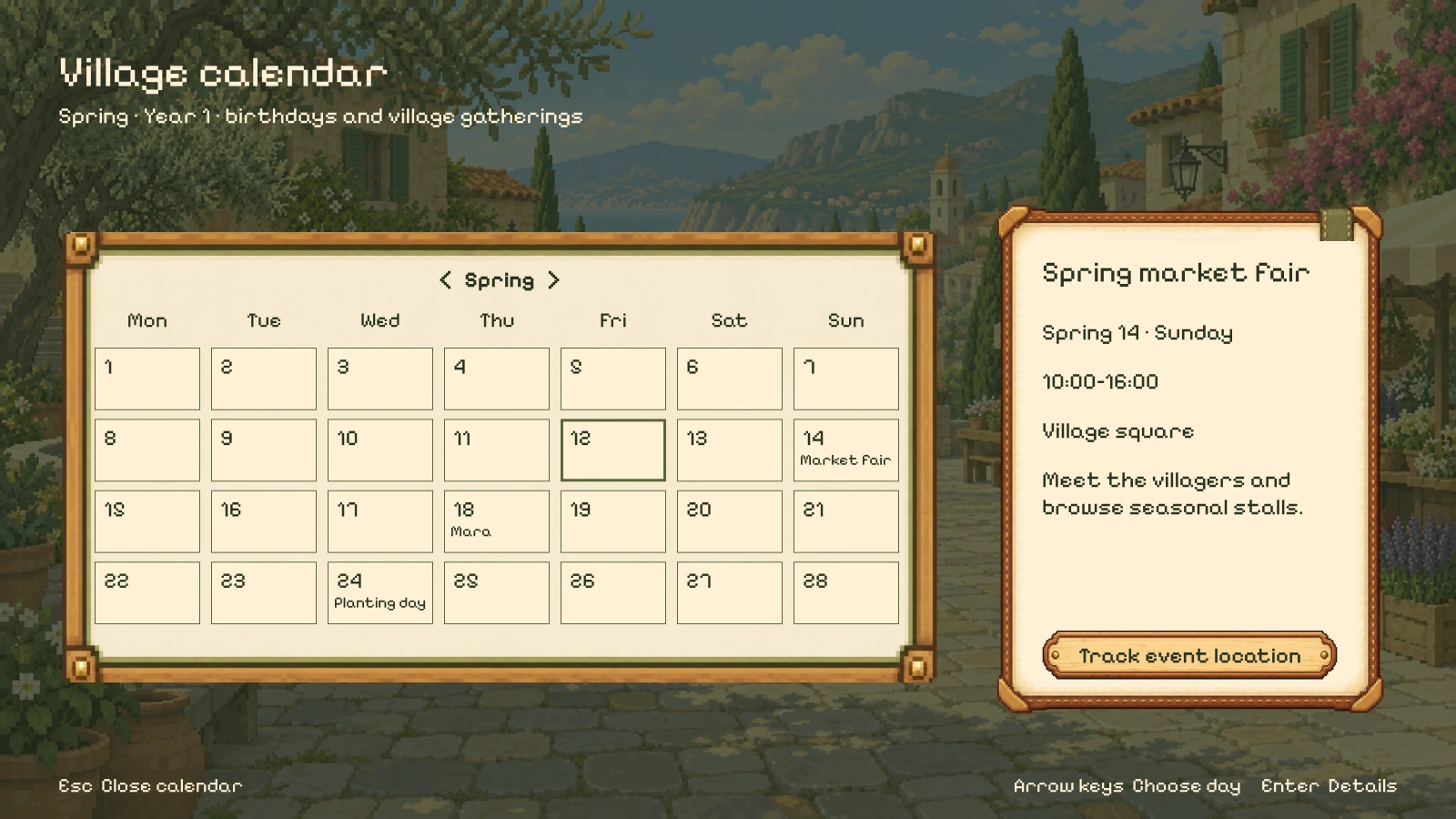
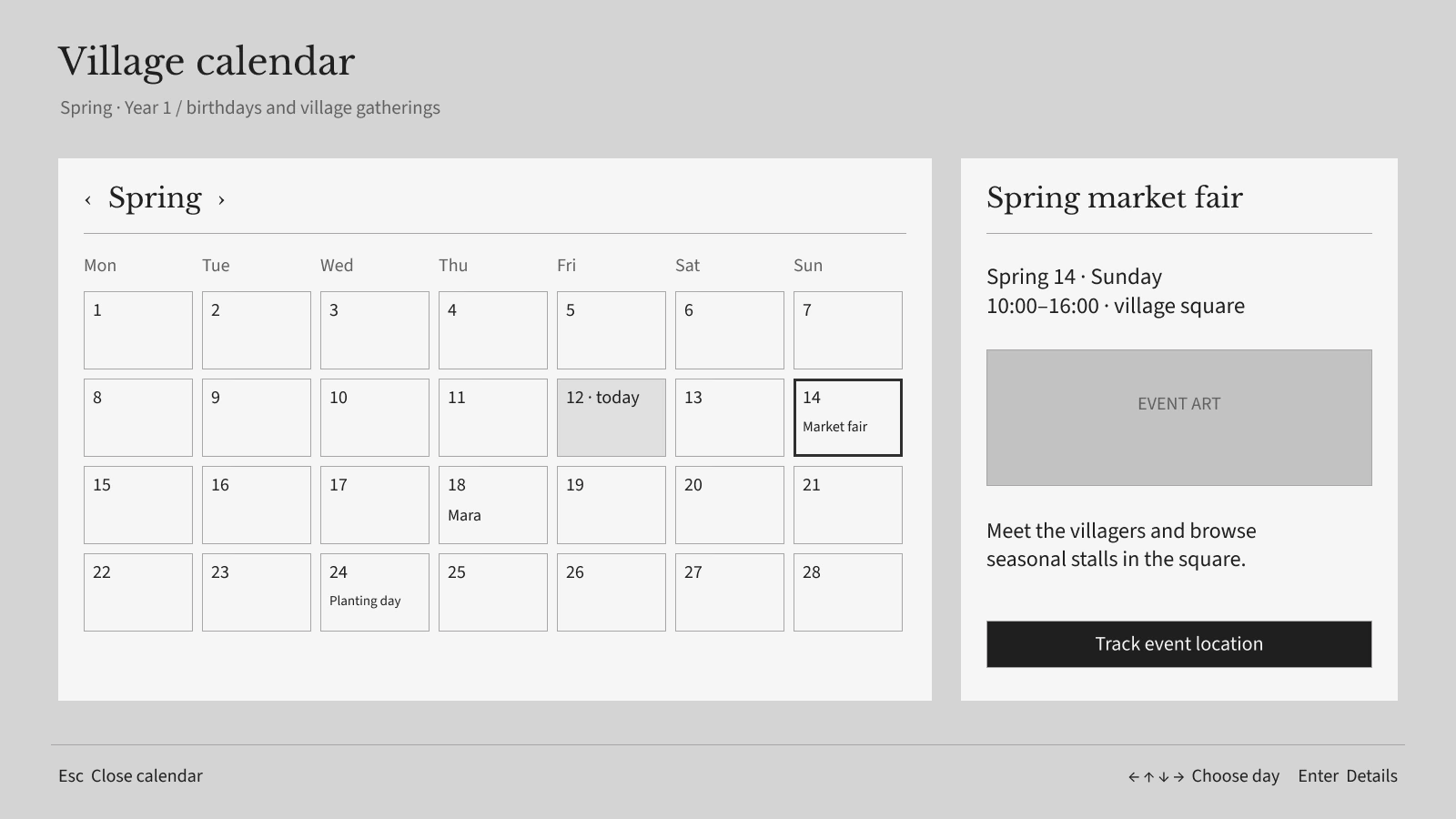
Expand for a closer look, or switch between the finished mock and its UI-only wireframe.
The design decisions
Hearthwild pairs a sunlit farming world with interfaces that feel at home in it. Each screen starts with the task, then gives the artwork enough room to support it.
A compact toolbelt, small status indicators, and a quiet request tracker leave space for the world and the player’s next action.
A hand-held journal, farm records, cloth labels, and carved buttons give the controls a physical character. Artwork is fitted around editable text and usable content areas.
Shared pixel scale, warm materials, and consistent controls connect the screens. Layouts change with the activity, from a conversation to a two-inventory transfer.
Personal game UI concept. This selection shows 16 finished scenes and their matching grayscale wireframes. The Figma file also includes six additional wireframes awaiting visual development. Editable interface elements sit over separately generated, art-directed illustrations; these are design mockups, not a released game.
Explore in Figma
Editable UI-only wireframes, organized in the same sequence as the finished mocks. The preview is open to view.
Explore in Figma
The 16 finished screens, with editable UI and separate illustrated artwork. The preview is open to view.