01 · Follow the evidence
Case desk
Move from the case folder to connected clues and close inspection.
Finished
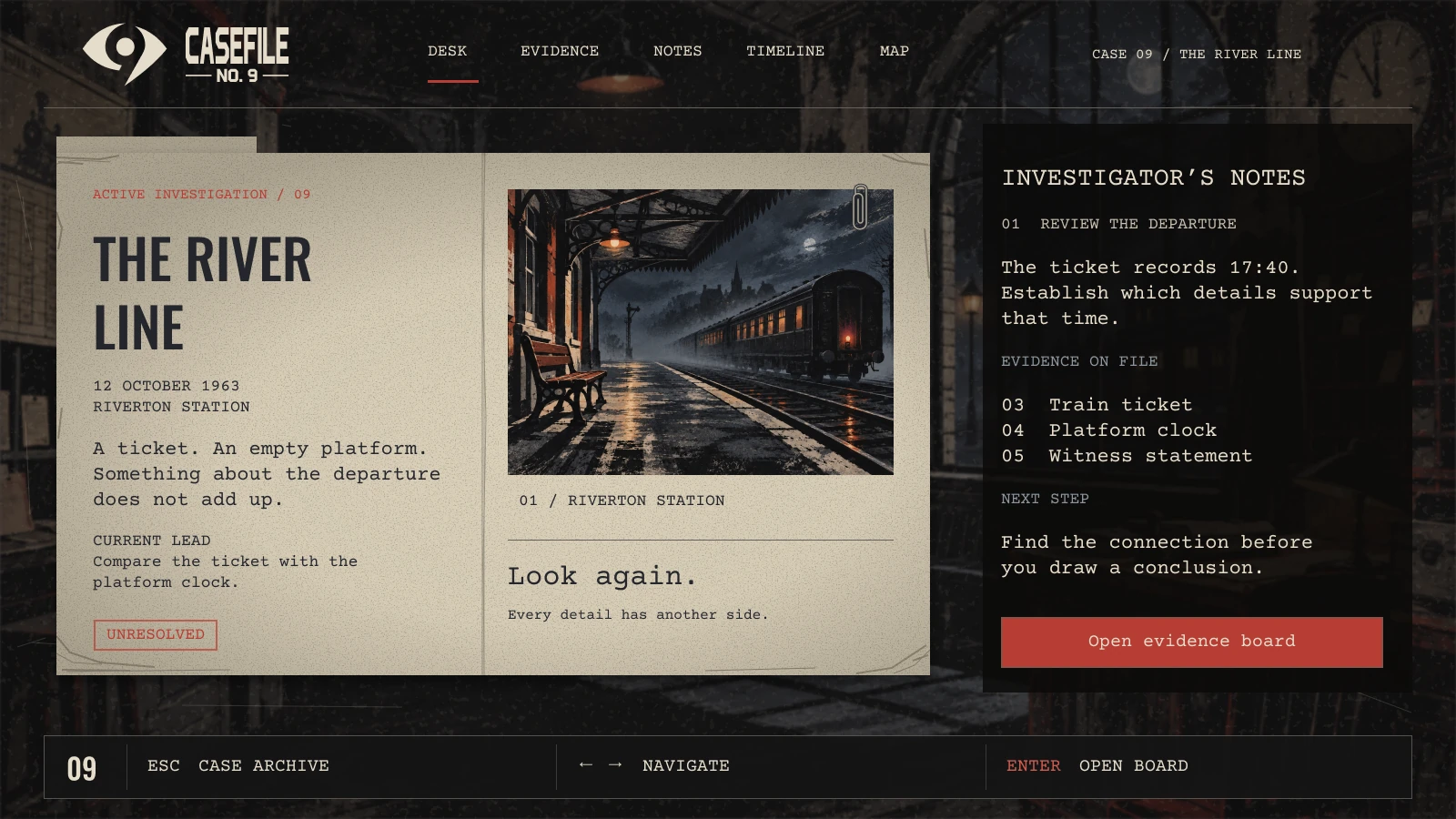
Wireframe
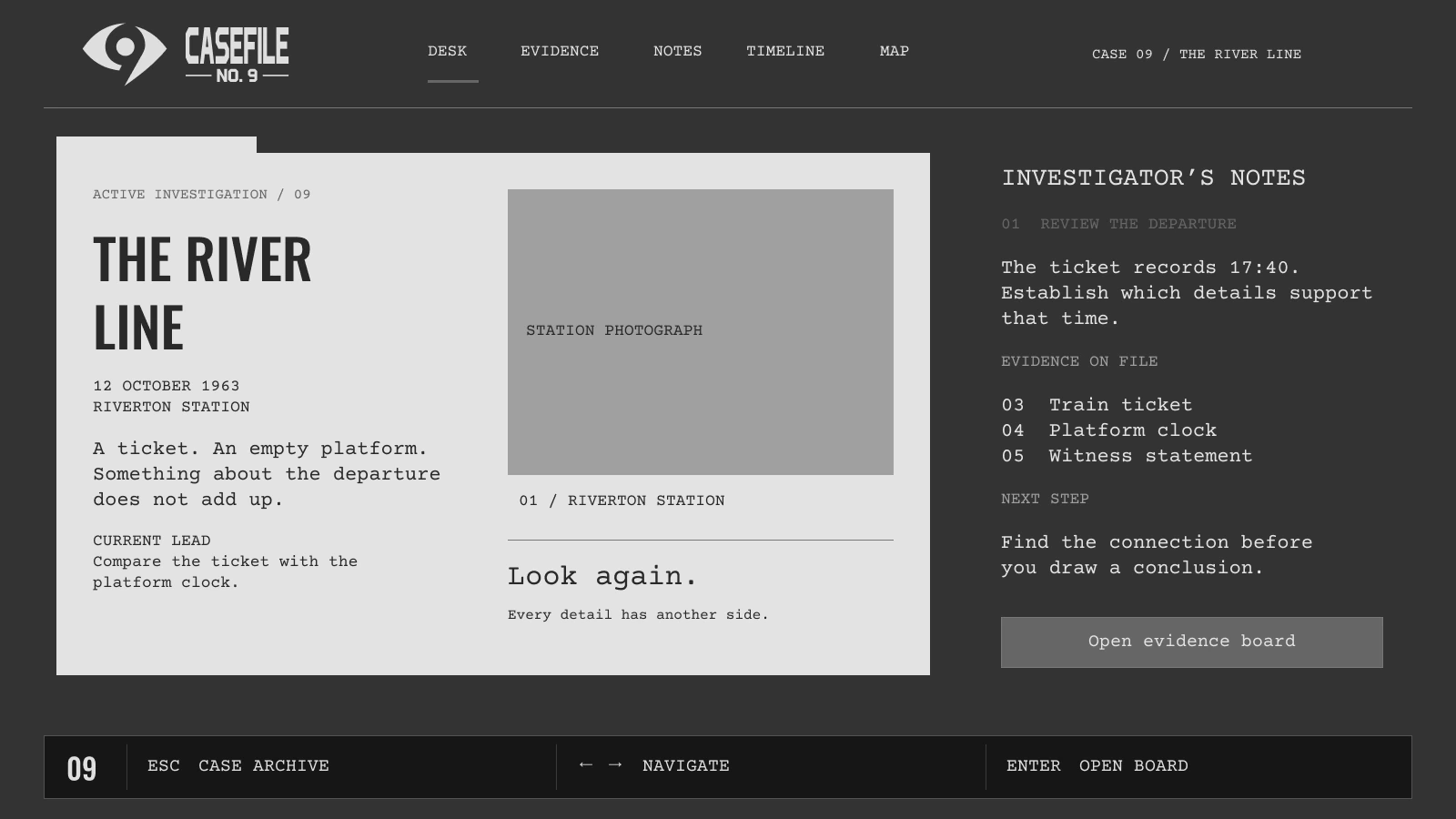
Expand for a closer look, or switch between the finished mock and its UI-only wireframe.
UI & UX / Mystery game concept
I designed a railway mystery interface around the act of investigating: opening a case, inspecting an object, questioning a witness, and deciding what the evidence supports.
My work Flows · Wireframes · UI & visual design
Figma 11 game screens · Personal concept
Inside the investigation
Browse the journeys, compare each design with its wireframe, and expand either version to see the full screen.
01 · Follow the evidence
Move from the case folder to connected clues and close inspection.
Expand for a closer look, or switch between the finished mock and its UI-only wireframe.
01 · Follow the evidence
Move from the case folder to connected clues and close inspection.
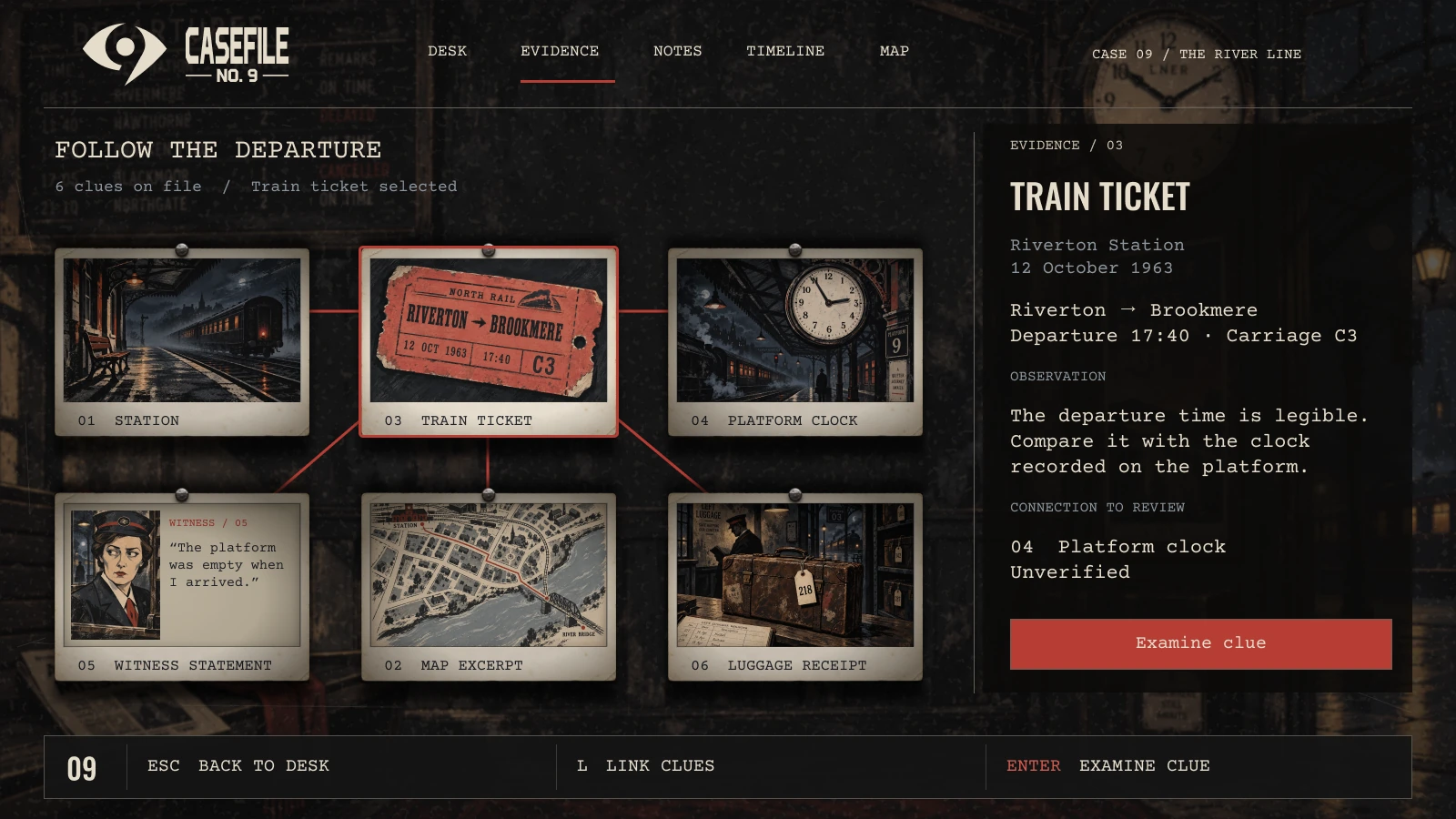
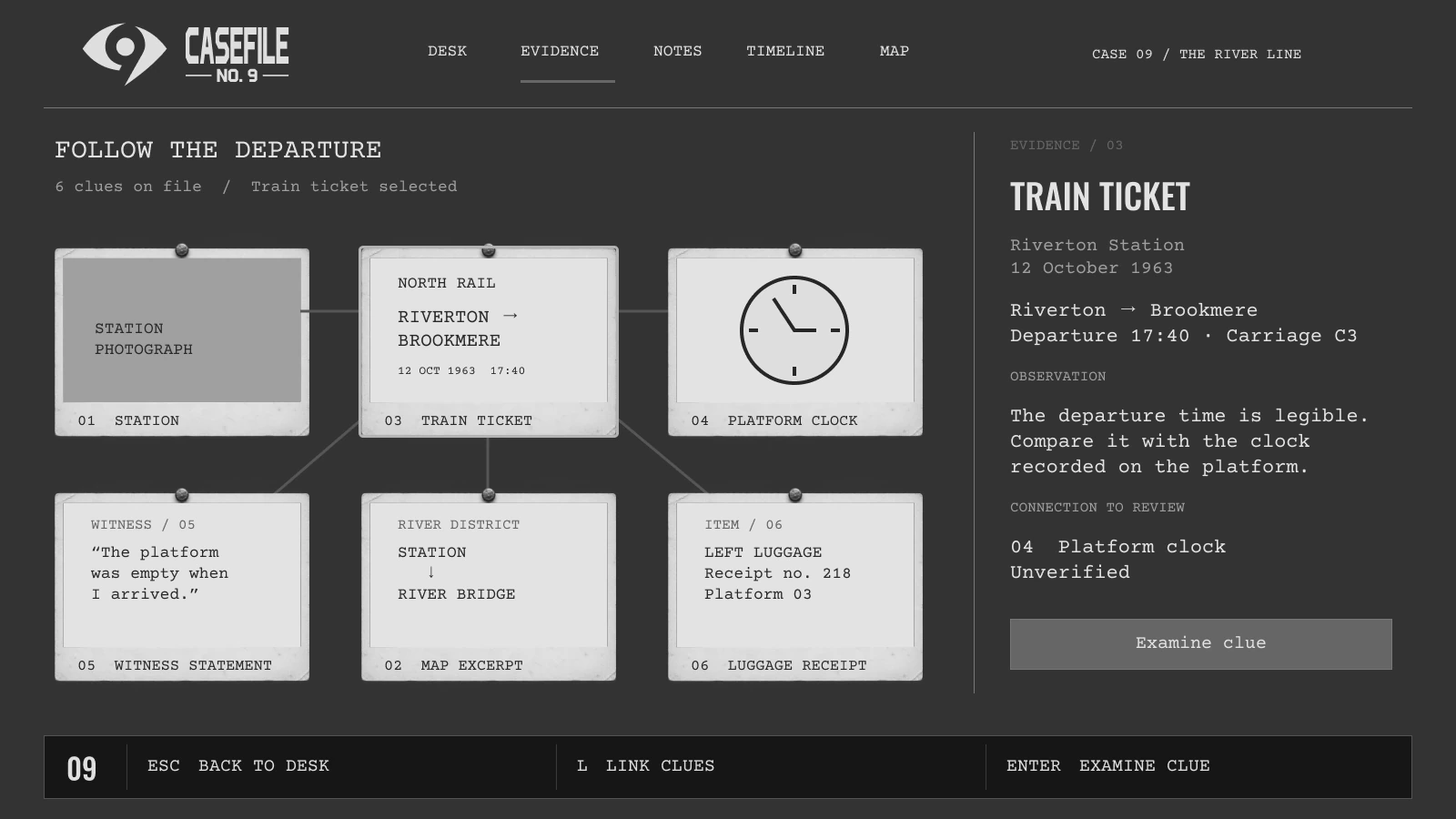
Expand for a closer look, or switch between the finished mock and its UI-only wireframe.
01 · Follow the evidence
Move from the case folder to connected clues and close inspection.
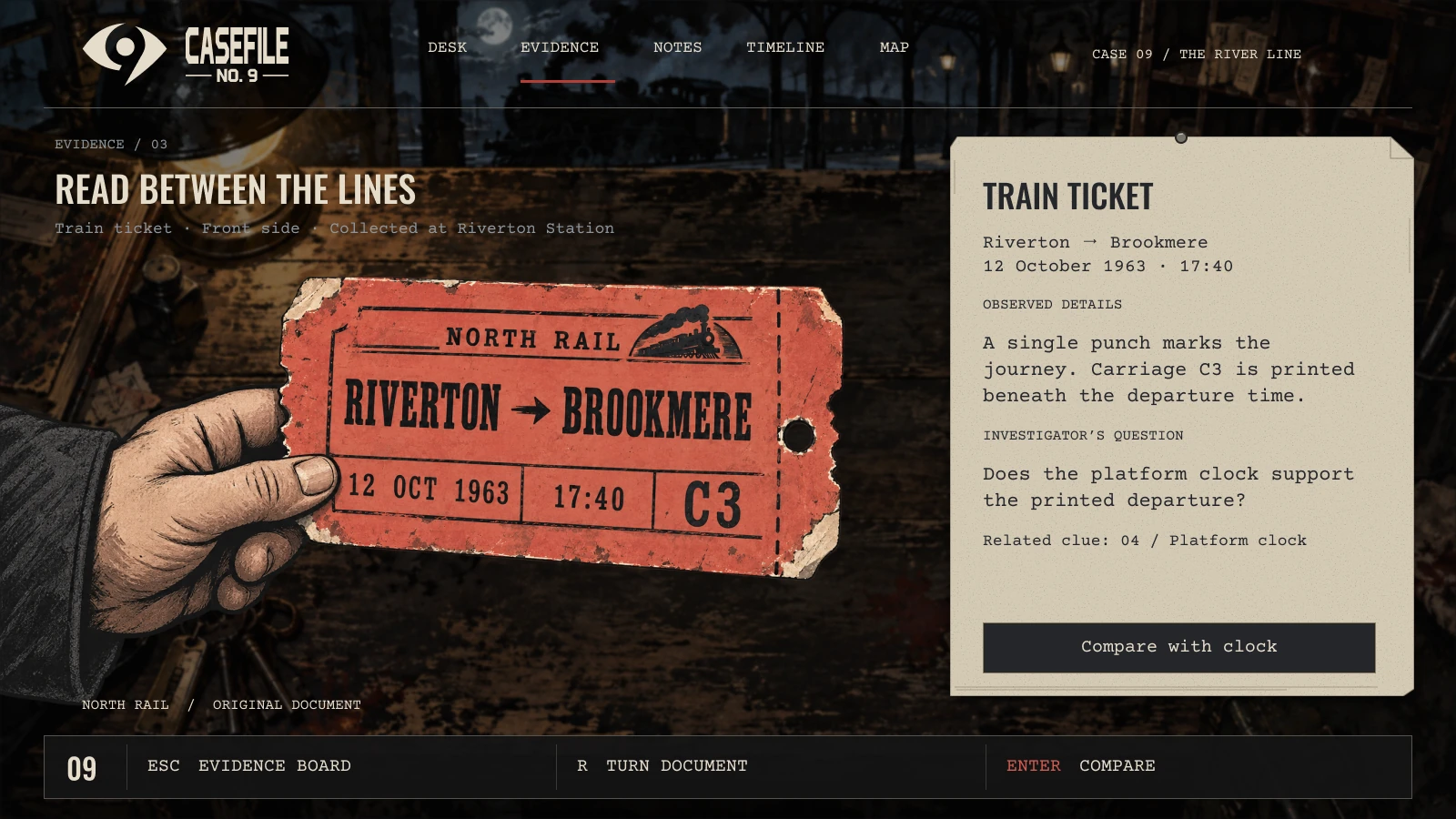
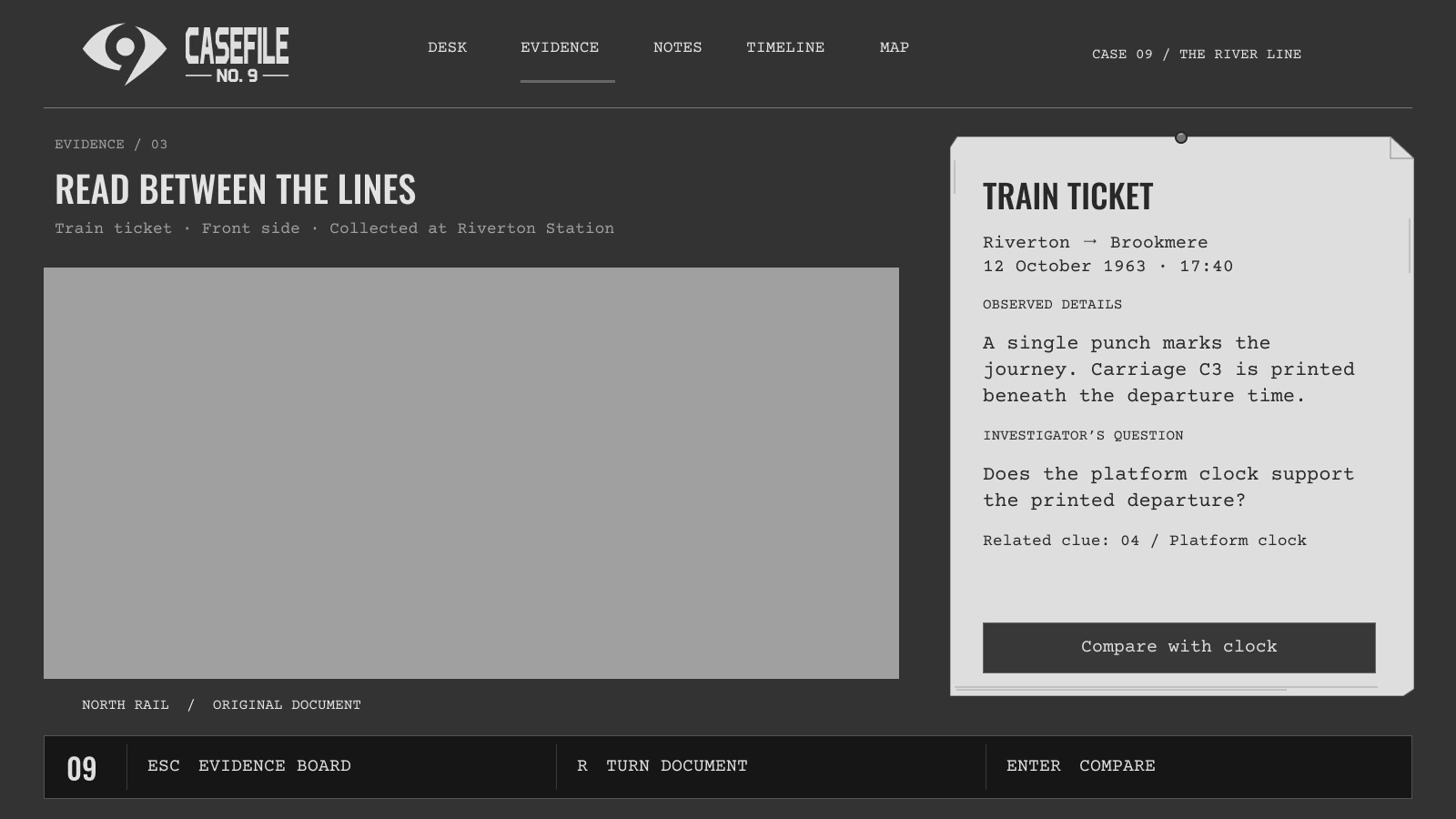
Expand for a closer look, or switch between the finished mock and its UI-only wireframe.
02 · Build a theory
Question the witness, explore the station, and weigh competing explanations.
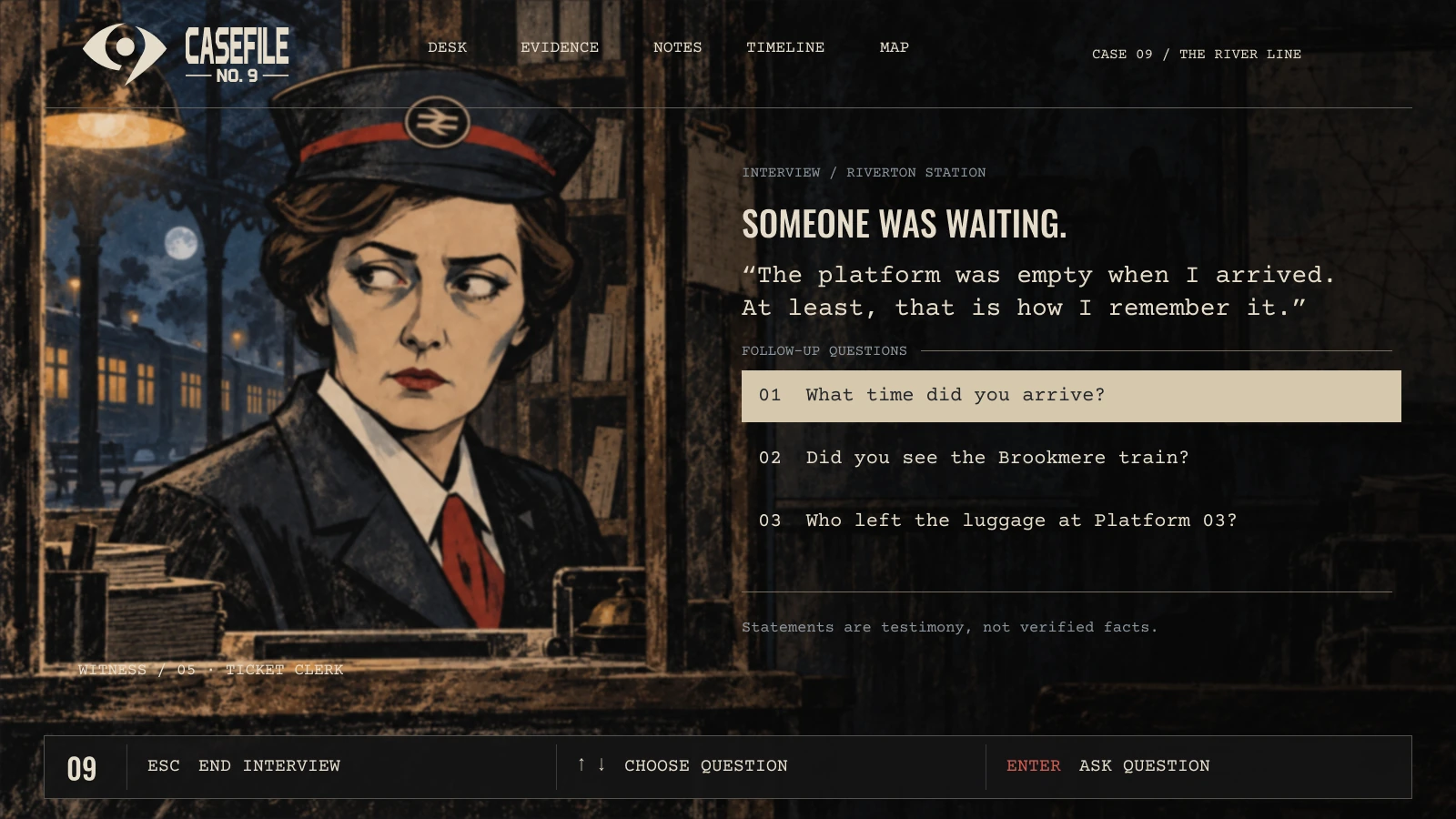
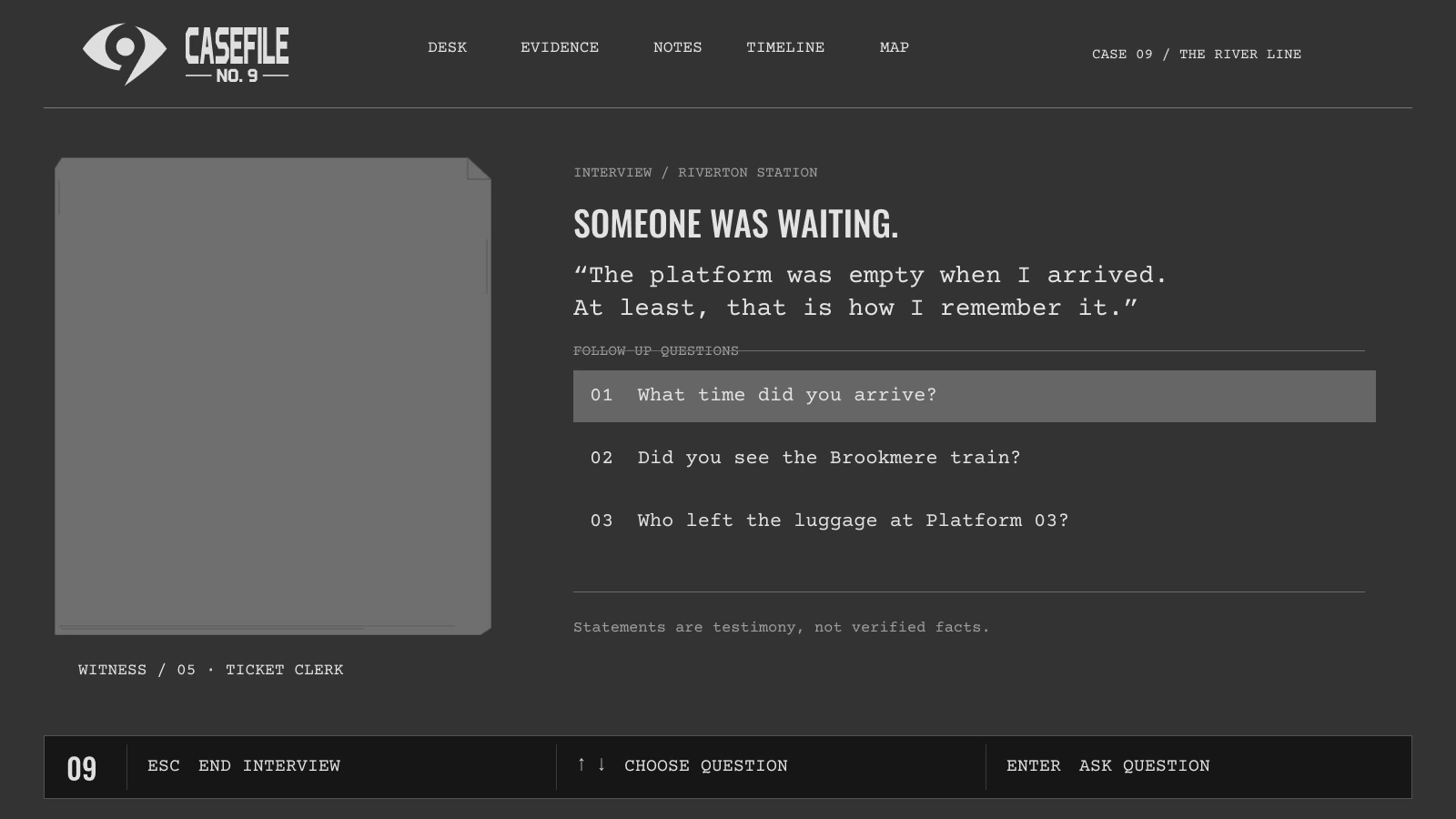
Expand for a closer look, or switch between the finished mock and its UI-only wireframe.
02 · Build a theory
Question the witness, explore the station, and weigh competing explanations.
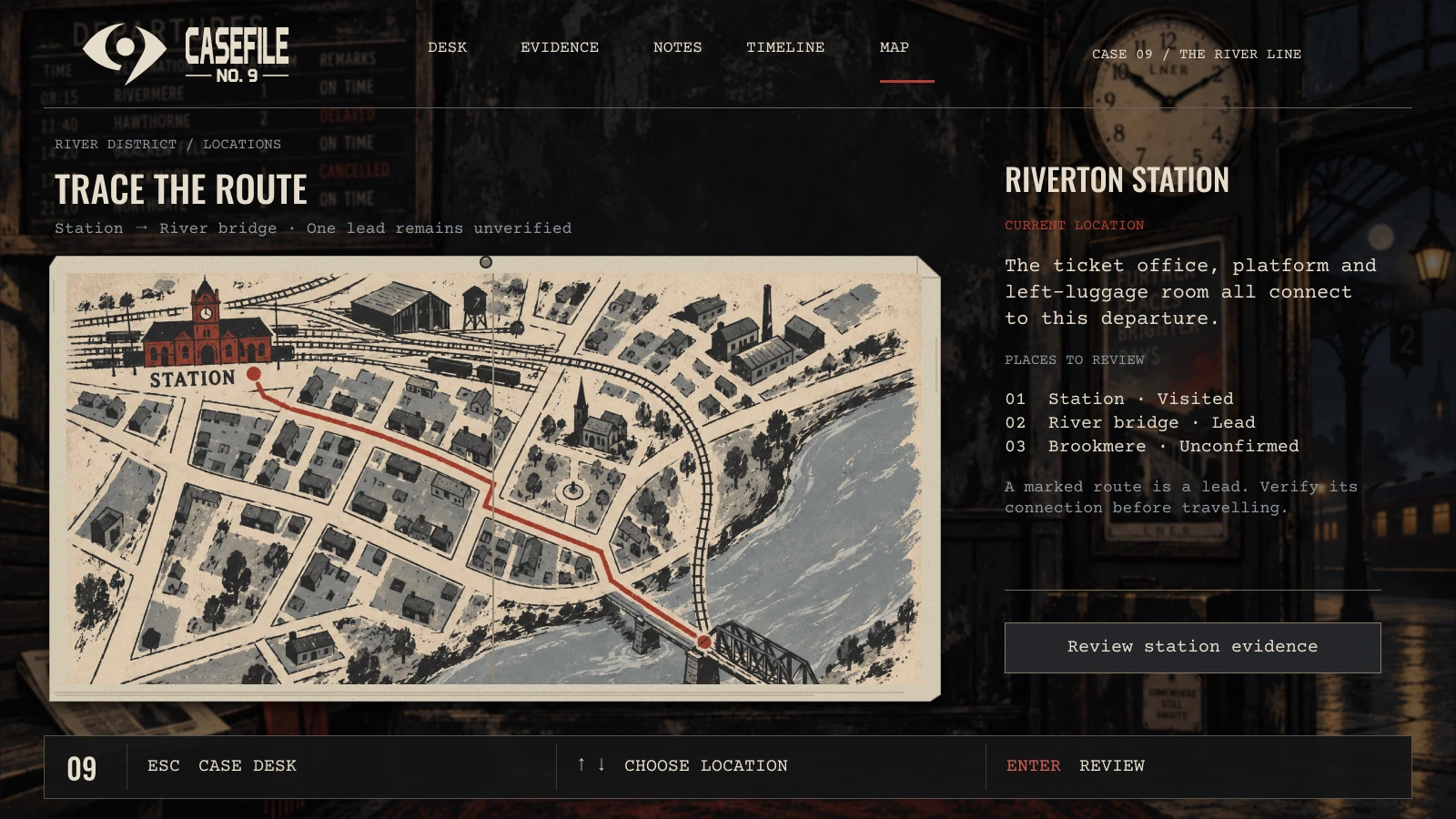
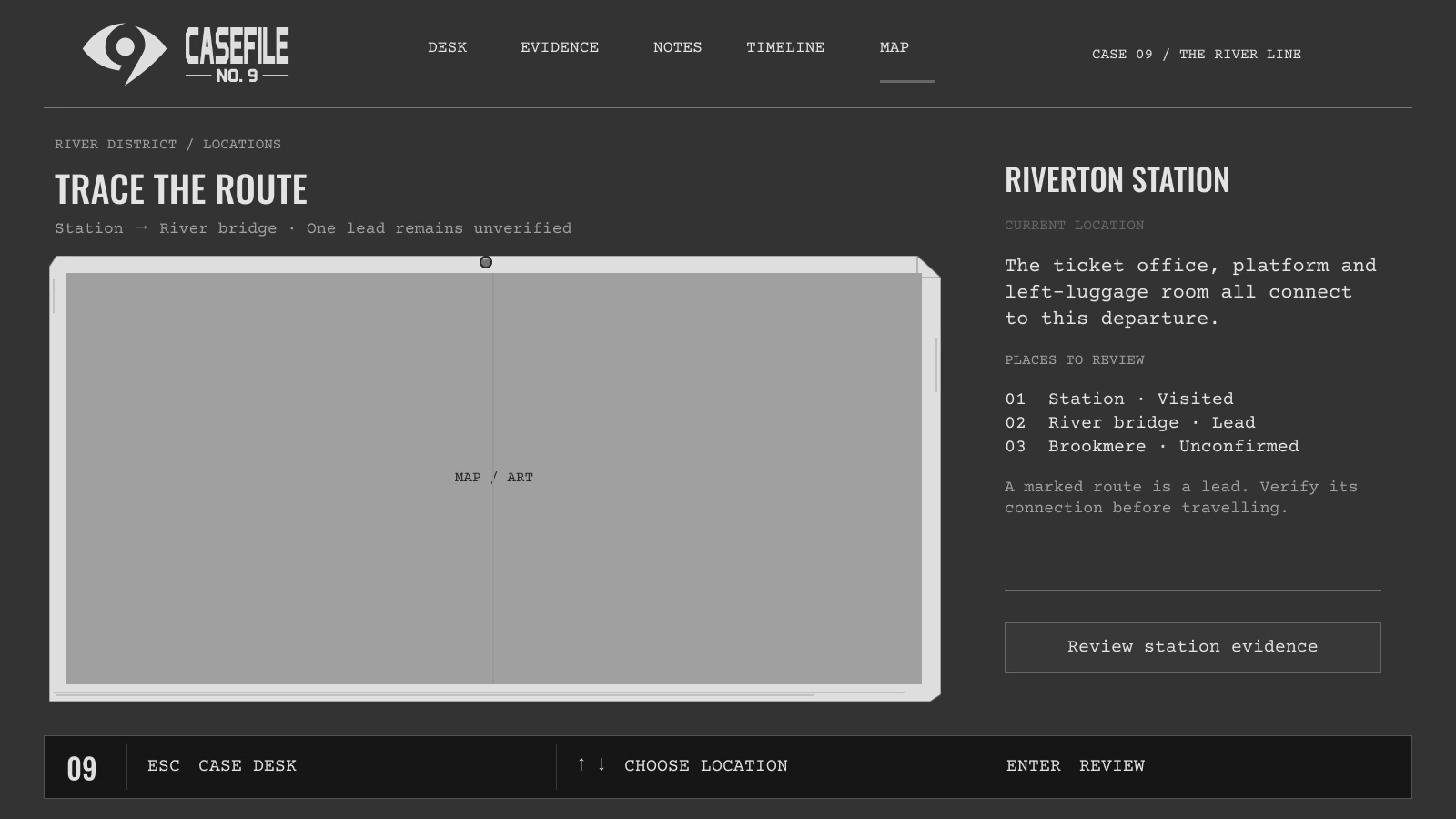
Expand for a closer look, or switch between the finished mock and its UI-only wireframe.
02 · Build a theory
Question the witness, explore the station, and weigh competing explanations.
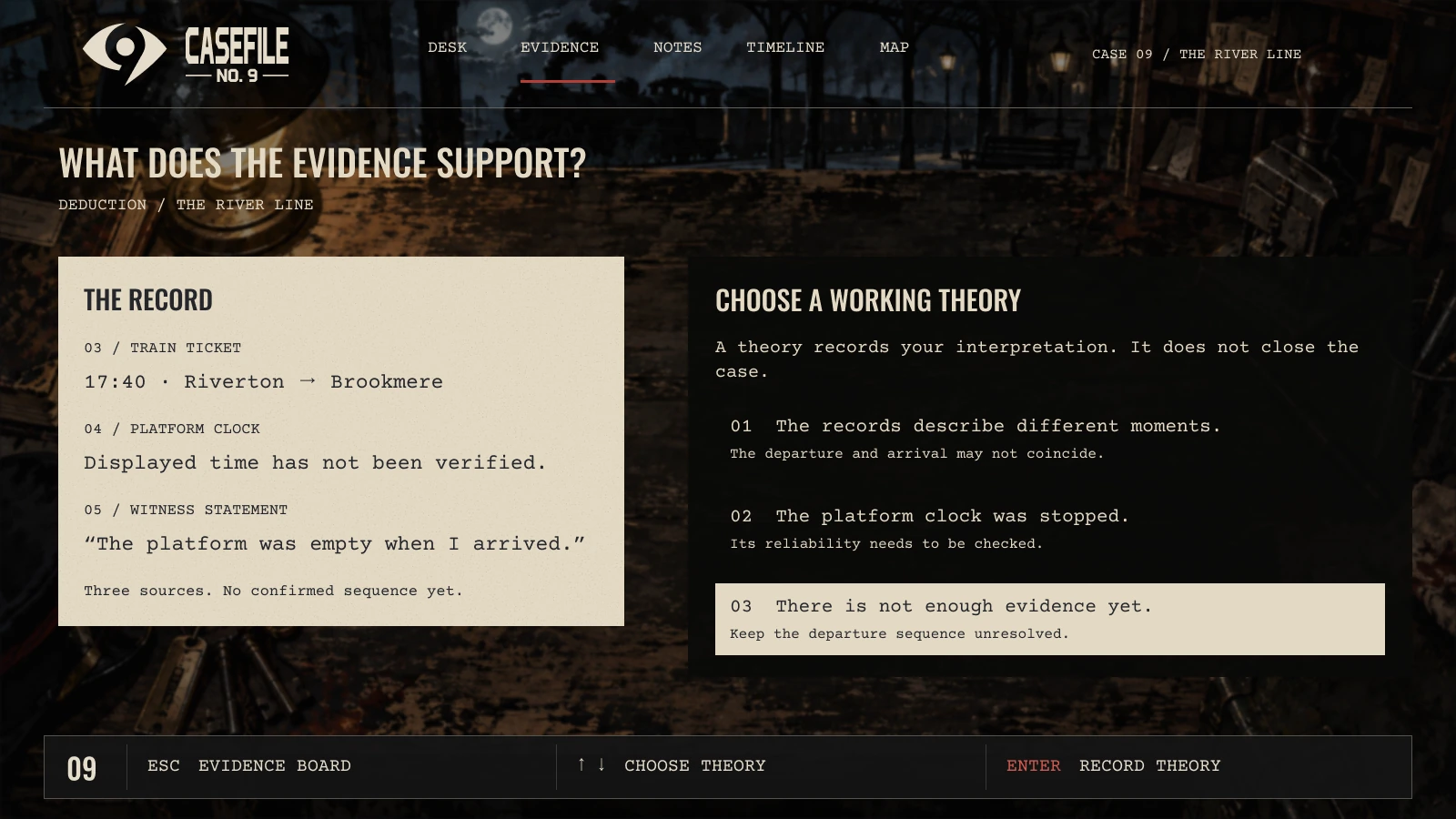
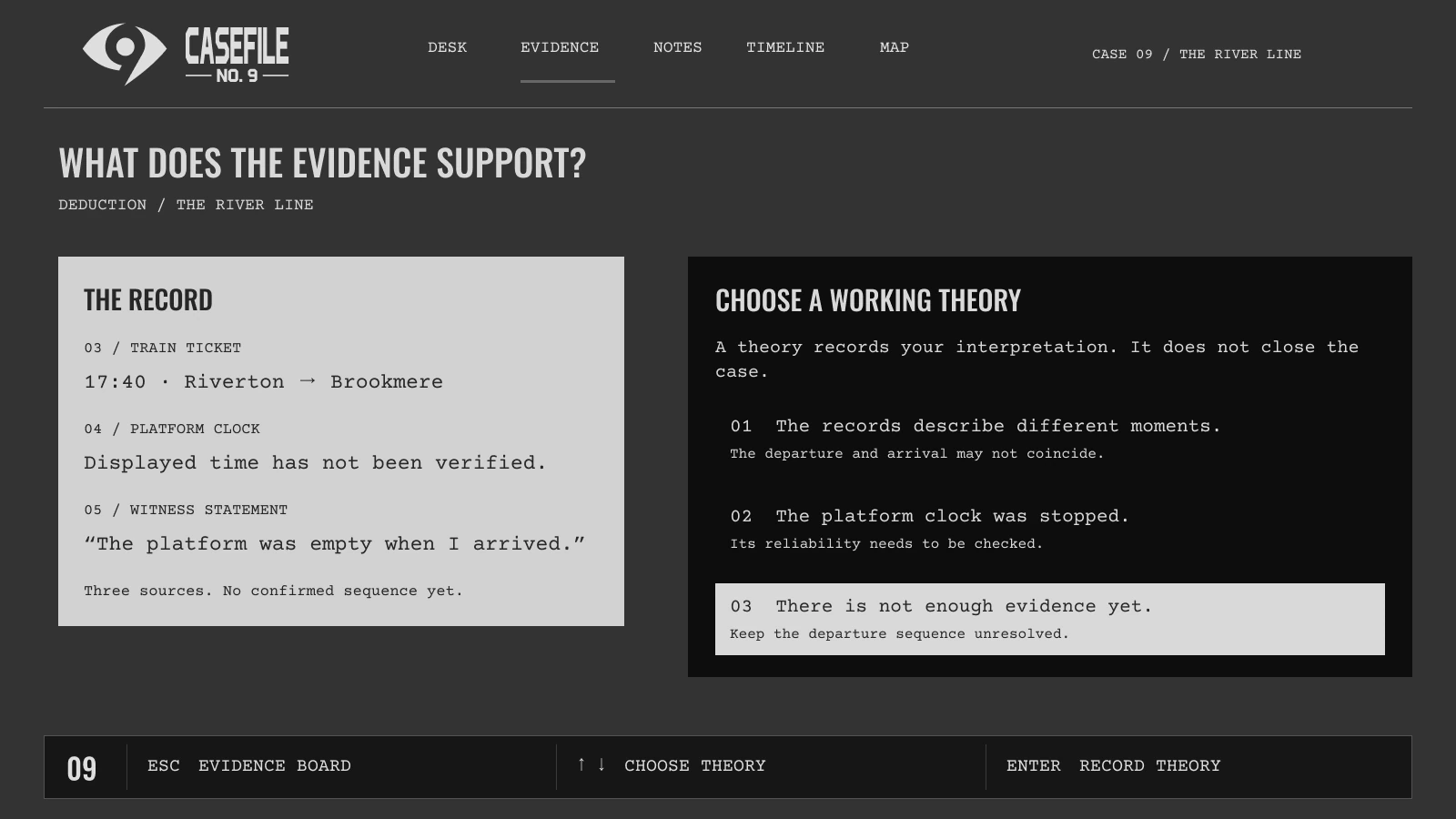
Expand for a closer look, or switch between the finished mock and its UI-only wireframe.
03 · Return to the case
Revisit cases, record observations, reconstruct events, and adjust readability.
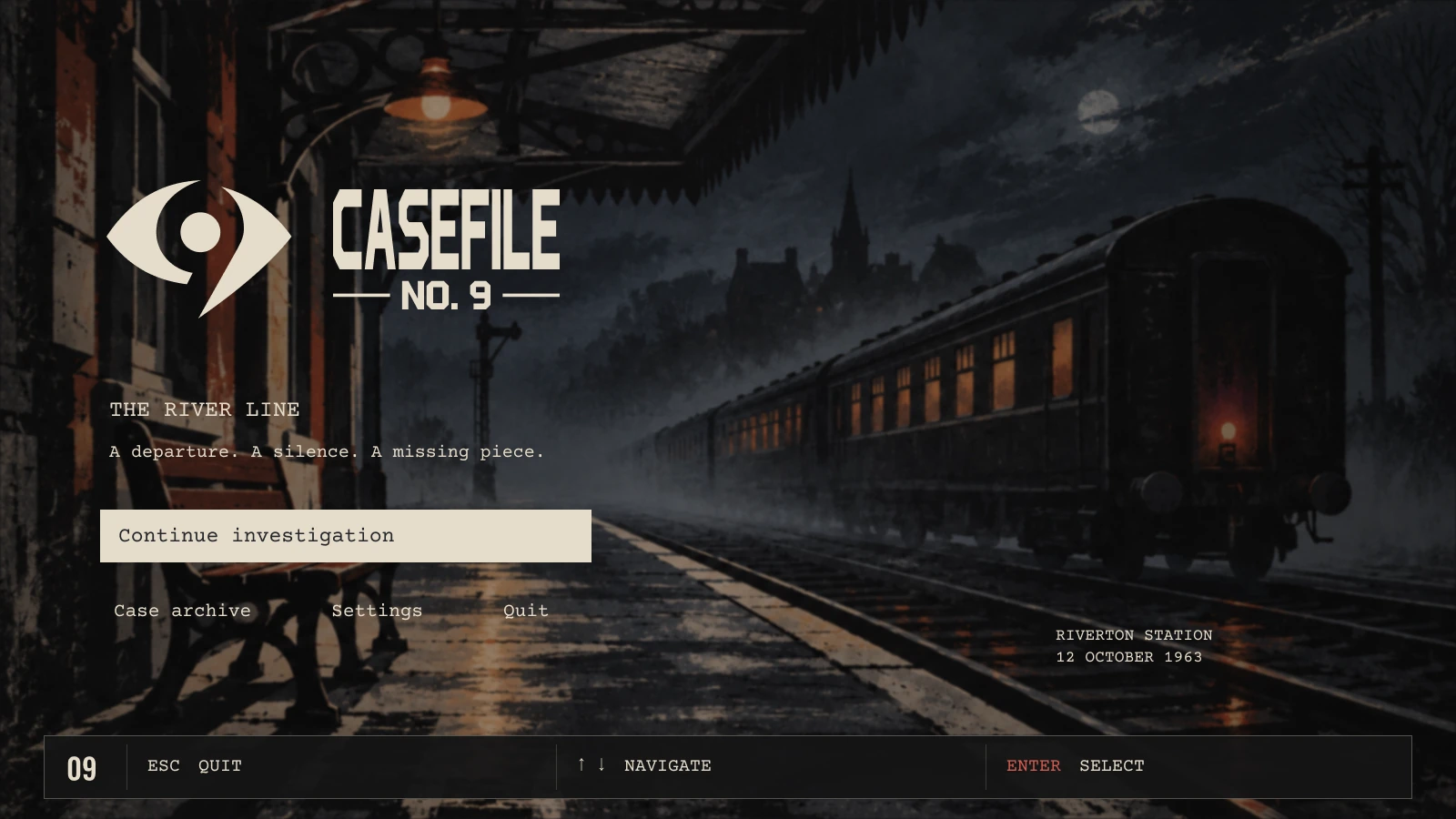
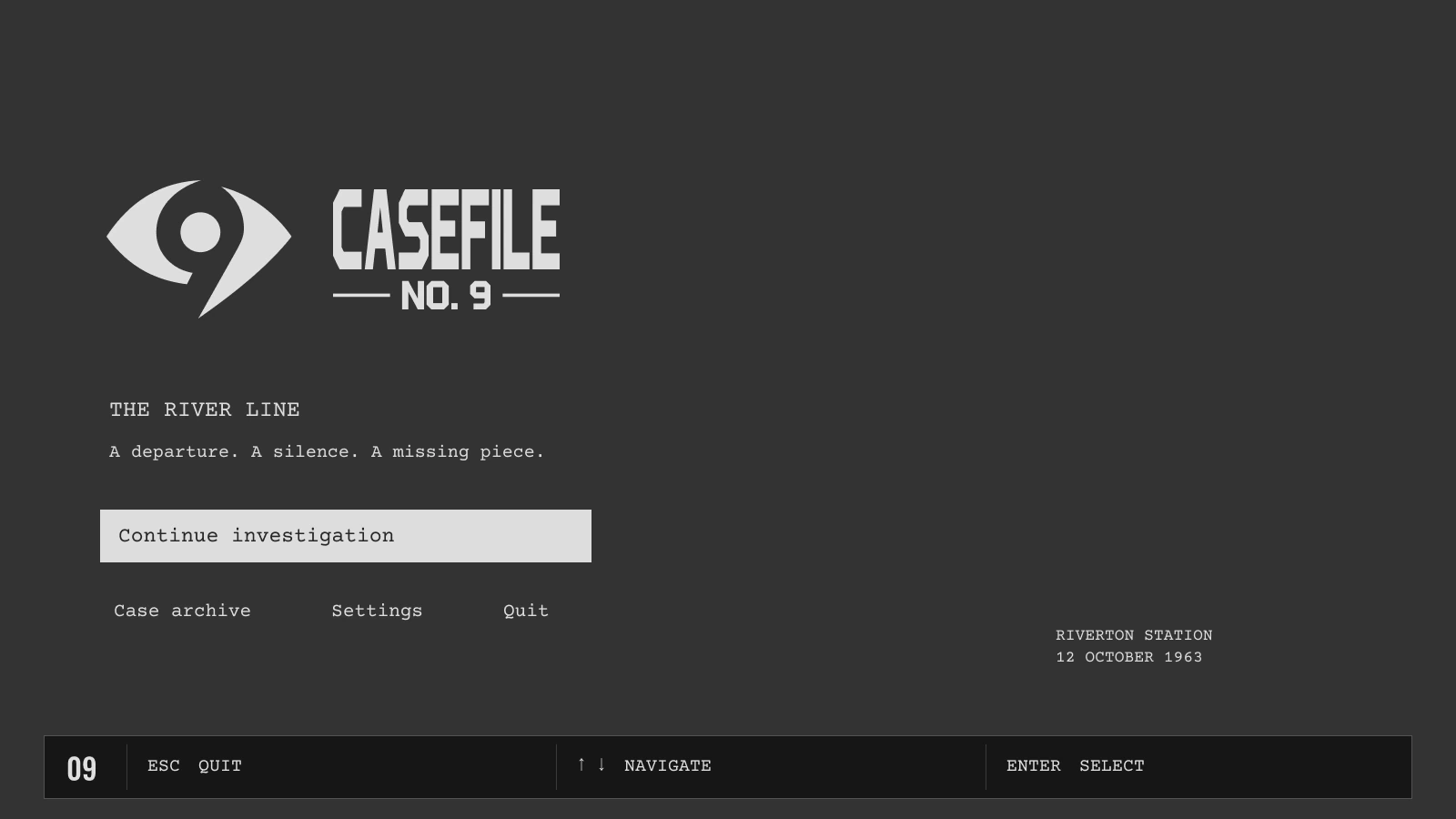
Expand for a closer look, or switch between the finished mock and its UI-only wireframe.
03 · Return to the case
Revisit cases, record observations, reconstruct events, and adjust readability.
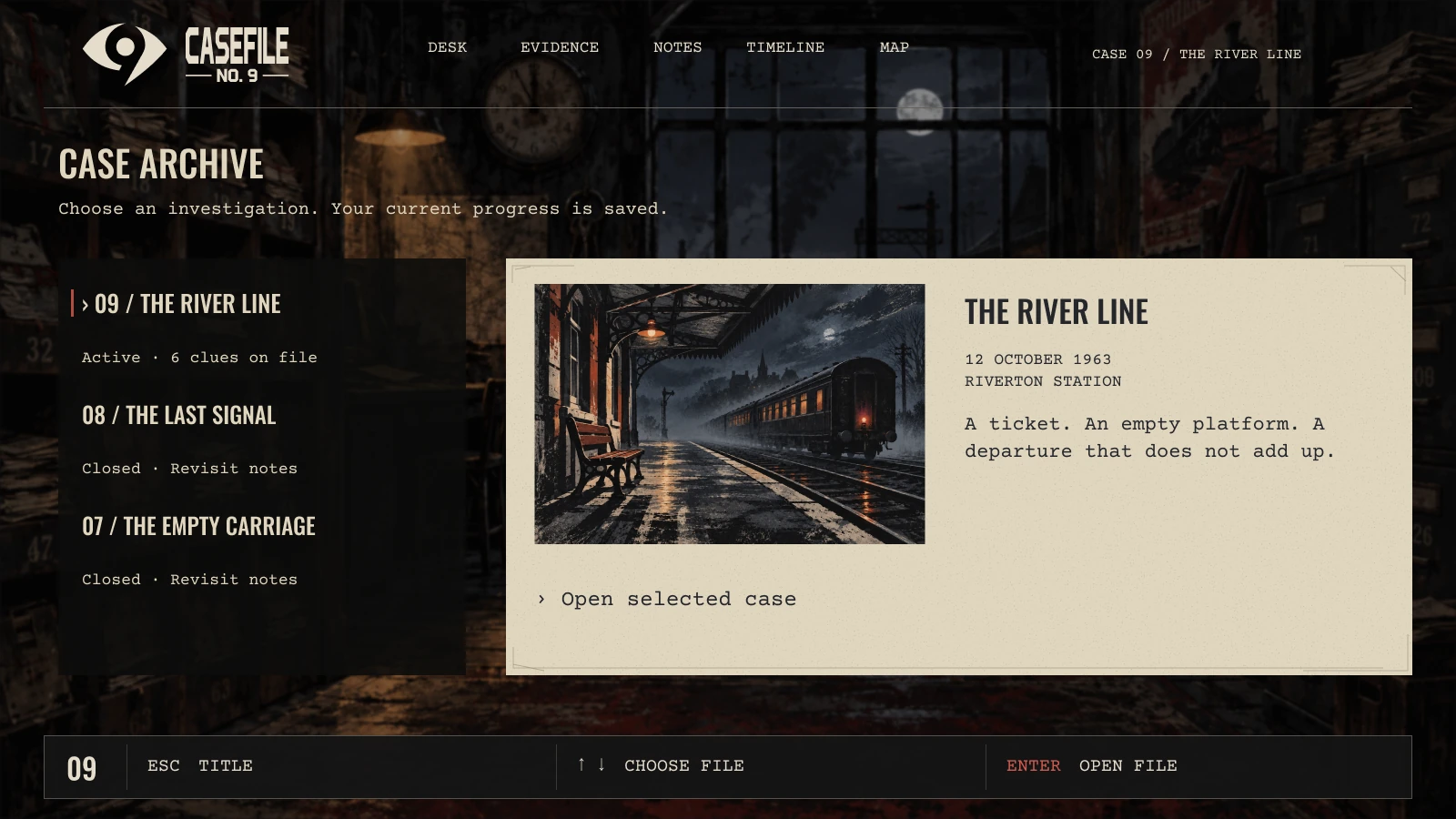
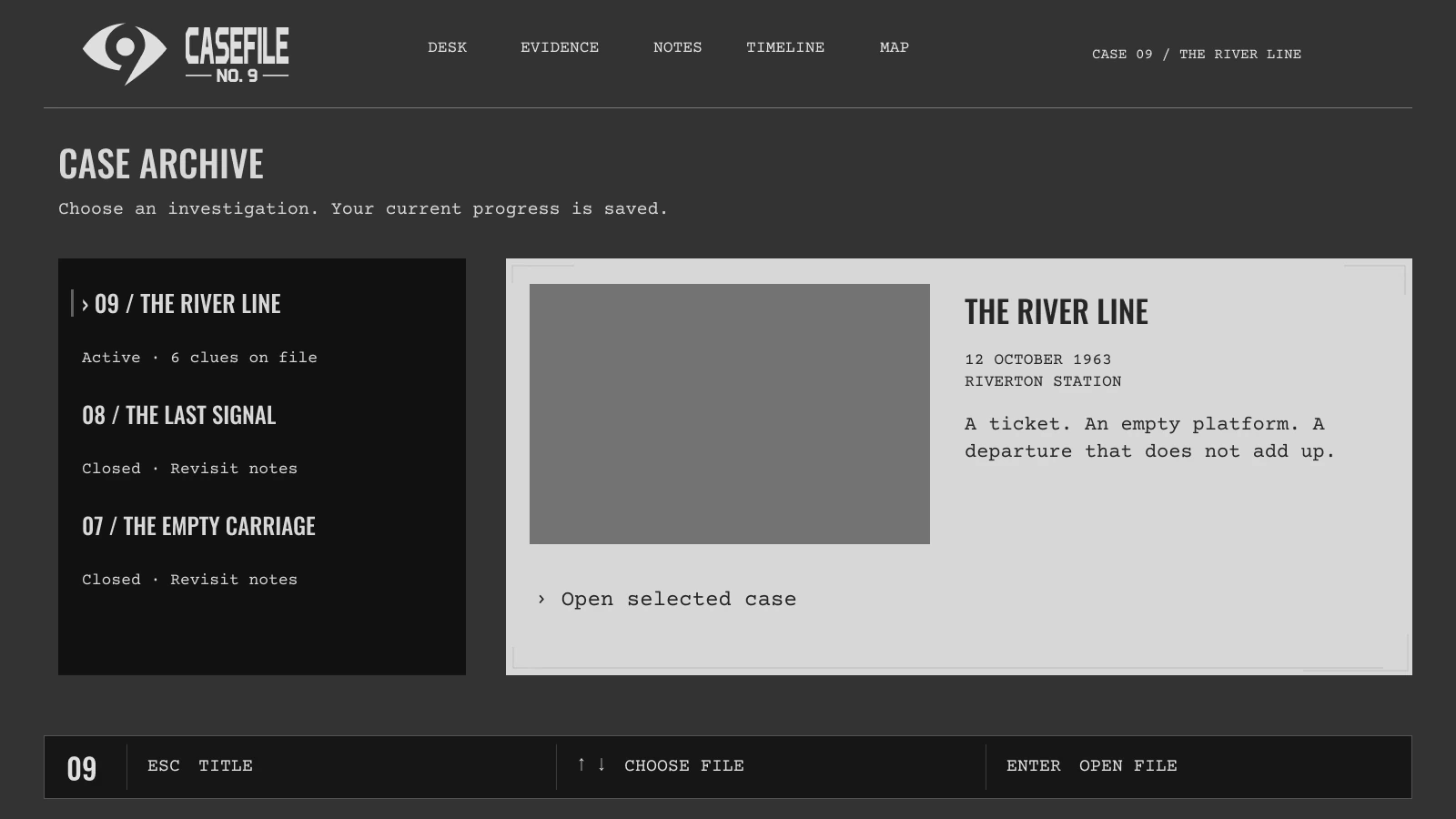
Expand for a closer look, or switch between the finished mock and its UI-only wireframe.
03 · Return to the case
Revisit cases, record observations, reconstruct events, and adjust readability.
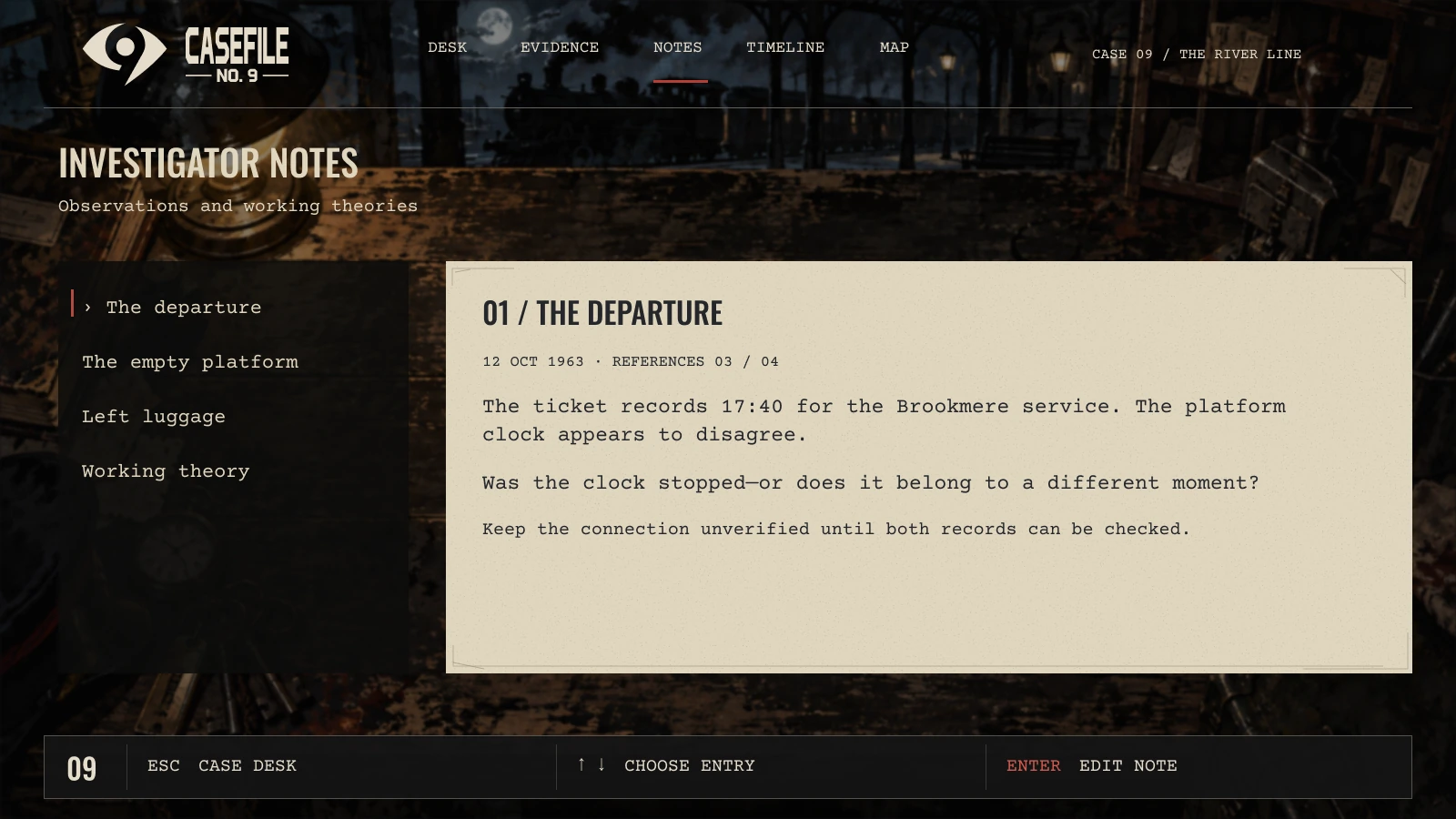
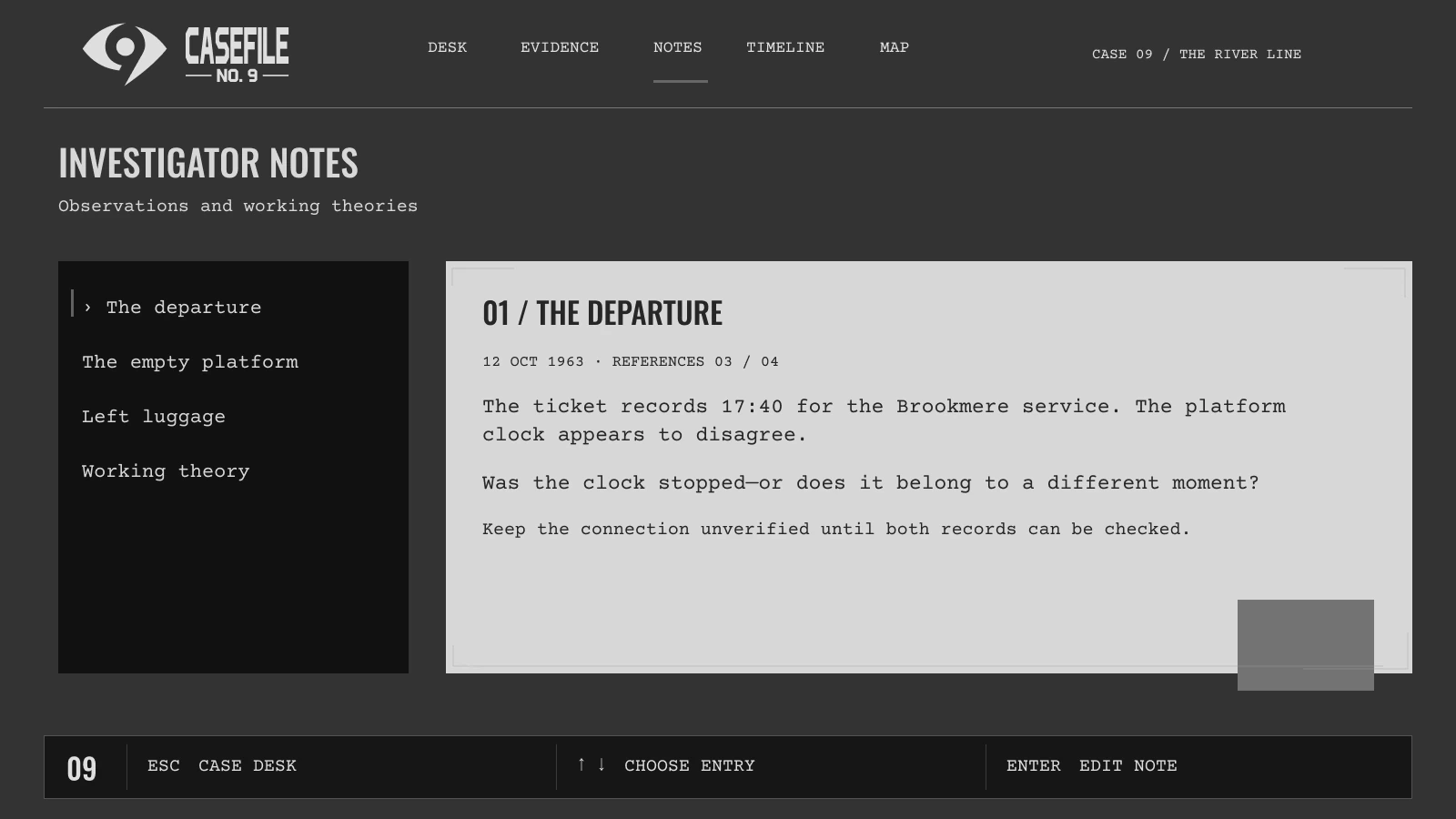
Expand for a closer look, or switch between the finished mock and its UI-only wireframe.
03 · Return to the case
Revisit cases, record observations, reconstruct events, and adjust readability.
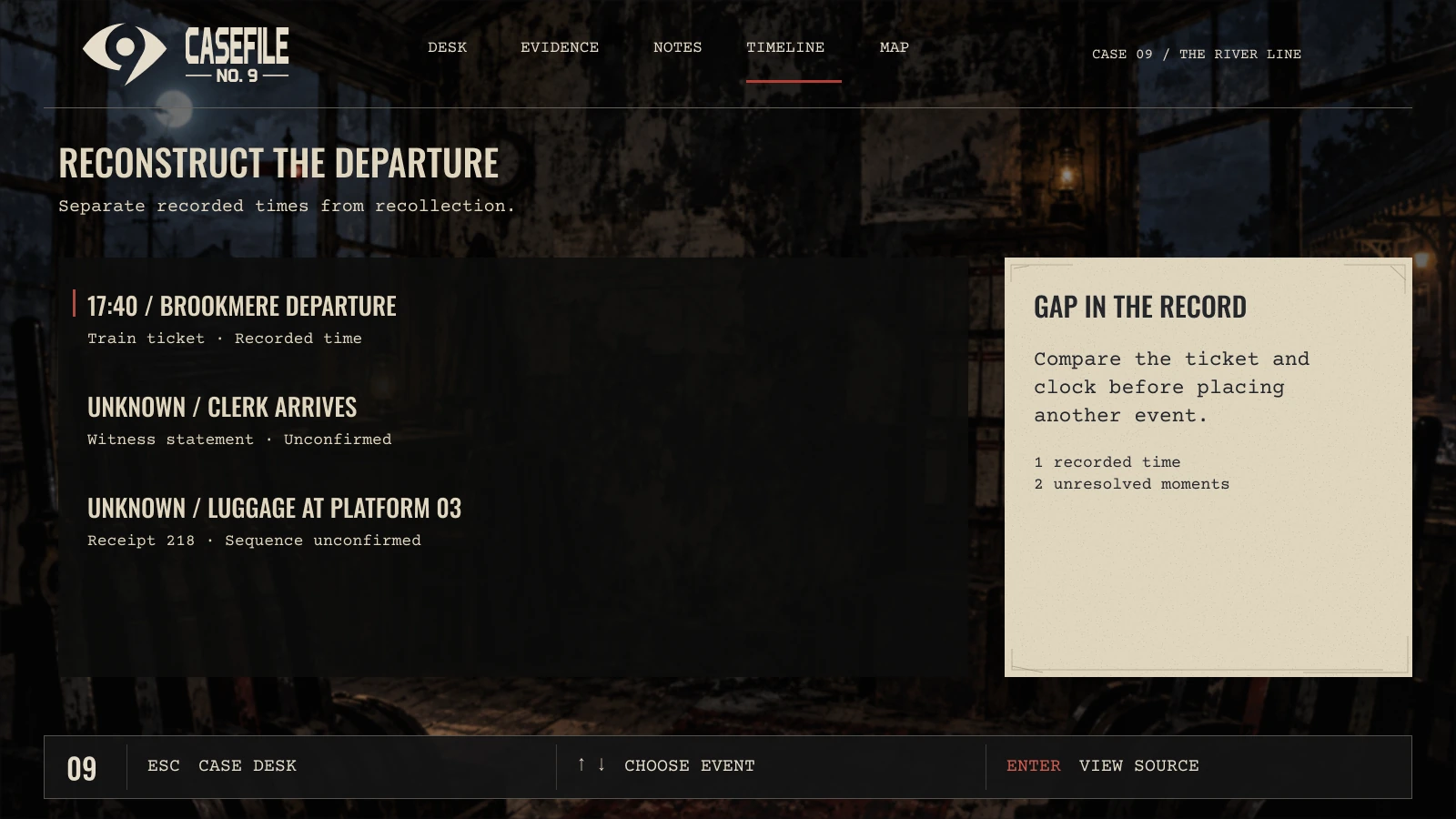
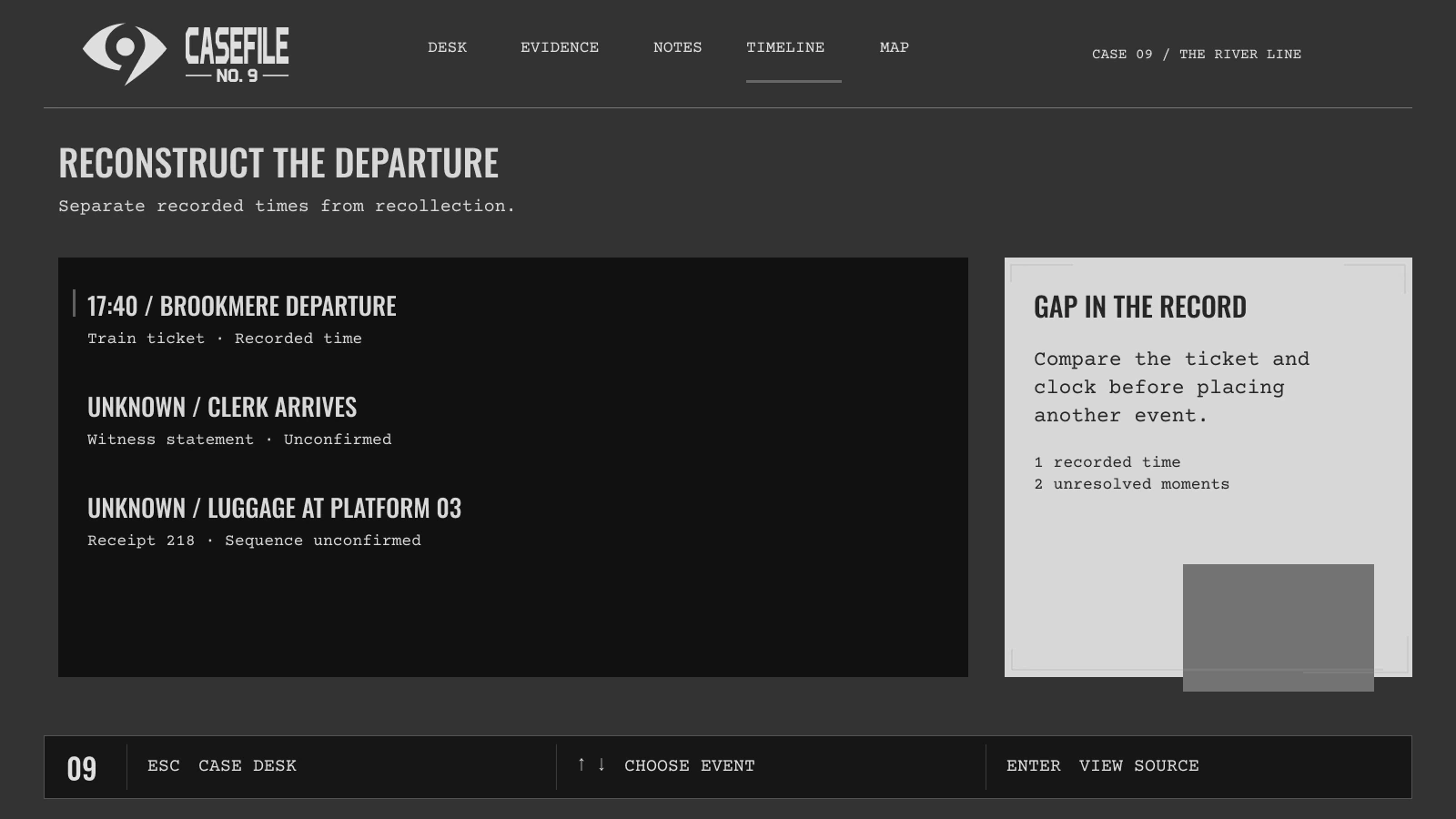
Expand for a closer look, or switch between the finished mock and its UI-only wireframe.
03 · Return to the case
Revisit cases, record observations, reconstruct events, and adjust readability.
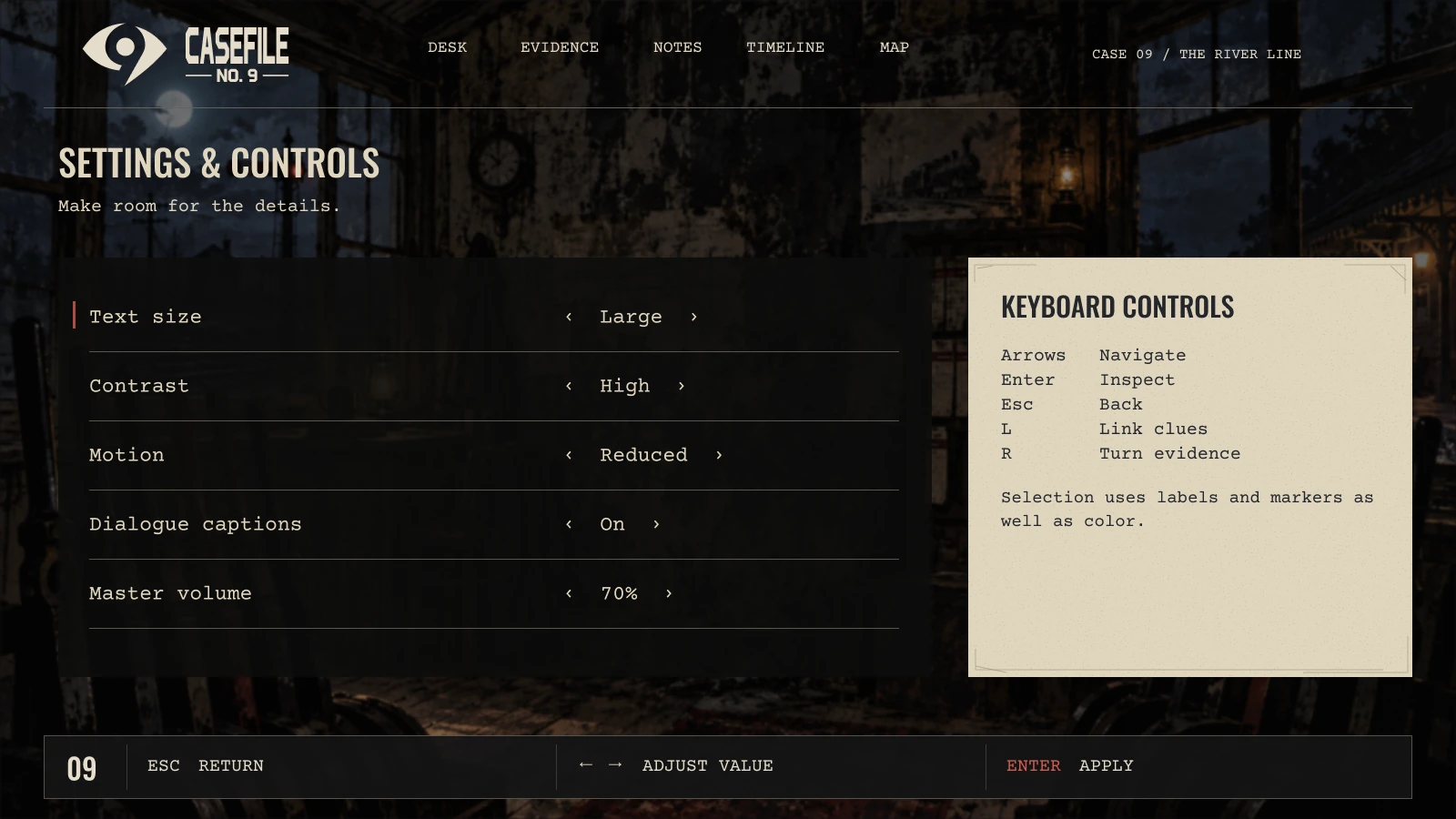
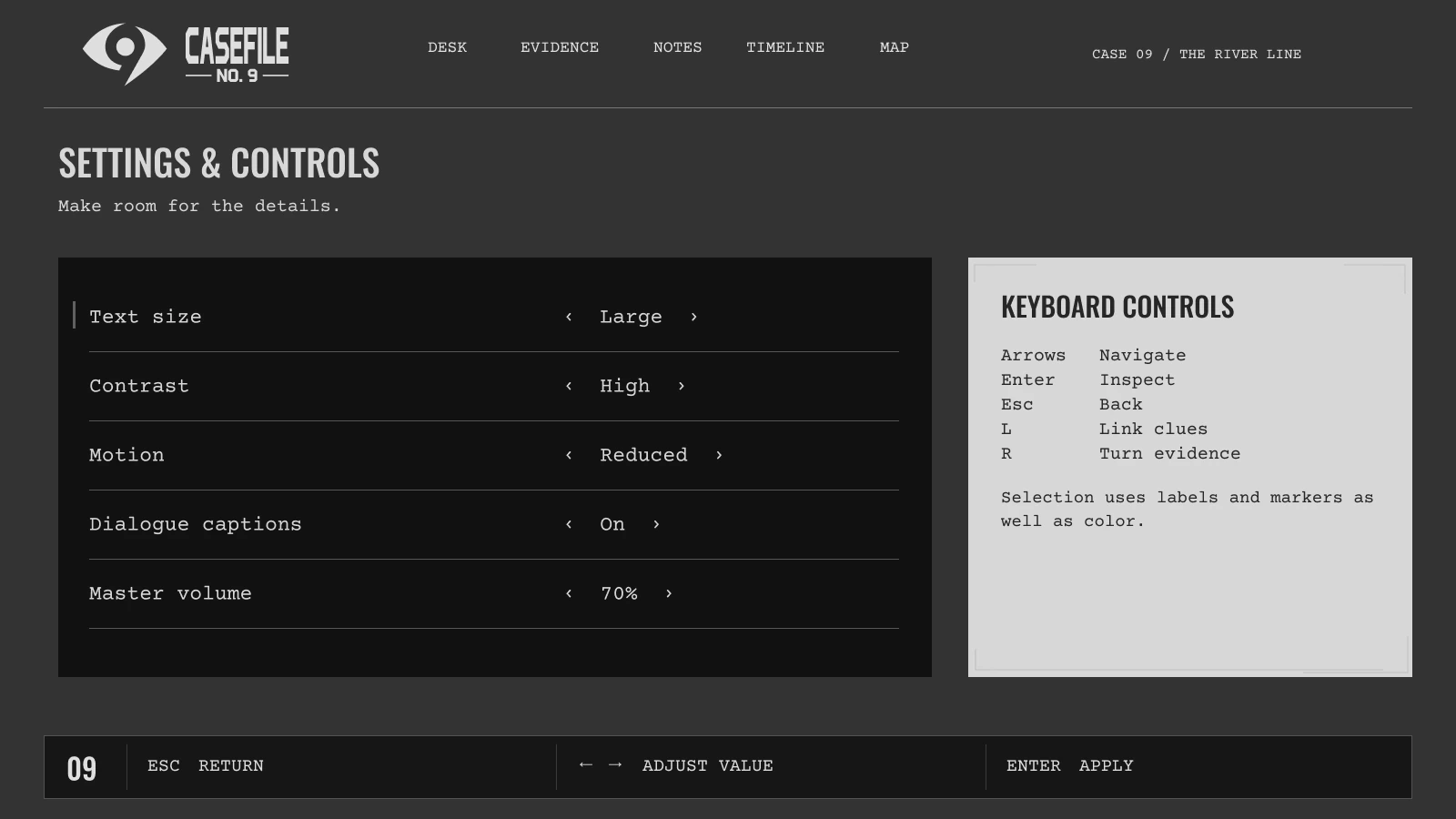
Expand for a closer look, or switch between the finished mock and its UI-only wireframe.
The design decisions
The River Line follows conflicting accounts at Riverton Station. Each interface supports a different part of the investigation while sharing the same worn, illustrated world.
Folders, pinned photographs, and a ticket held in the player’s hand give each action a physical context. Supporting props add character without replacing the controls.
Nighttime station scenes, dirt, and grain establish the mystery. Cream paper and quieter surfaces separate important text from the illustrated backgrounds.
The evidence board, witness questions, notes, and timeline lead into a deduction screen that distinguishes a working theory from a confirmed fact.
Personal game UI concept. The 11 wireframes and 11 finished designs combine editable Figma interface elements with separately generated, art-directed illustrations. These screens demonstrate proposed interactions, not a released game.
Explore in Figma
Editable UI-only wireframes, organized in the same sequence as the finished mocks. The preview is open to view.
Explore in Figma
All 11 finished screens, with editable UI and separate illustrated artwork. The preview is open to view.