01 · Begin the journey
Title screen
A quiet title screen and a clear place to continue a saved journey.
Finished
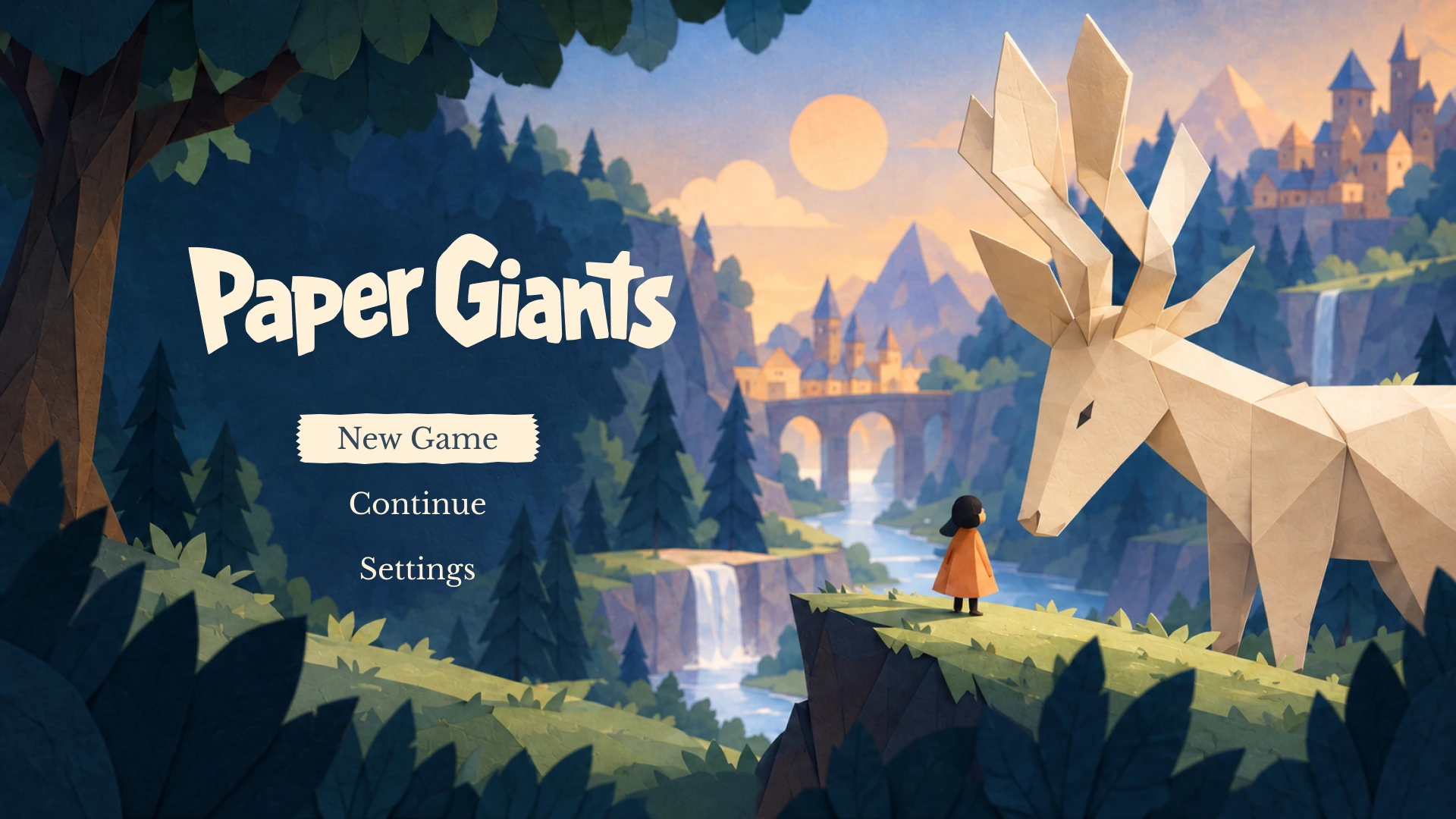
Wireframe
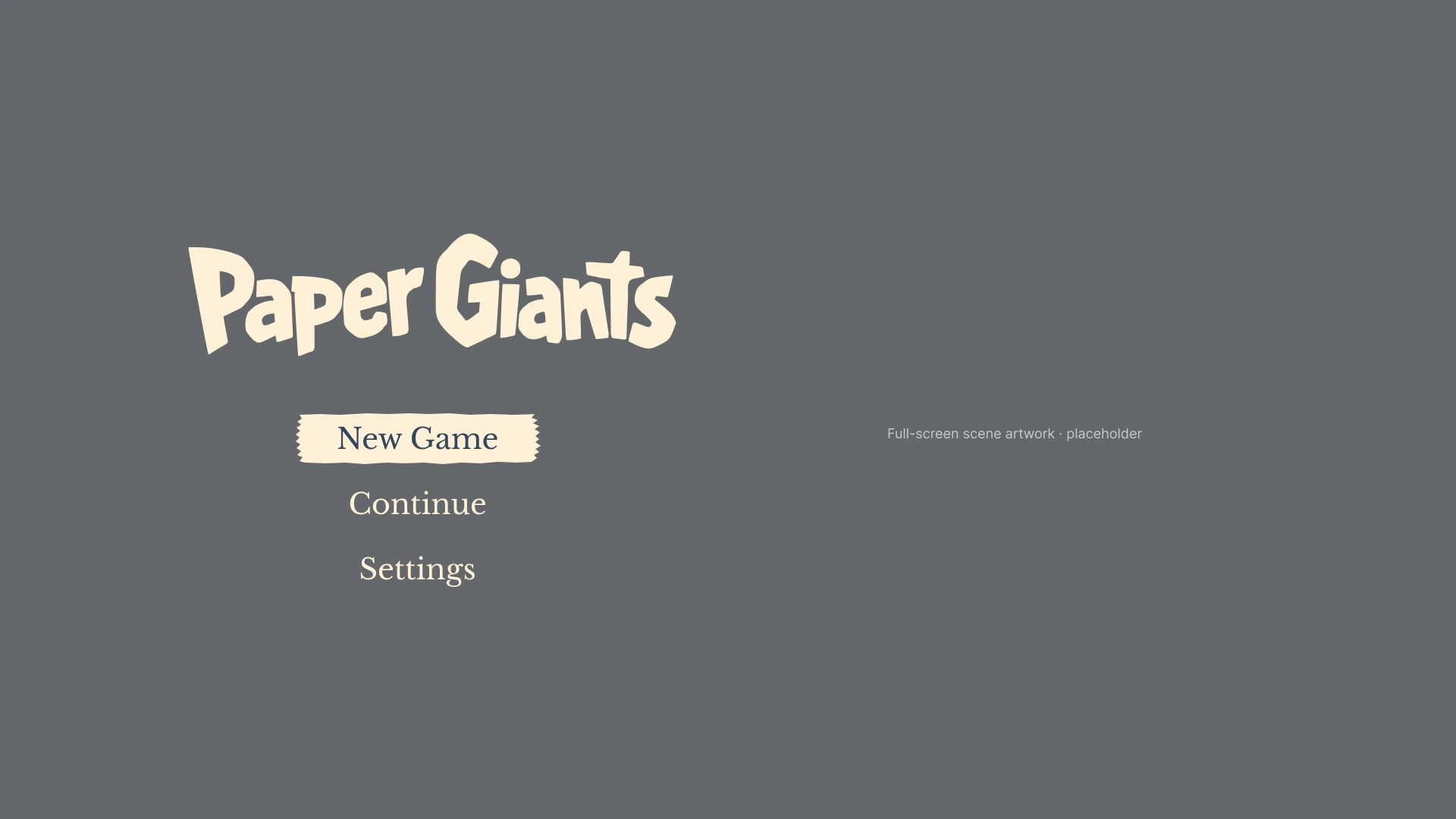
Expand for a closer look, or switch between the finished scene and its UI-only wireframe.
UI & UX / Adventure game concept
I designed an interface for a folded-paper adventure: quiet menus, an illustrated journal, and controls that leave room for the world.
My work Flows · Wireframes · UI & visual design
Figma 12 game screens · Personal concept
A world worth unfolding
Browse the journeys, compare each design with its wireframe, and expand either version to see the full screen.
01 · Begin the journey
A quiet title screen and a clear place to continue a saved journey.
Expand for a closer look, or switch between the finished scene and its UI-only wireframe.
01 · Begin the journey
A quiet title screen and a clear place to continue a saved journey.
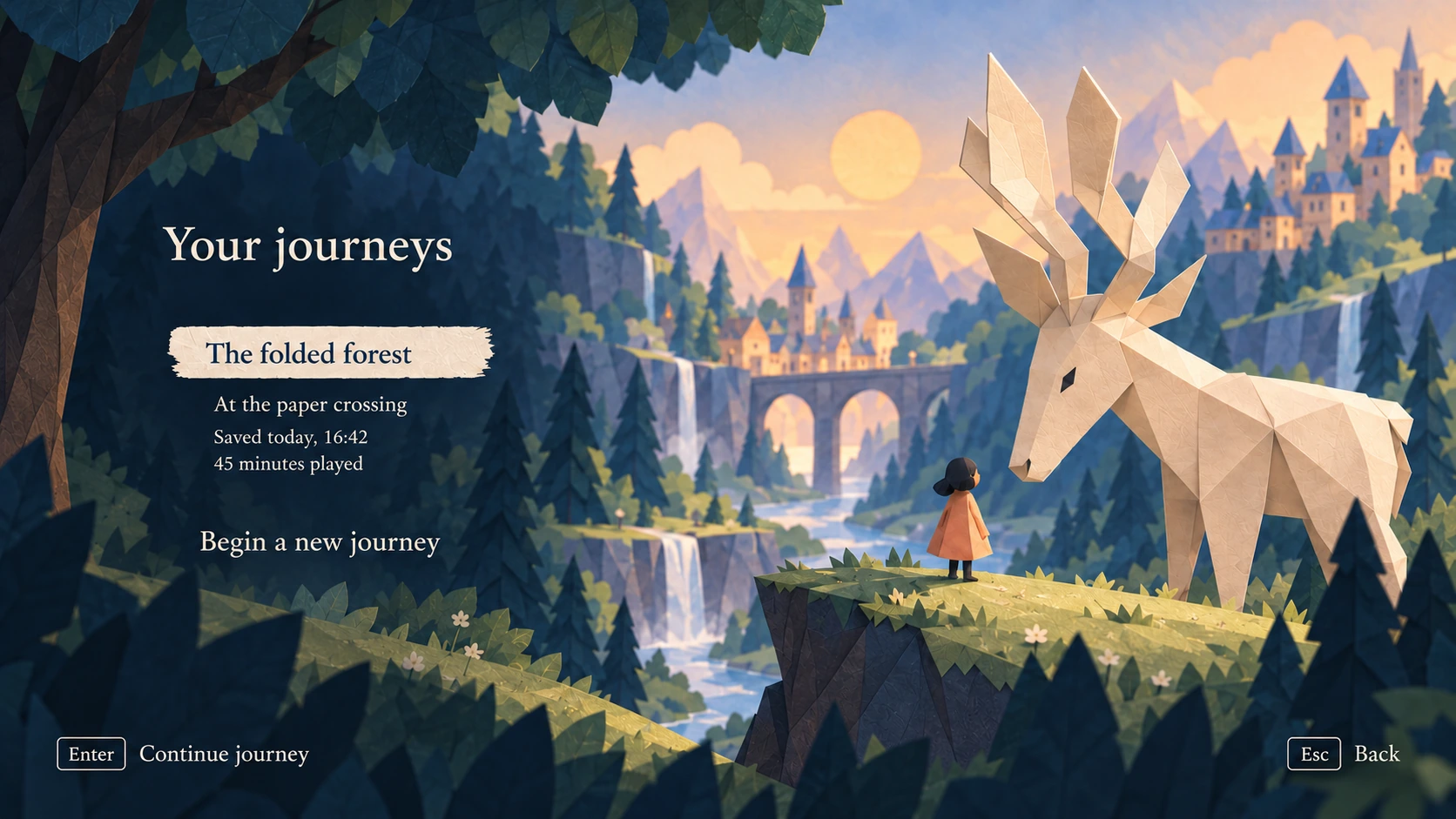
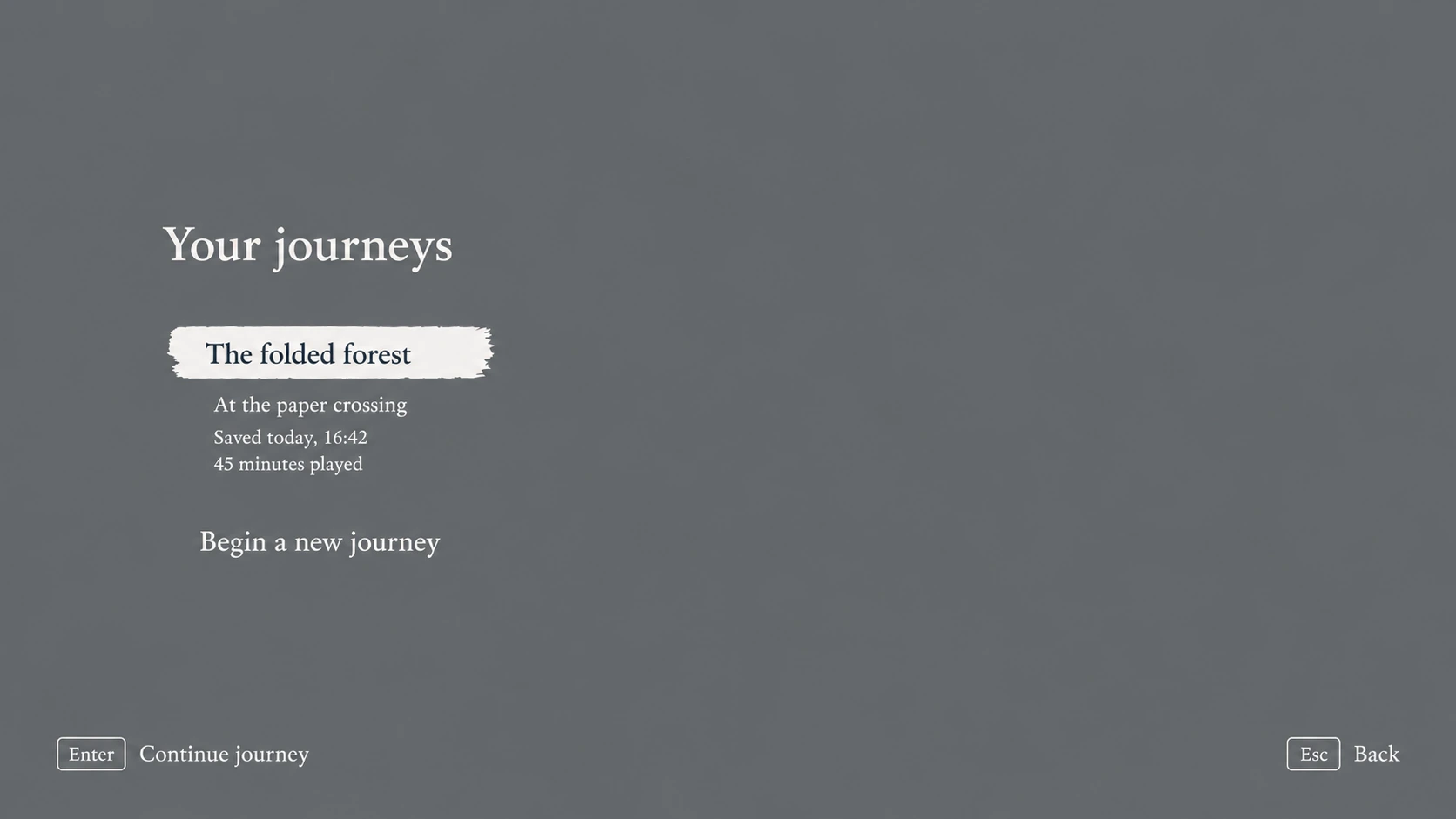
Expand for a closer look, or switch between the finished scene and its UI-only wireframe.
02 · Explore and remember
Dialogue, maps, and a shared journal language help the player understand the world without crowding it.
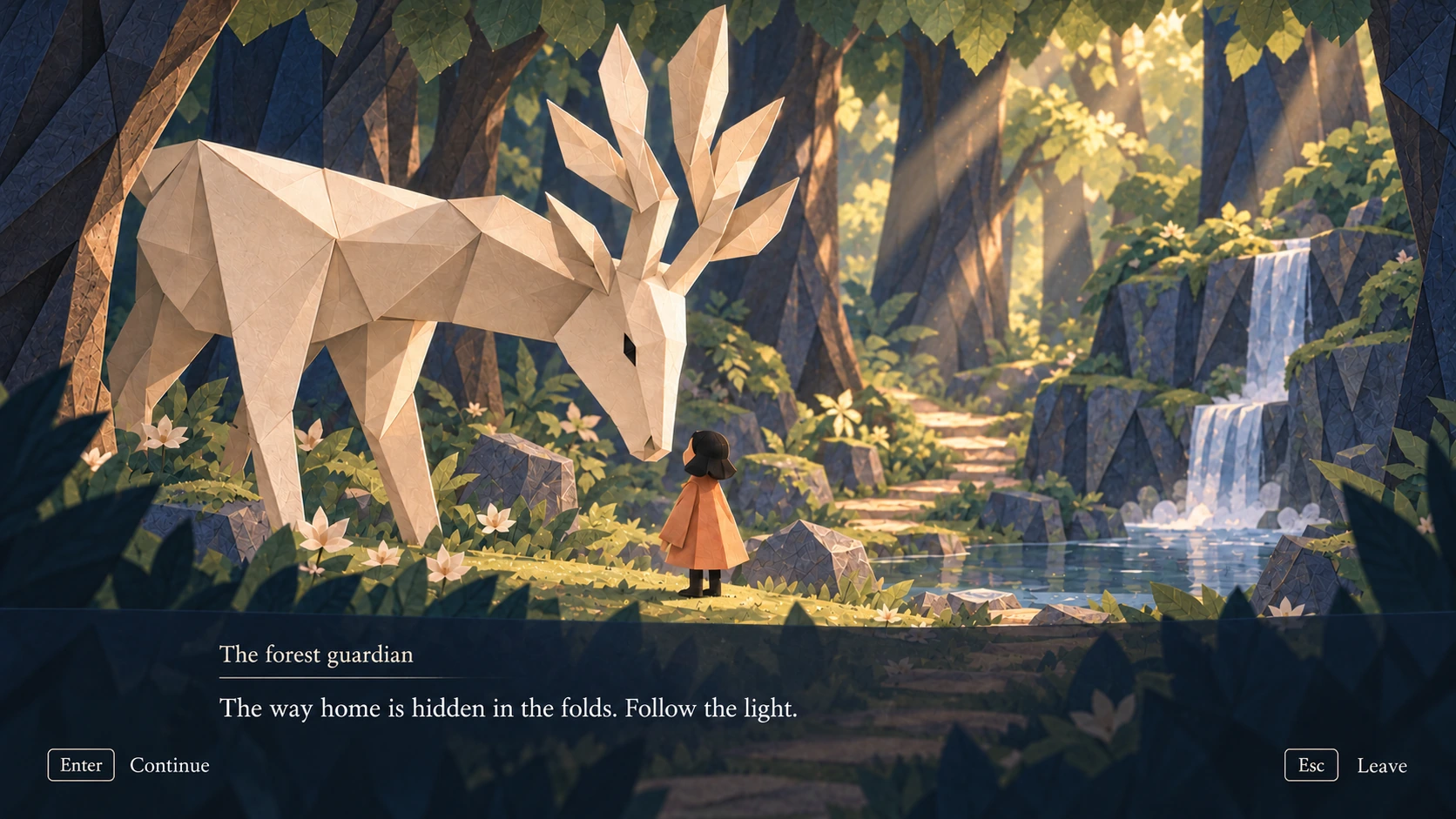
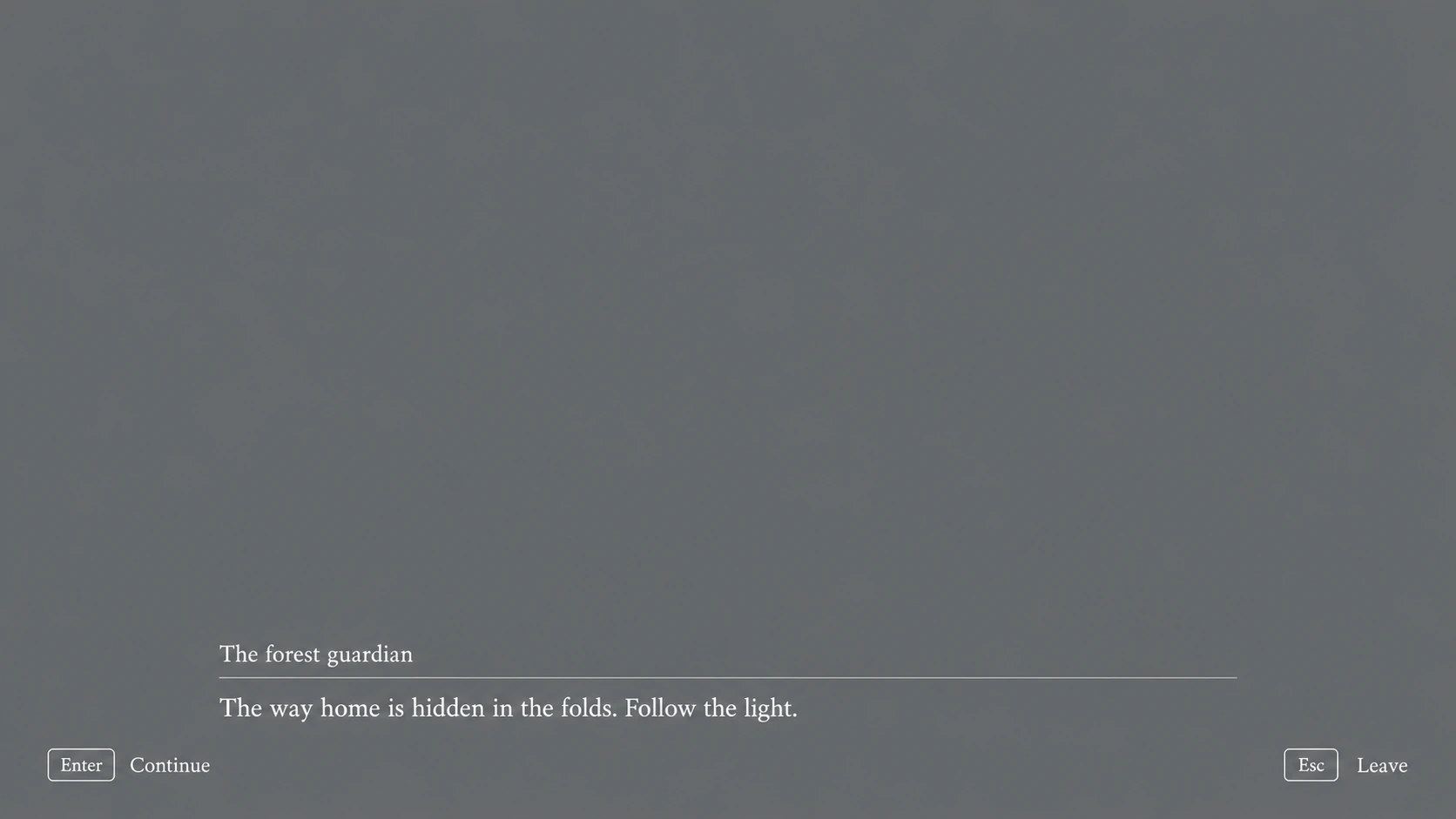
Expand for a closer look, or switch between the finished scene and its UI-only wireframe.
02 · Explore and remember
Dialogue, maps, and a shared journal language help the player understand the world without crowding it.
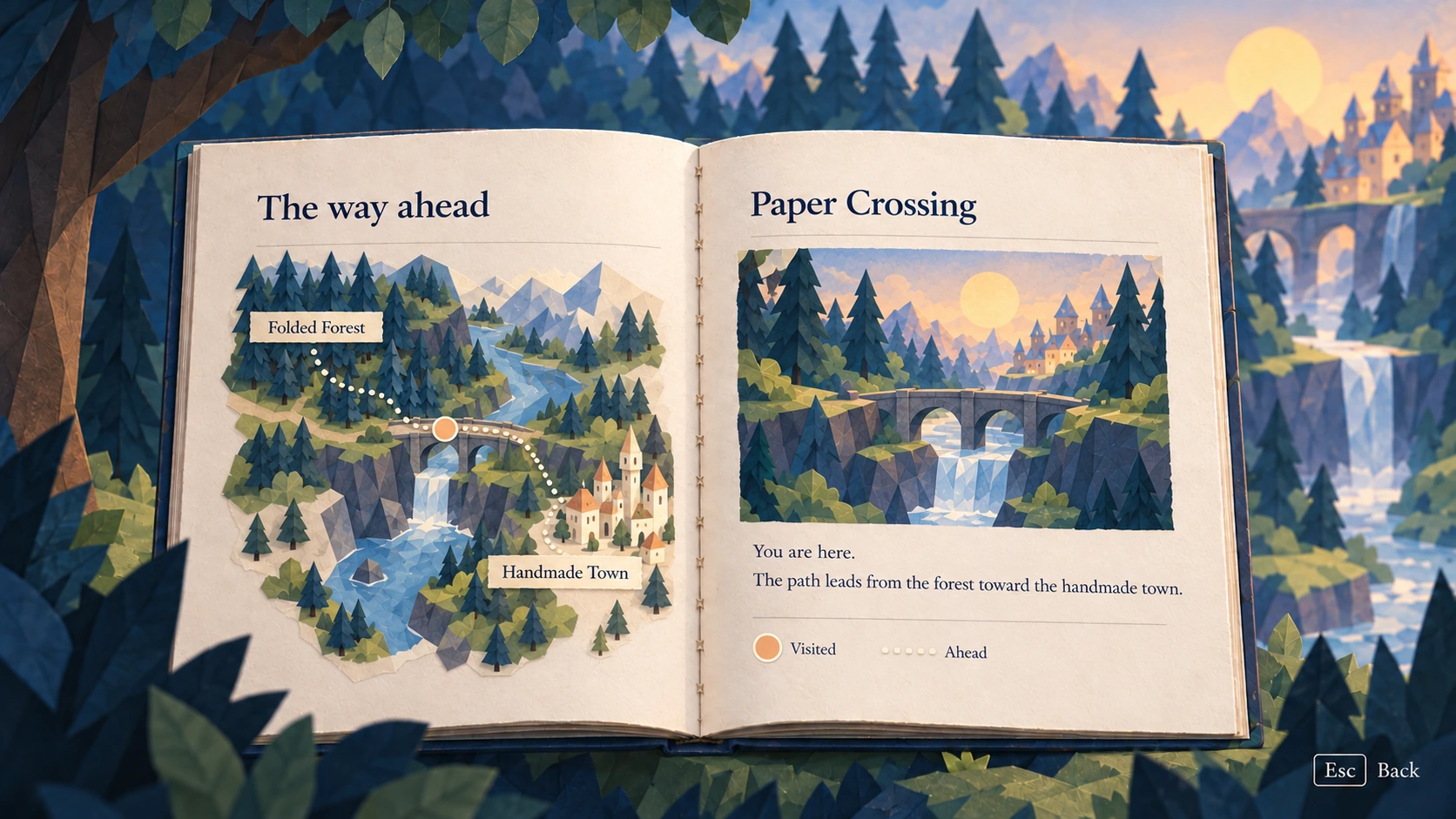
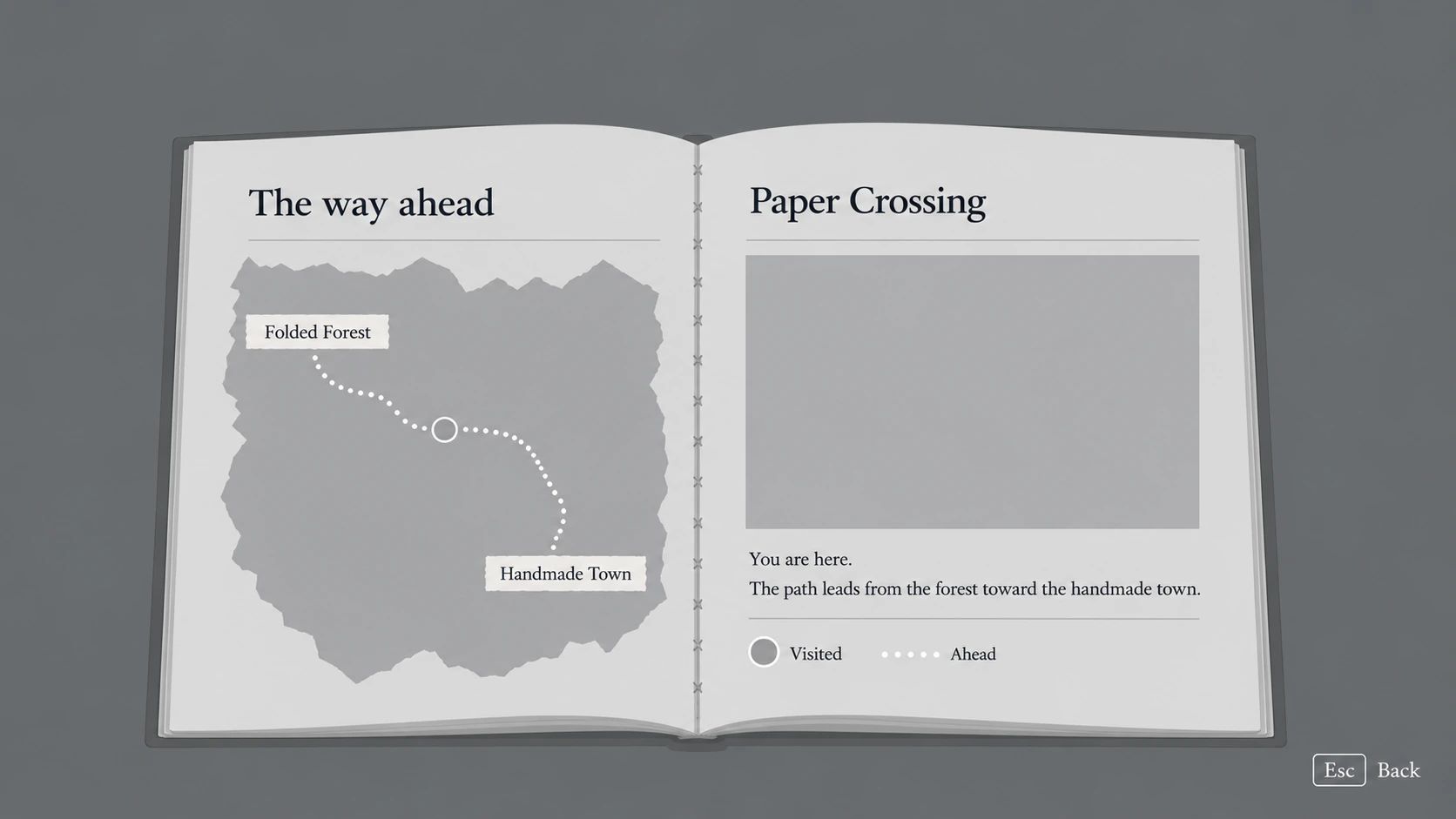
Expand for a closer look, or switch between the finished scene and its UI-only wireframe.
02 · Explore and remember
Dialogue, maps, and a shared journal language help the player understand the world without crowding it.
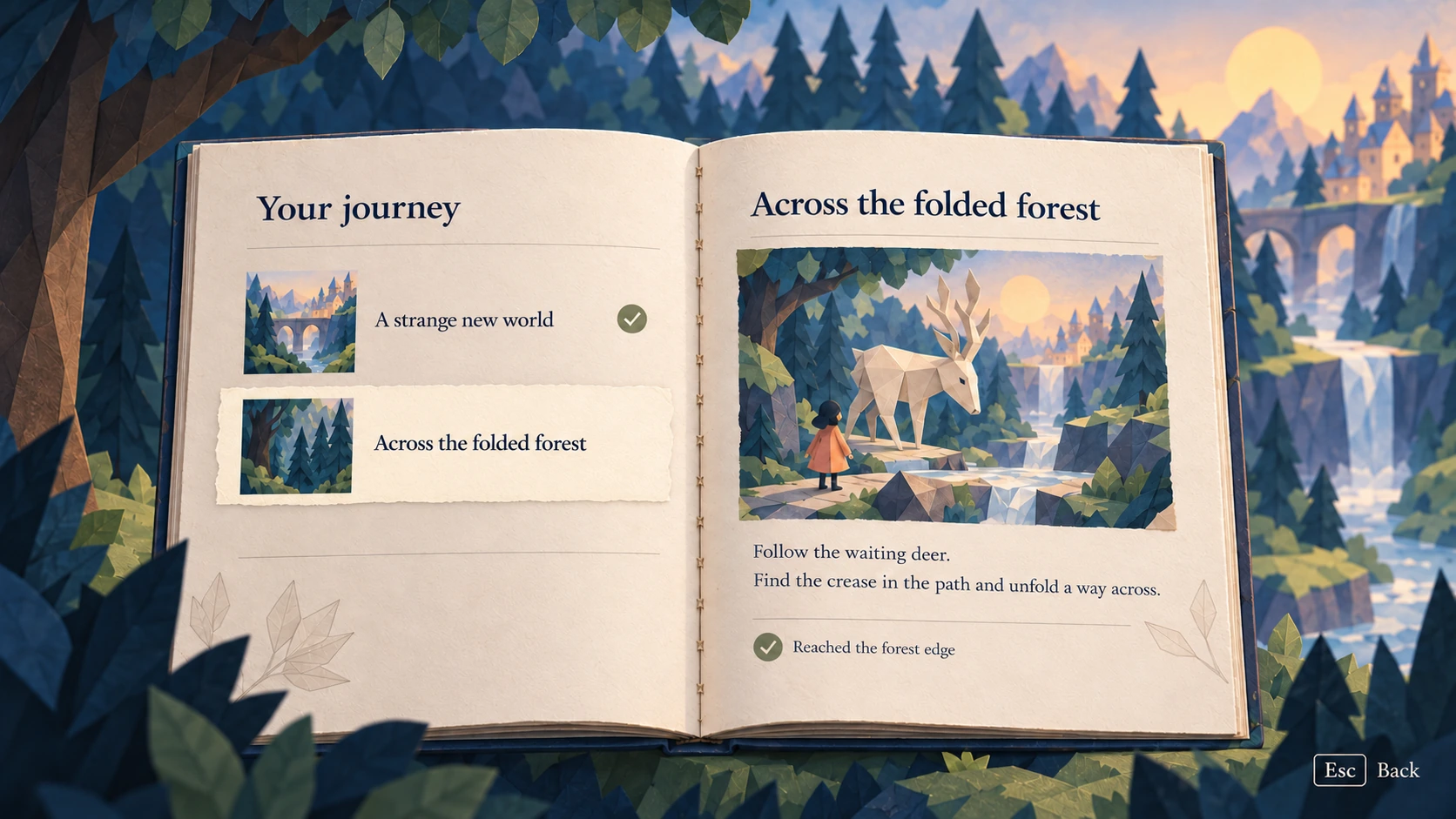
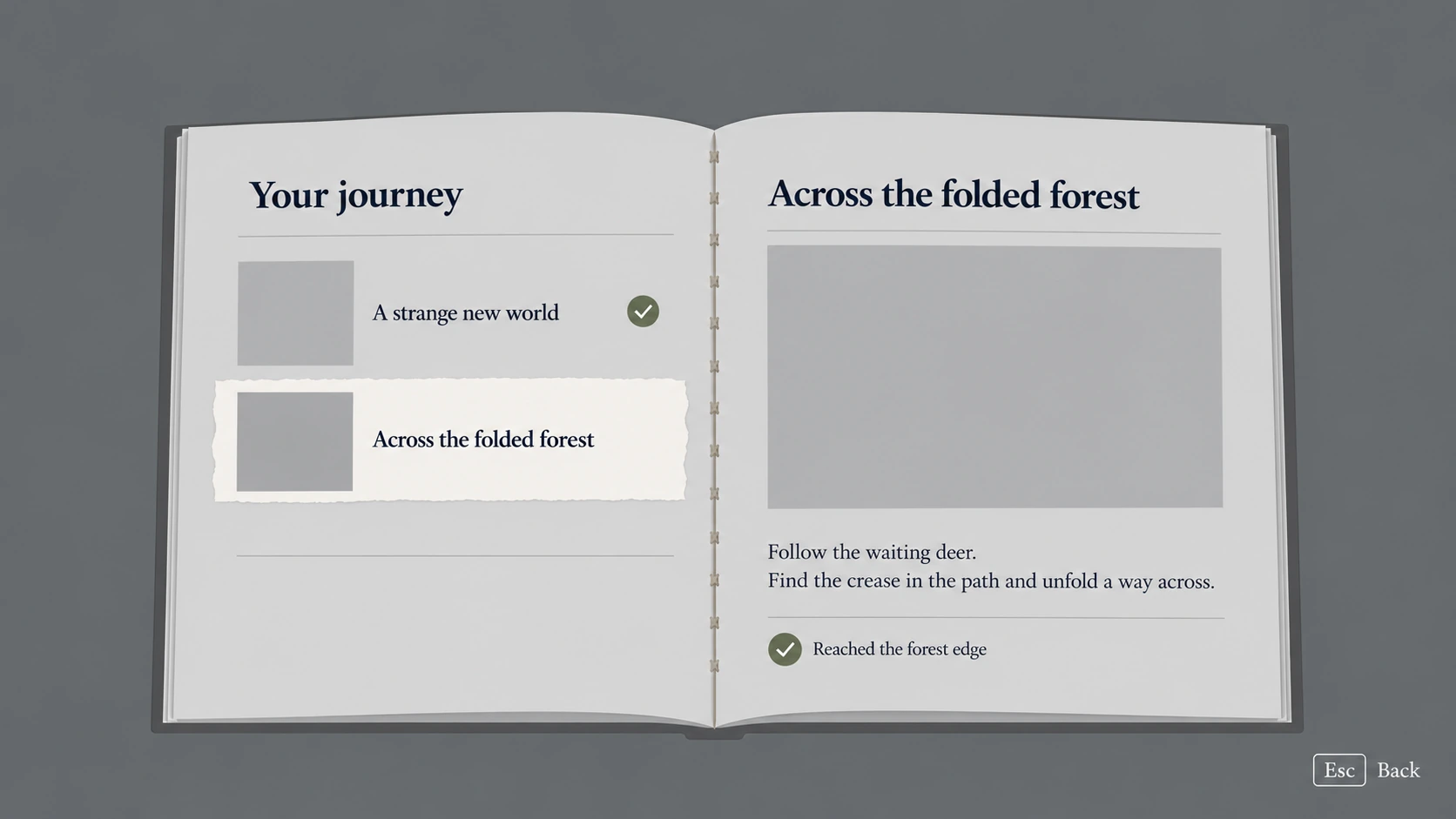
Expand for a closer look, or switch between the finished scene and its UI-only wireframe.
02 · Explore and remember
Dialogue, maps, and a shared journal language help the player understand the world without crowding it.
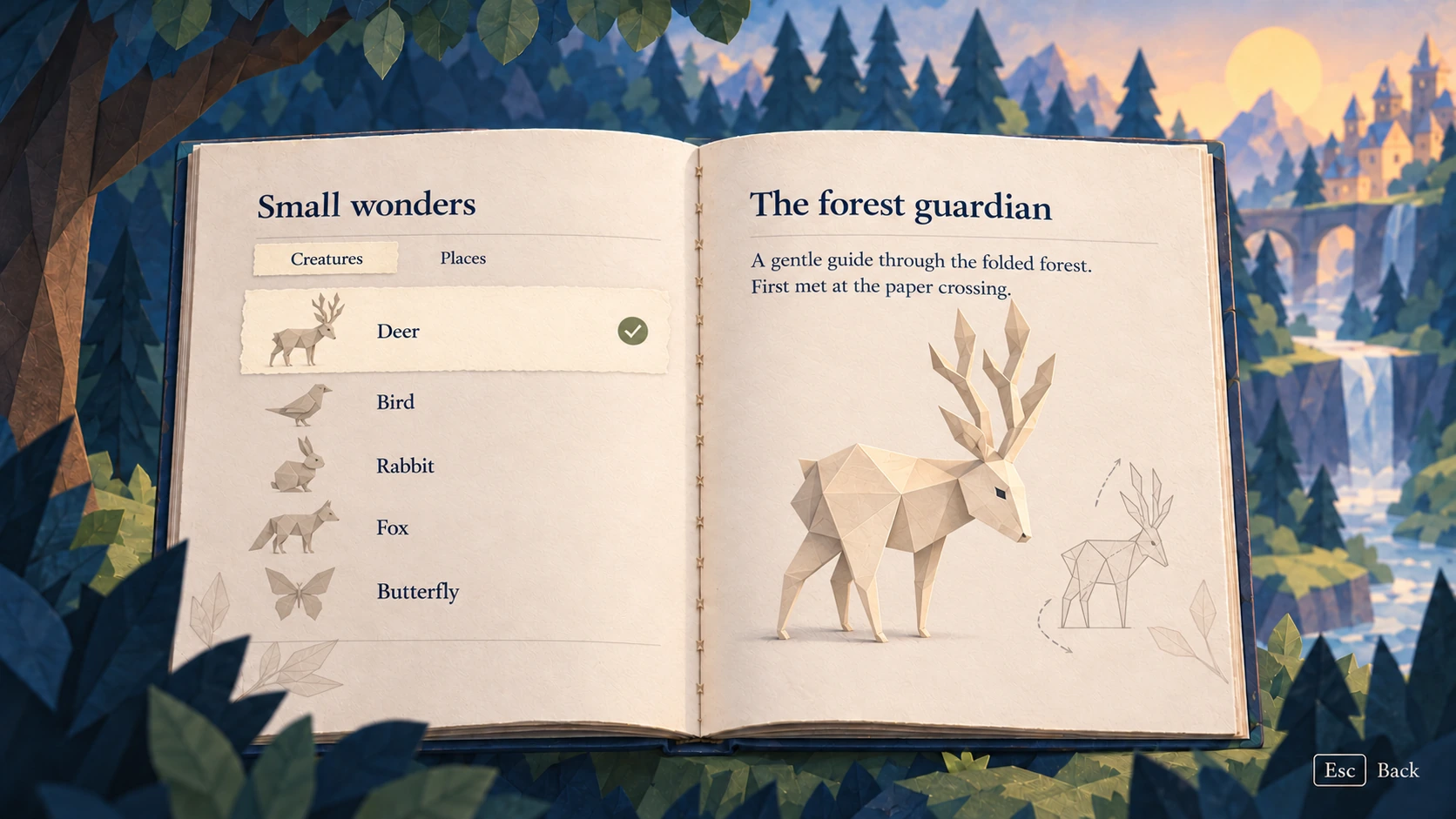
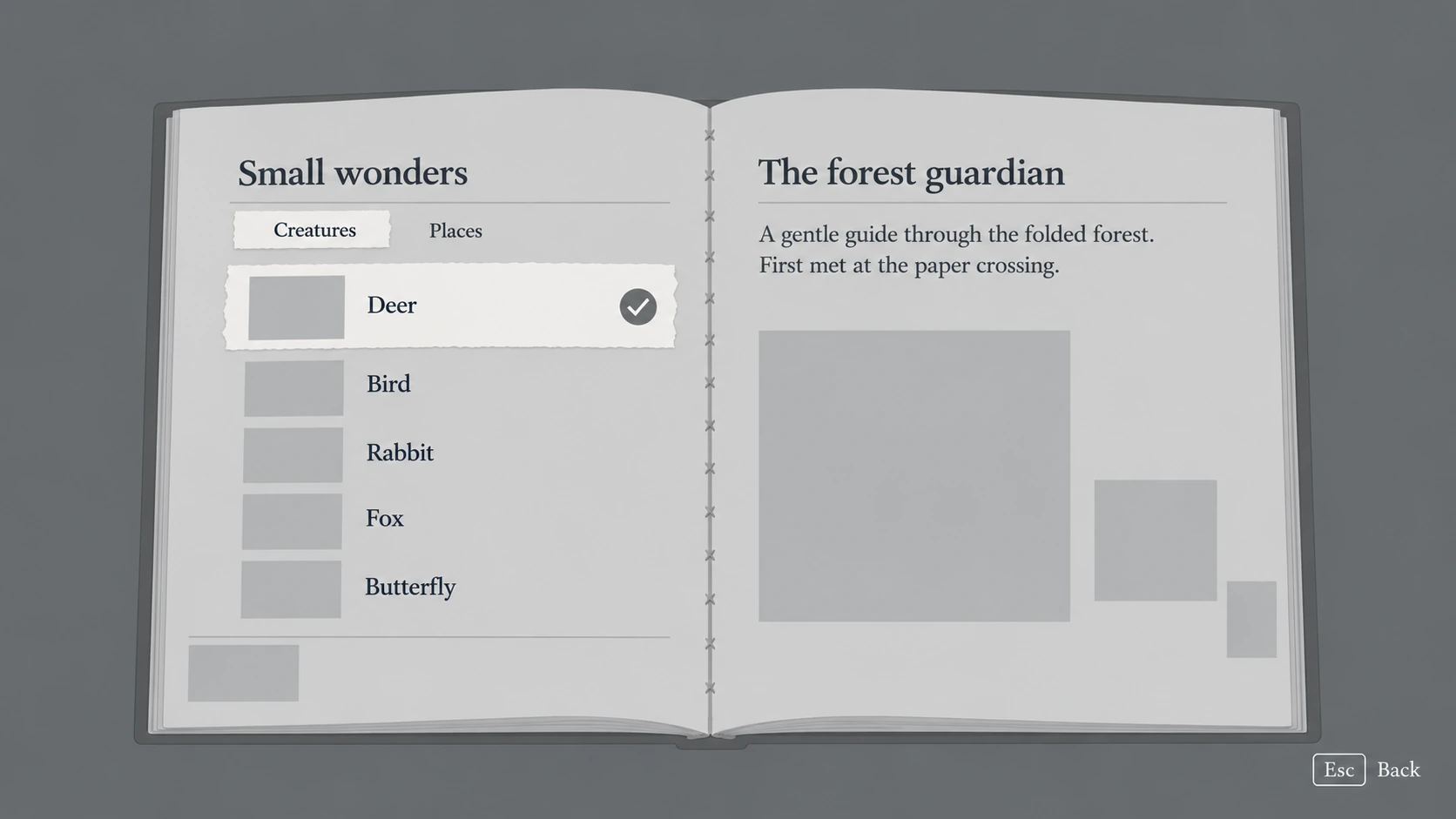
Expand for a closer look, or switch between the finished scene and its UI-only wireframe.
03 · Make it your own
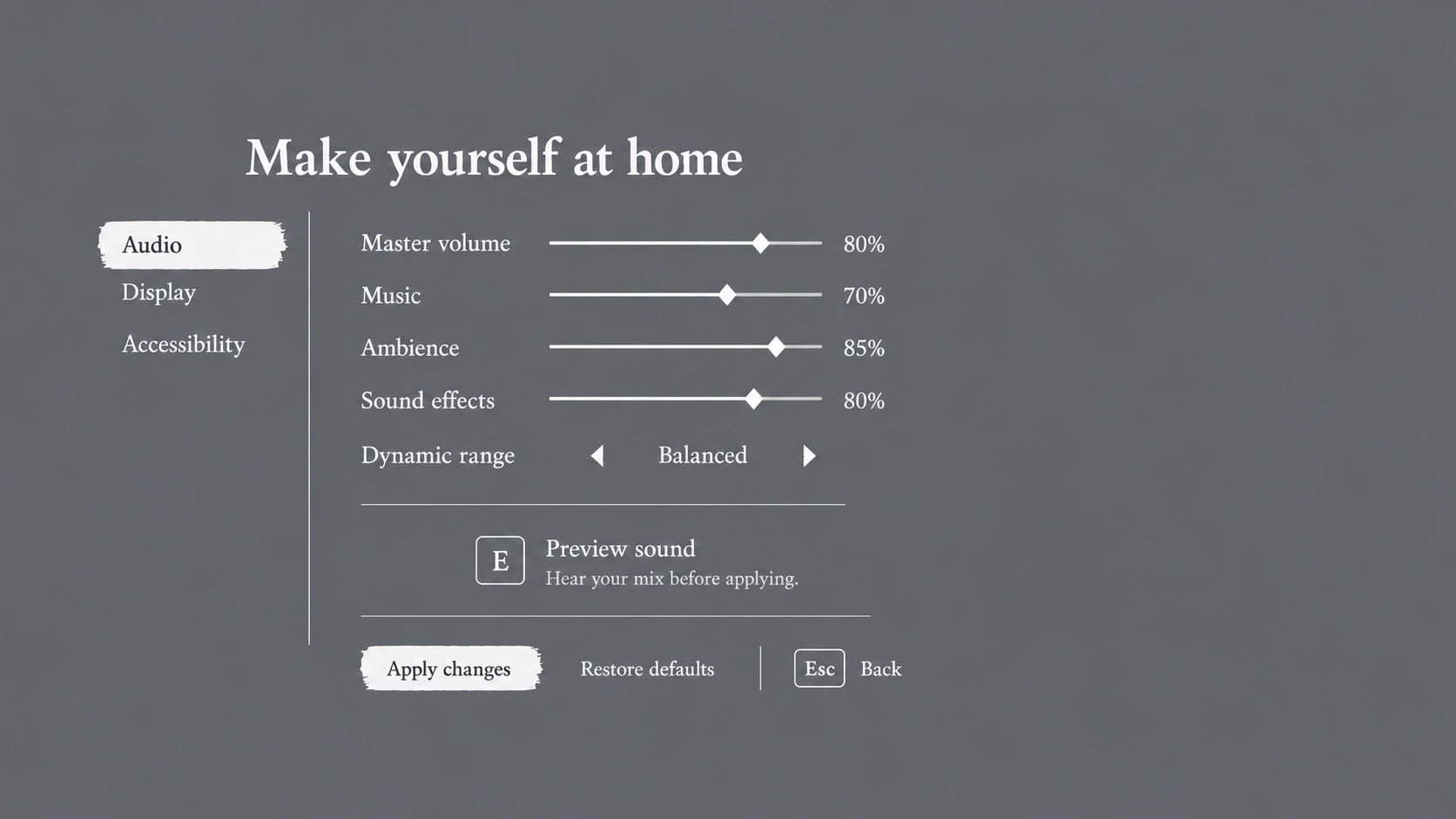
Readable settings and consistent controls give players room to adjust the experience.
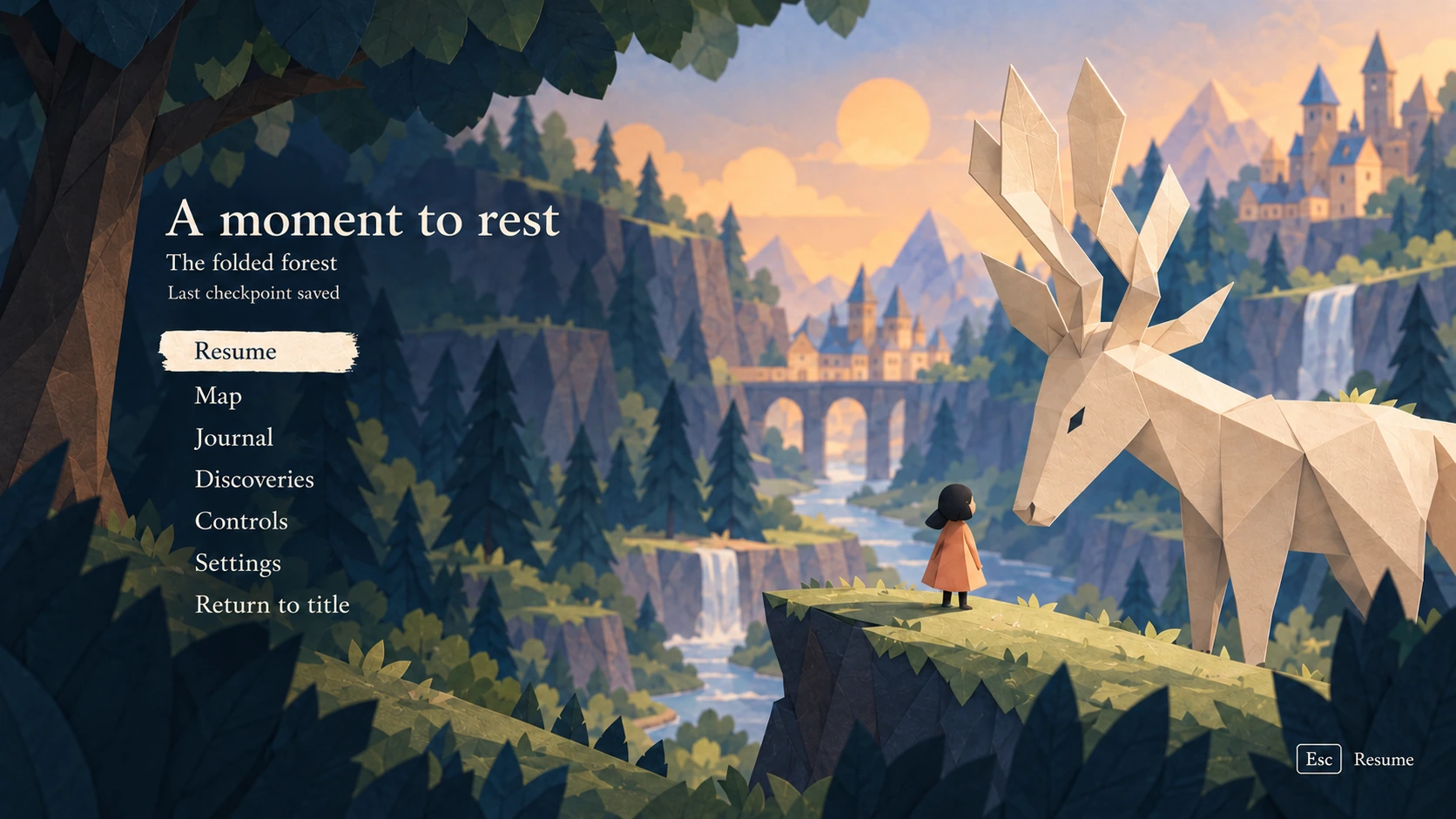
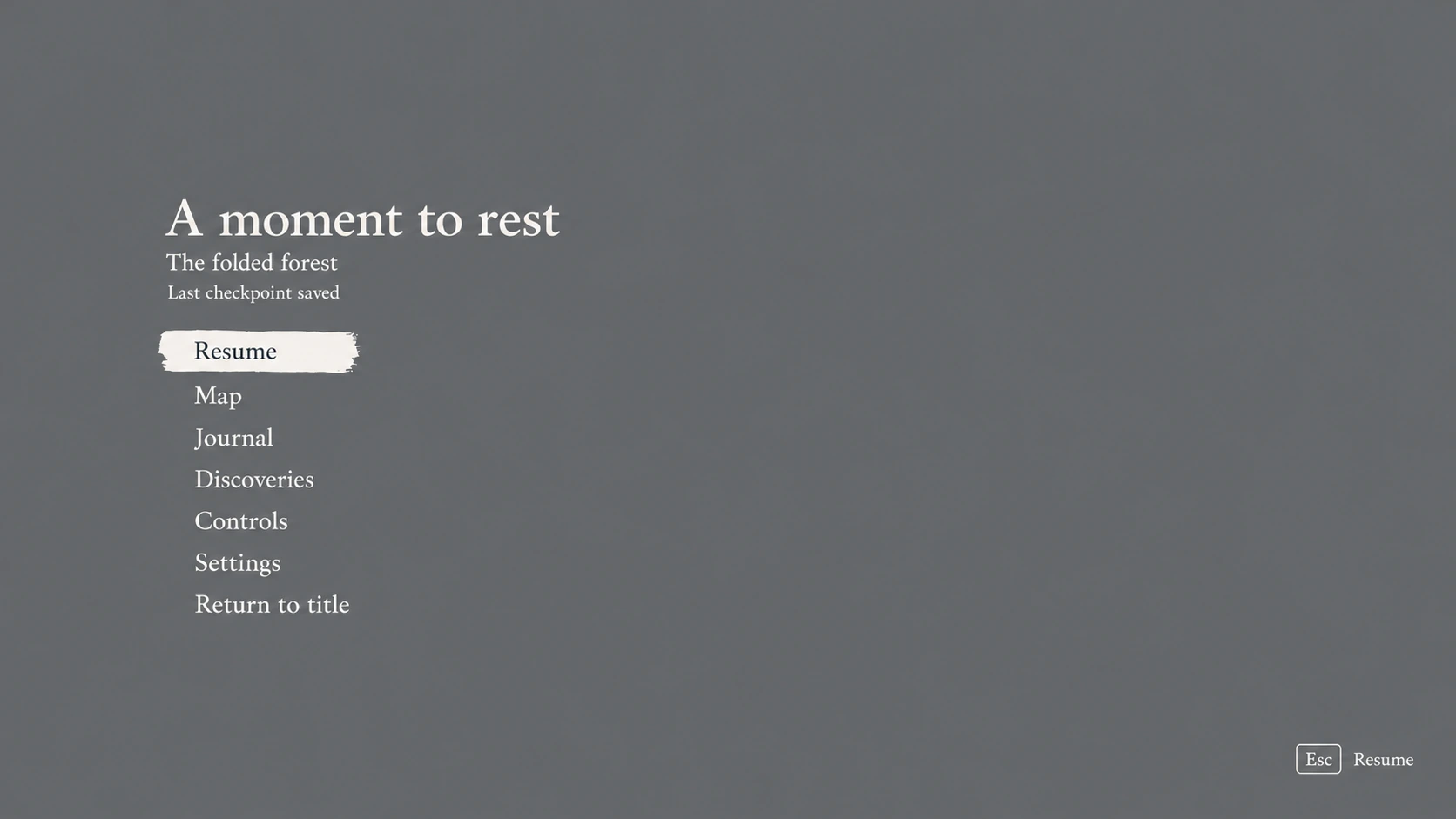
Expand for a closer look, or switch between the finished scene and its UI-only wireframe.
03 · Make it your own
Readable settings and consistent controls give players room to adjust the experience.
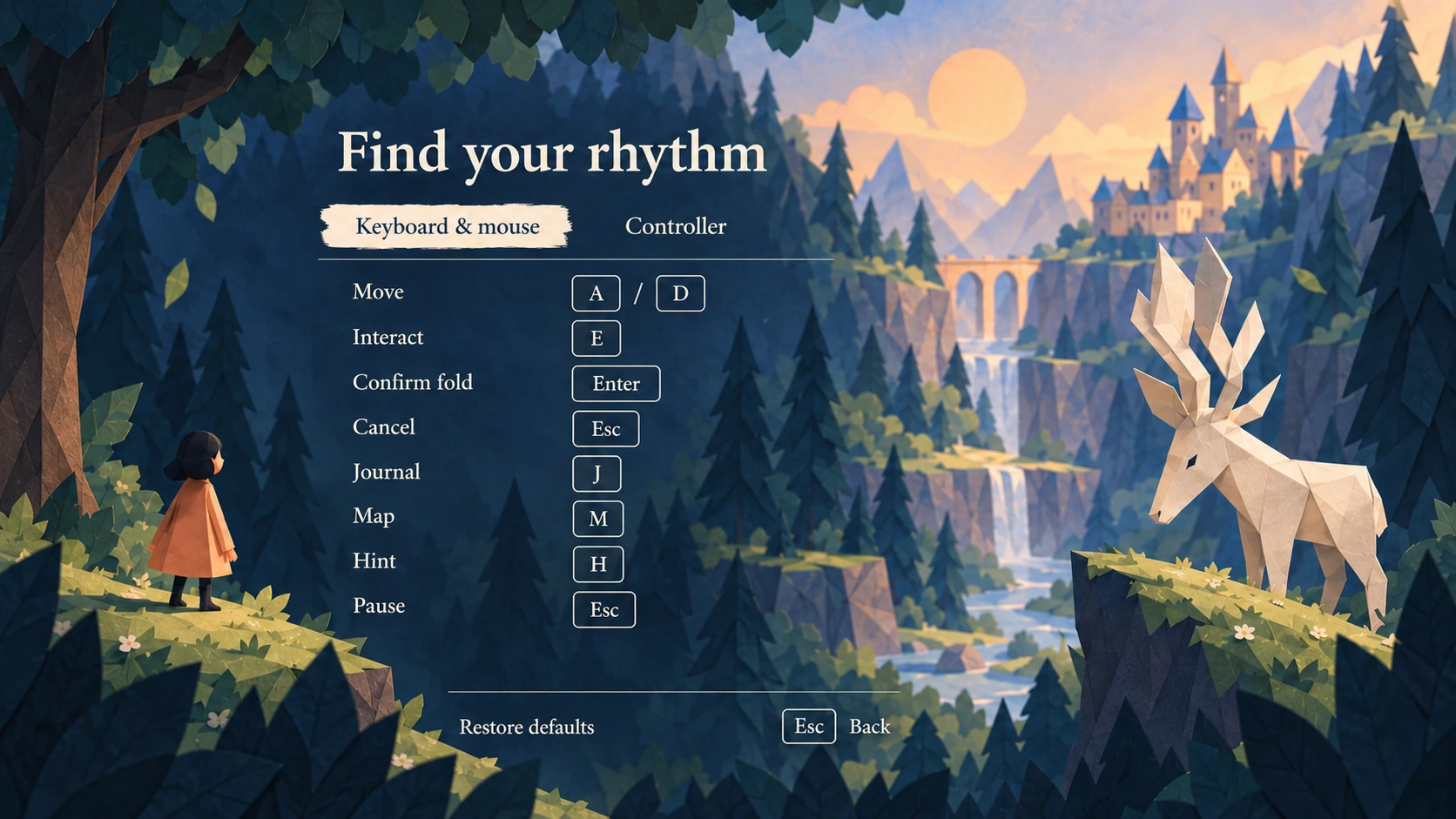
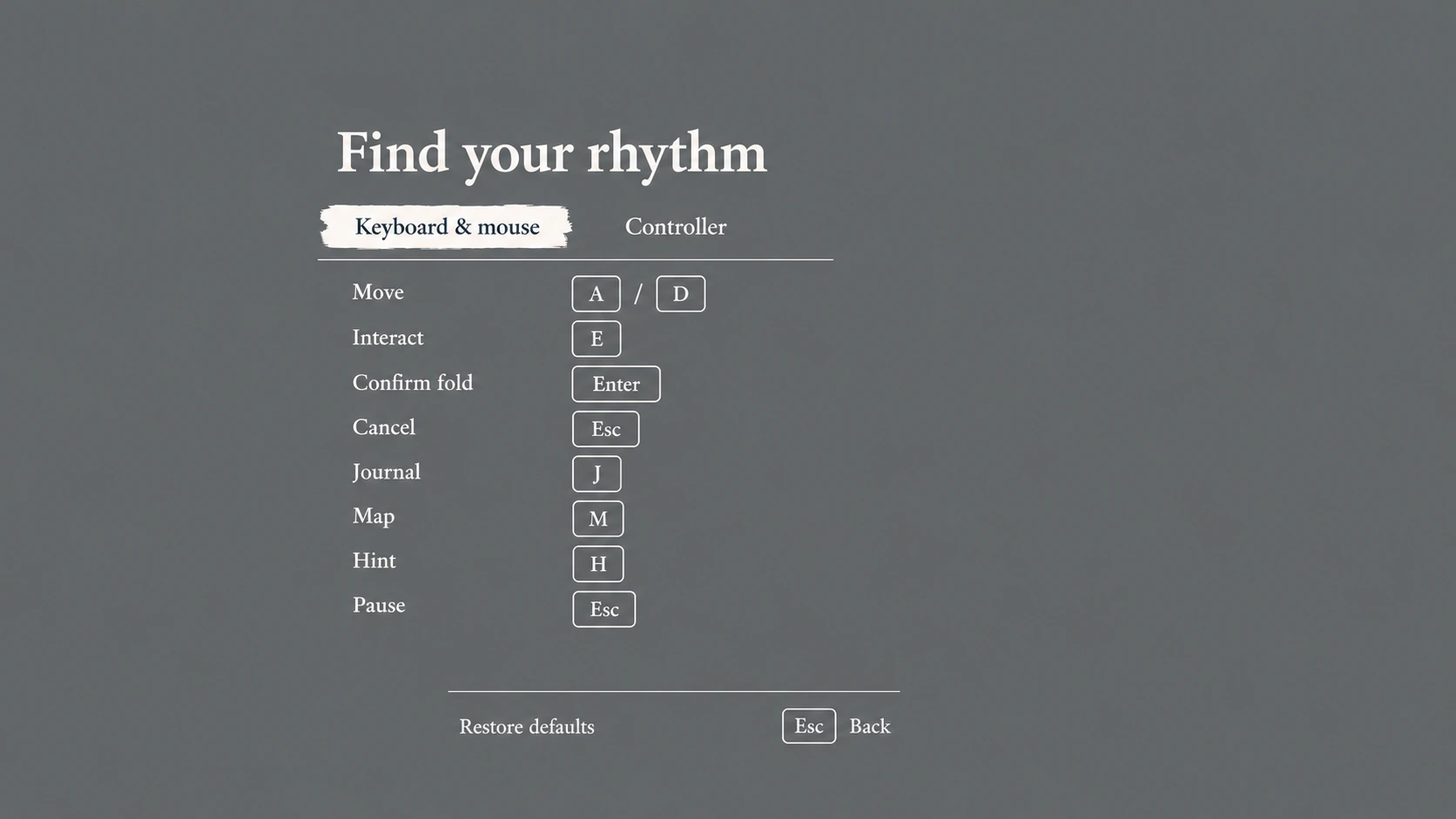
Expand for a closer look, or switch between the finished scene and its UI-only wireframe.
03 · Make it your own
Readable settings and consistent controls give players room to adjust the experience.
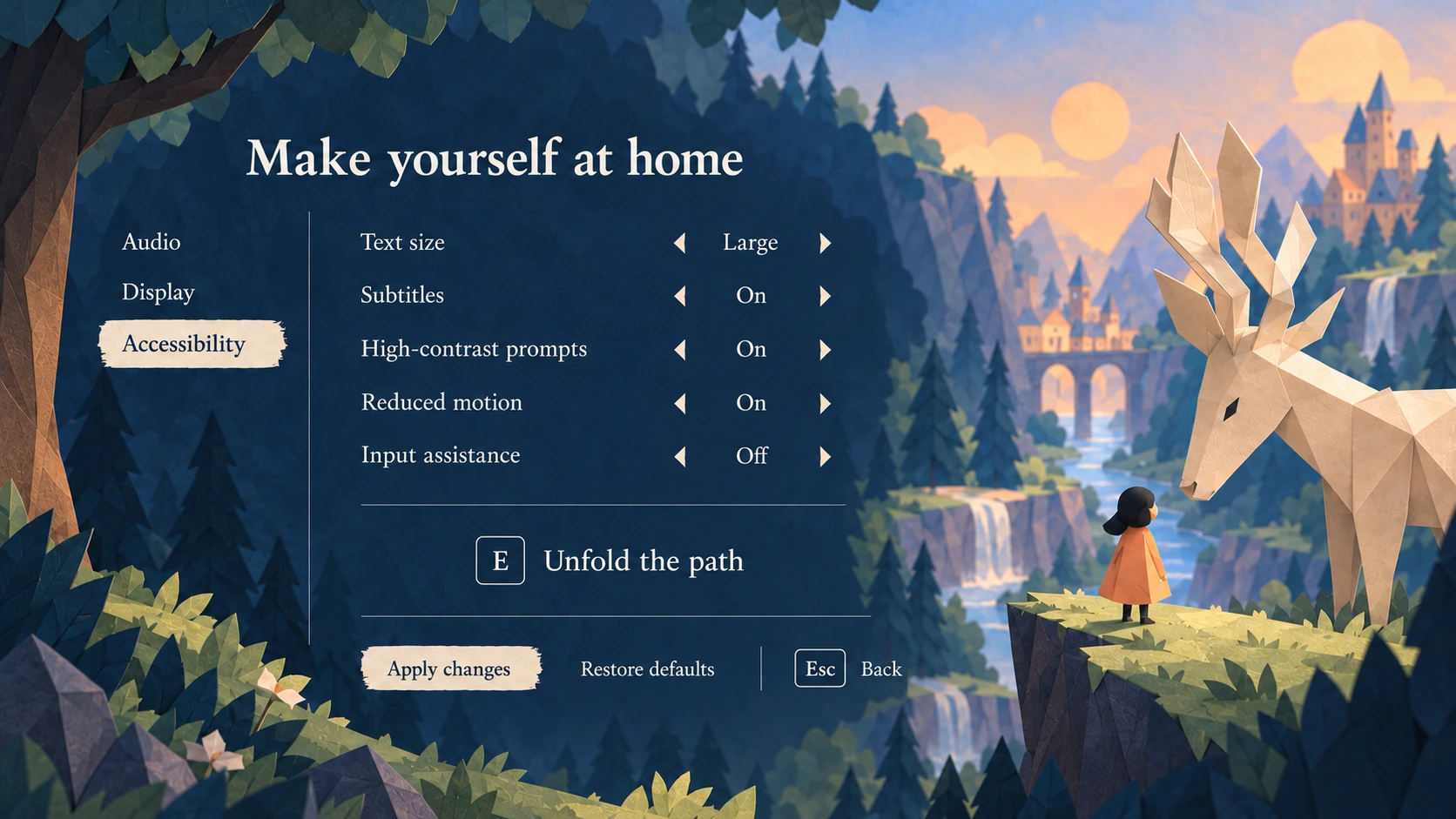
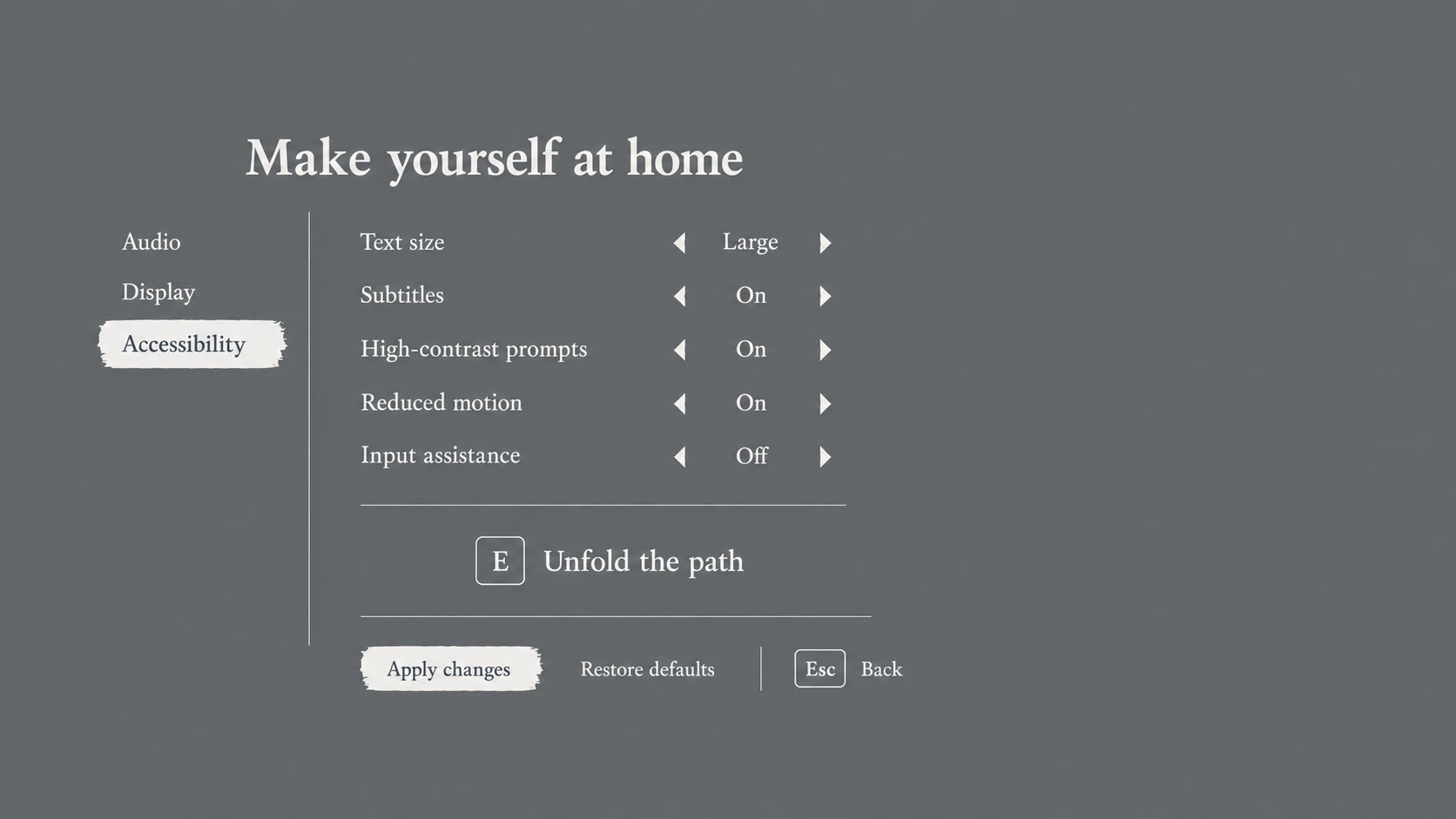
Expand for a closer look, or switch between the finished scene and its UI-only wireframe.
03 · Make it your own
Readable settings and consistent controls give players room to adjust the experience.
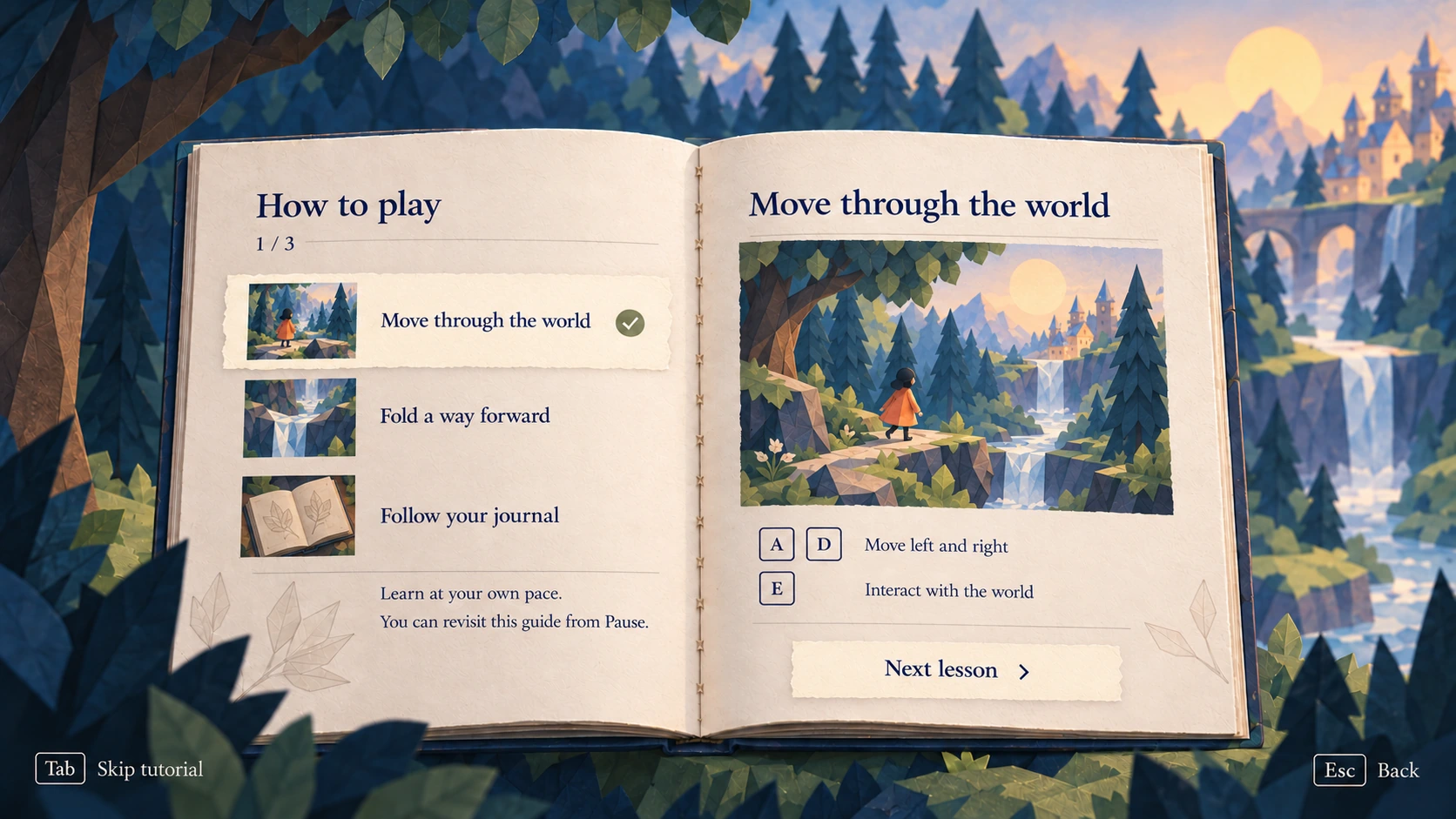
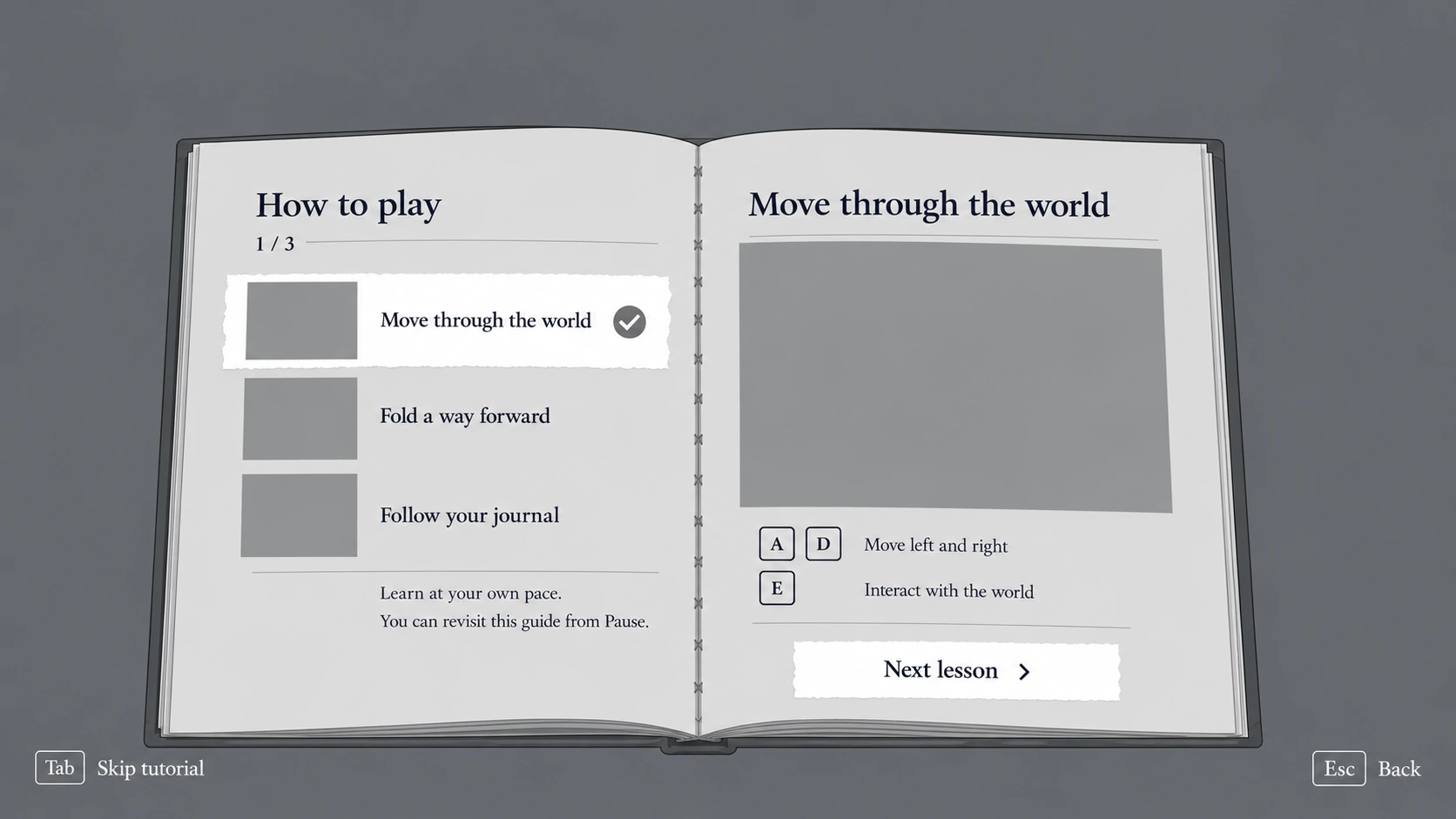
Expand for a closer look, or switch between the finished scene and its UI-only wireframe.
03 · Make it your own
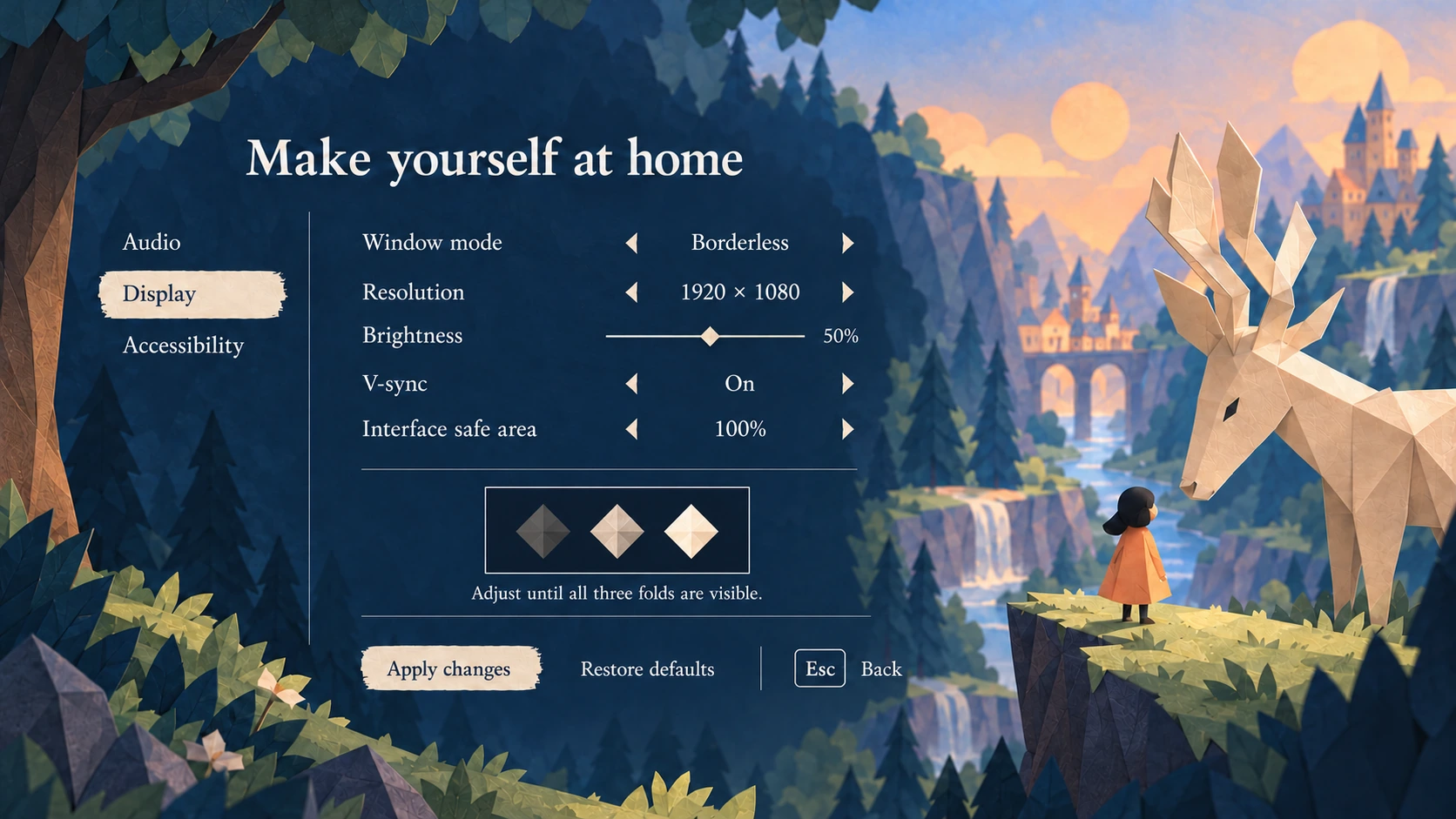
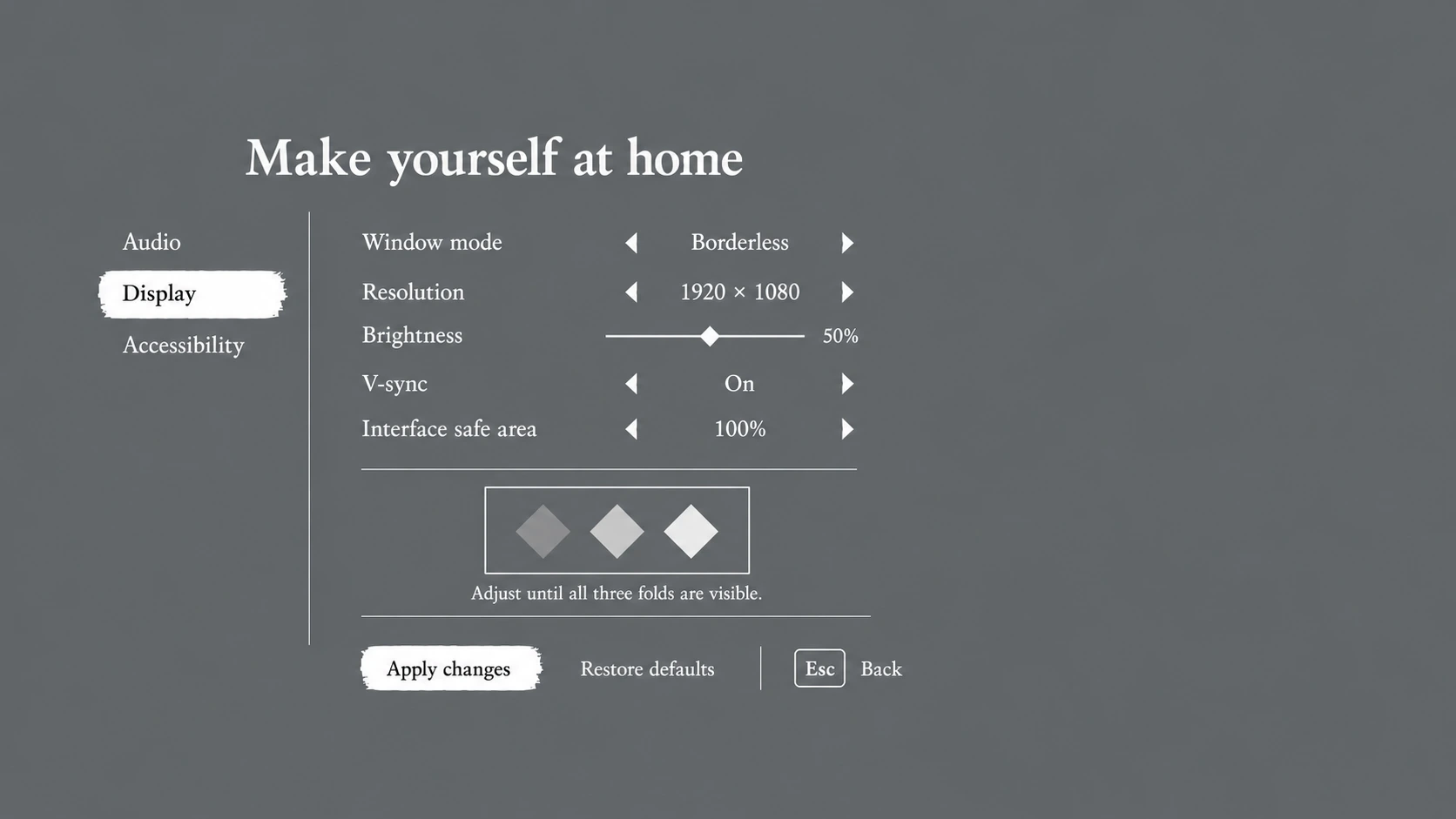
Readable settings and consistent controls give players room to adjust the experience.

Expand for a closer look, or switch between the finished scene and its UI-only wireframe.
03 · Make it your own
Readable settings and consistent controls give players room to adjust the experience.
Expand for a closer look, or switch between the finished scene and its UI-only wireframe.
The design decisions
Paper Giants follows a small traveler through a world shaped by folds. I wanted the interface to belong to that world while keeping the player’s next action easy to find.
The real Paper Giants logo, gentle serif typography, paper selections, and restrained key prompts connect the menus to the brand. The scenery carries the atmosphere.
The journal and discoveries share book proportions, page margins, and navigation. Changing the content should not change how the player understands the interface.
Controls, accessibility, tutorials, audio, and display each have a complete screen. Back routes and consistent prompts make it clear how to return to the journey.
Personal game concept, not a released or user-tested game. The artwork and screen studies were created with image generation and art direction, then organized in Figma. Wireframes isolate the UI on plain backgrounds; most screen pairs are flattened image studies rather than editable components or a playable prototype.
Explore in Figma
UI-only screen studies, organized in the same sequence as the finished scenes. The preview is open to view.
Explore in Figma
All 12 active game screens in the approved Paper Giants direction. The preview is open to view.